GitHub Copilot
An AI coding assistant that works inside your editorLine and function suggestions as you type
Highlights
What you can do with it
- Get completions while building a new project from scratch
- Improve and refactor existing code with generated suggestions
- Resolve programming difficulties faster with inline help
How to use it
- 1 Install the GitHub Copilot extension in a supported editor
- 2 Sign in with your GitHub account and start the free tier
- 3 Write code as usual and review the suggestions that appear
- 4 Accept, edit, or ignore each suggestion as you work
- 5 Check the official site for pricing if you need features beyond the free tier
Who it is for
Pros
- Works inside the editor you already use
- Suggestions cover whole lines and functions, not just single tokens
- A free tier makes it easy to try before paying
Limitations
- Free tier limits and pricing are set by the official site and can change
- Suggestions come from patterns in training data, so they can be wrong or insecure
- It requires an internet connection and sends code context to the service
What GitHub Copilot is
GitHub Copilot is an AI powered coding assistant that collaborates with you directly inside your editor. As you type, it offers suggestions for entire lines of code or even whole functions, and it bundles related features such as autocomplete, code generation, and syntax checking. It supports multiple programming languages, including JavaScript, Python, and TypeScript, and it is used across scenarios like developing new projects, improving existing code, and resolving programming difficulties. A free tier is available, and what that tier includes is set by the official site, which also publishes pricing details. The design goal is to sit alongside your normal workflow: you keep writing code, and Copilot proposes completions and blocks that you can accept, edit, or ignore.
What you can do with it
- Get line and function level suggestions while typing in a supported editor.
- Generate code blocks from comments or partial descriptions.
- Catch syntax mistakes early with checking as you write.
- Work across languages such as JavaScript, Python, and TypeScript in one tool.
Who it is for
- Developers who want faster autocomplete inside the editor they already use.
- Programmers learning a new language or framework who benefit from inline examples.
- Teams that want to reduce time spent writing boilerplate code.
What to watch out for
Suggestions are generated from patterns in training data, so they can be wrong, insecure, or similar to existing licensed code; review everything before committing it to a repository. Free tier limits and pricing are set by the official site and can change. Because Copilot is a cloud service, it needs an internet connection and a GitHub account, and code context from your editor is sent to the service for processing, which matters for private or regulated codebases.
FAQ
What is GitHub Copilot?
It is an AI powered coding assistant that works directly in your editor and suggests entire lines of code or functions.
Which languages does it support?
It supports multiple programming languages, including JavaScript, Python, and TypeScript.
Is there a free tier?
Yes. A free tier is available, and what it includes is set by the official site, where pricing details are also published.
Can I trust the generated code?
Review it before committing. Suggestions are generated from patterns in training data and can be incorrect or insecure.
Why it is free
What the official page says: free tier
Free limits, trial length and features are decided by the official site and can change at any time.
Product preview
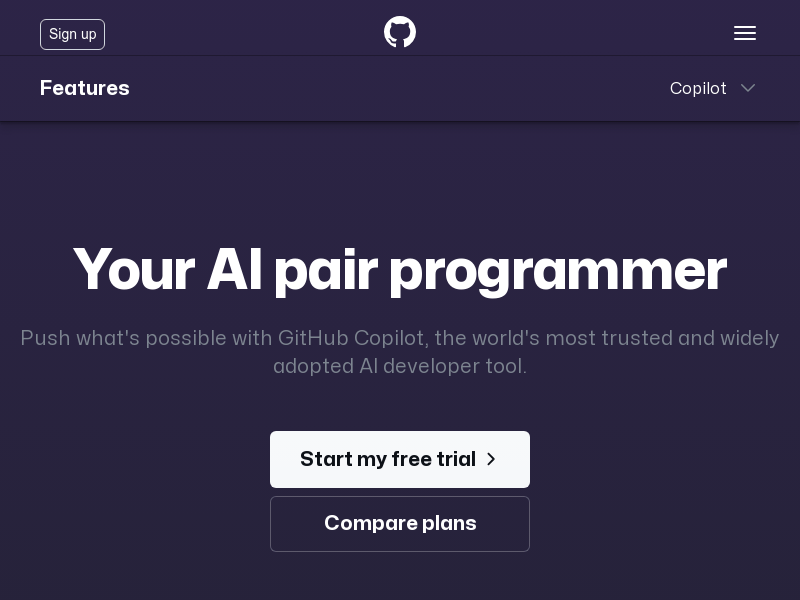
Screenshot archived from the listing page, for preview only.