Zory ai
AI interior design with real furniture linksText, photos or floor plans into a design plan
Highlights
What you can do with it
- A homeowner designing a living room from a style description
- An interior designer producing a quick plan from a floor plan
- A furniture retailer getting products shown inside generated designs
How to use it
- 1 Open the Zory AI site
- 2 Choose your input: text description, photo, sketch or floor plan
- 3 Wait for the AI to generate the interior design plan
- 4 Review the plan and browse the real furniture details shown in it
- 5 Buy through the listed retailer, or adjust the input and regenerate
Who it is for
Pros
- Four input types cover most starting points
- Real furniture data turns a concept into a purchasable plan
- Quick generation suits early-stage exploration
- A free trial is available before paying
Limitations
- Pricing is not stated in the source material, so confirm current plans
- Furniture prices, sizes and stock change and need verification
- Generated layouts may not respect real-world constraints
- Design quality depends on how detailed the input is
What Zory AI is
Zory AI is an interior design tool that also functions as a furniture discovery platform. You start from whatever you have: a written description of the style you want, a photo of the room or of a piece of furniture, a hand-drawn sketch, or a floor plan. The AI turns that into a realistic interior design plan. The part that makes it more than an image generator is the furniture layer: the generated plans show real products with price, size and retailer information attached, so a concept can be checked against a budget and actually purchased. The stated audiences are interior designers, homeowners and furniture retailers. A free trial is offered, and pricing is not itemised in the source material, so confirm the current plans on the site.
What you can do with it
- Generate a design plan from a text description
- Work from a room photo, a furniture photo or a sketch
- Lay out furniture against a real floor plan
- Browse the real furniture shown in a plan with price and size
- Regenerate by adjusting the input until the plan fits
Who it is for
- Interior designers building early concepts for clients
- Homeowners planning a room before committing spend
- Furniture retailers who want products surfaced in designs
What to watch out for
Pricing is not stated in the source material, so confirm what the trial covers and what a paid plan costs before you invest time in a project. Furniture prices, sizes and stock move constantly, so treat the numbers in a generated plan as indicative and verify them with the retailer. Generated layouts do not know about your actual door swings, radiator positions or building rules, so a plan still needs a practical check. Finally, output quality follows input quality: a vague description produces a vague design.
FAQ
What can I start from?
A text description, a photo of a room or furniture, a hand-drawn sketch, or a floor plan.
Can I buy the furniture shown?
The plans display real furniture with price, size and retailer information, so you can go to the retailer. Verify price and availability there before ordering.
Is there a free trial?
The vendor lists a free trial. Pricing beyond that is not stated in the source material.
Why it is free
What the official page says: free trial
Free limits, trial length and features are decided by the official site and can change at any time.
Product preview
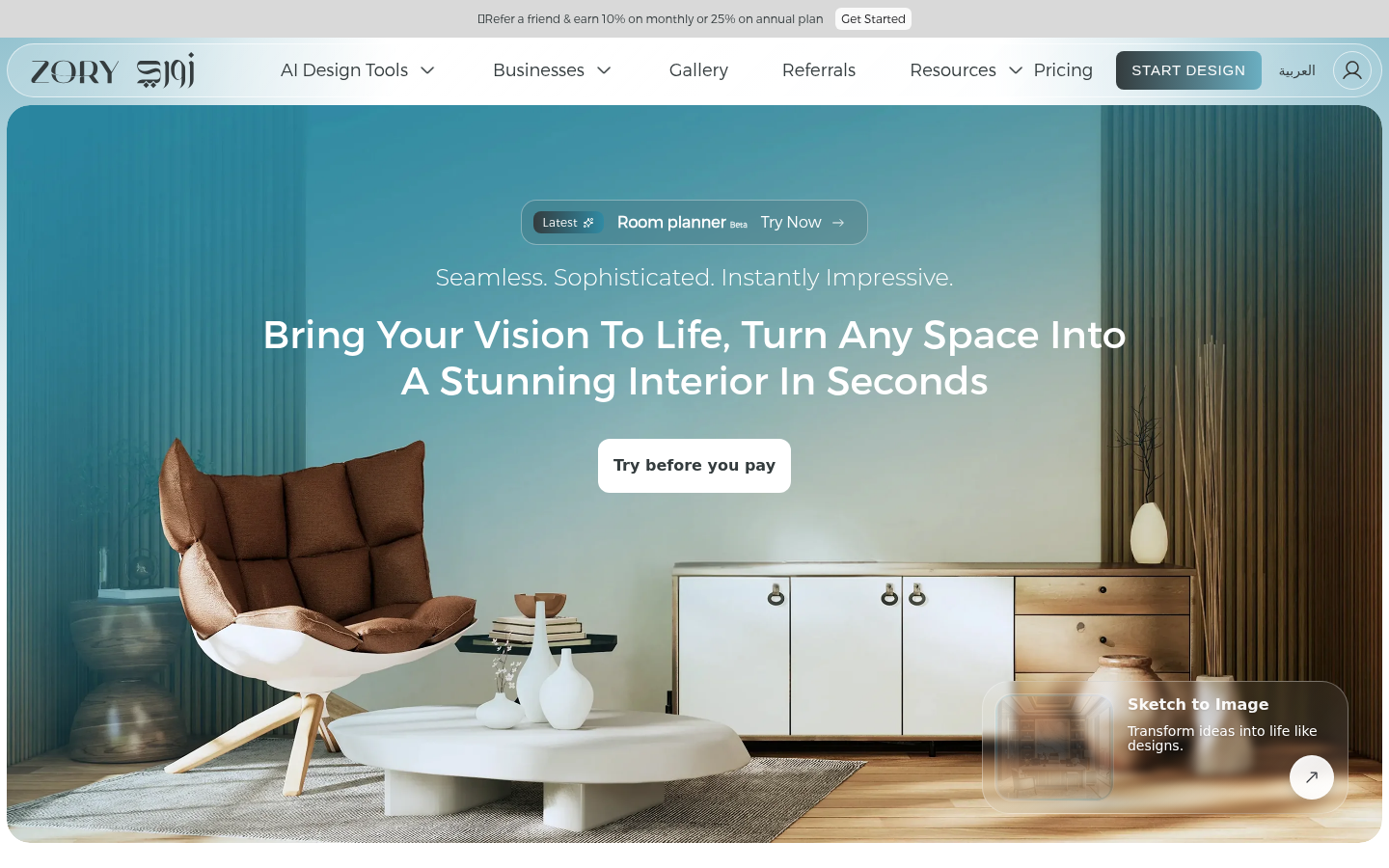
Screenshot archived from the listing page, for preview only.