
UniFill AI
AI plugin that fills out forms automaticallyLess typing on applications, registrations, and surveys
Highlights
What you can do with it
- Complete a job application form from stored details
- Register for an exam without retyping personal data
- Submit survey responses in bulk
How to use it
- 1 Install the UniFill AI plugin.
- 2 Enter your details once so the tool can reuse them.
- 3 Create a workflow for the form you need to complete.
- 4 Run the fill, then check every field before submitting.
Who it is for
Pros
- Removes repeated typing on long forms
- Custom workflows handle recurring submissions
- Batch upload suits volume work
Limitations
- Free access ends when the trial ends
- Stored personal data needs careful handling
- Automated submission can break when a form changes
What UniFill AI is
UniFill AI is an AI plugin that fills out forms automatically. It is built for the repetitive work of job applications, exam registrations, and surveys, where the same details are typed again and again. You can create custom workflows, batch upload forms together with the data that goes in them, and let the tool complete the fields. The listing describes data handling as secure and reliable, and pricing is free during the trial period with a paid subscription afterward.
The value is in the repetition. A single form is quick to fill by hand; the twentieth one is not, and that is where an automated filler earns its place. The plugin works inside the browser so it can see the form you are on, match the stored values to the fields it finds, and populate them without you copying between windows.
What you can do with it
- Fill a form from details you have already entered once
- Build a workflow for a form you submit repeatedly
- Batch upload forms and matching data
- Cut typing errors on long application forms
- Save time on registrations and routine surveys
Who it is for
- Job seekers sending many similar applications
- Students registering for exams and courses
- Administrative staff processing routine forms
- Teams that handle form submissions at volume
What to watch out for
The trial ends, and continued use needs a paid subscription, so factor that into the cost of using it. The tool stores personal data to fill fields, so review its security and privacy terms before you hand over identity documents or financial details. Automated filling can fail silently when a form changes its field names or layout, so always read the completed form before submitting. Accuracy on unusual or free-text fields is weaker than on standard ones, and a wrong entry on an application can cost you the opportunity.
FAQ
Is UniFill AI free?
It is free during the trial period and requires a paid subscription after that.
What forms can it fill?
Job applications, exam registrations, surveys, and similar forms.
Can I automate repeats?
Yes, it supports custom workflows and batch upload of forms and data.
Why it is free
What the official page says: free to use
Free limits, trial length and features are decided by the official site and can change at any time.
Product preview
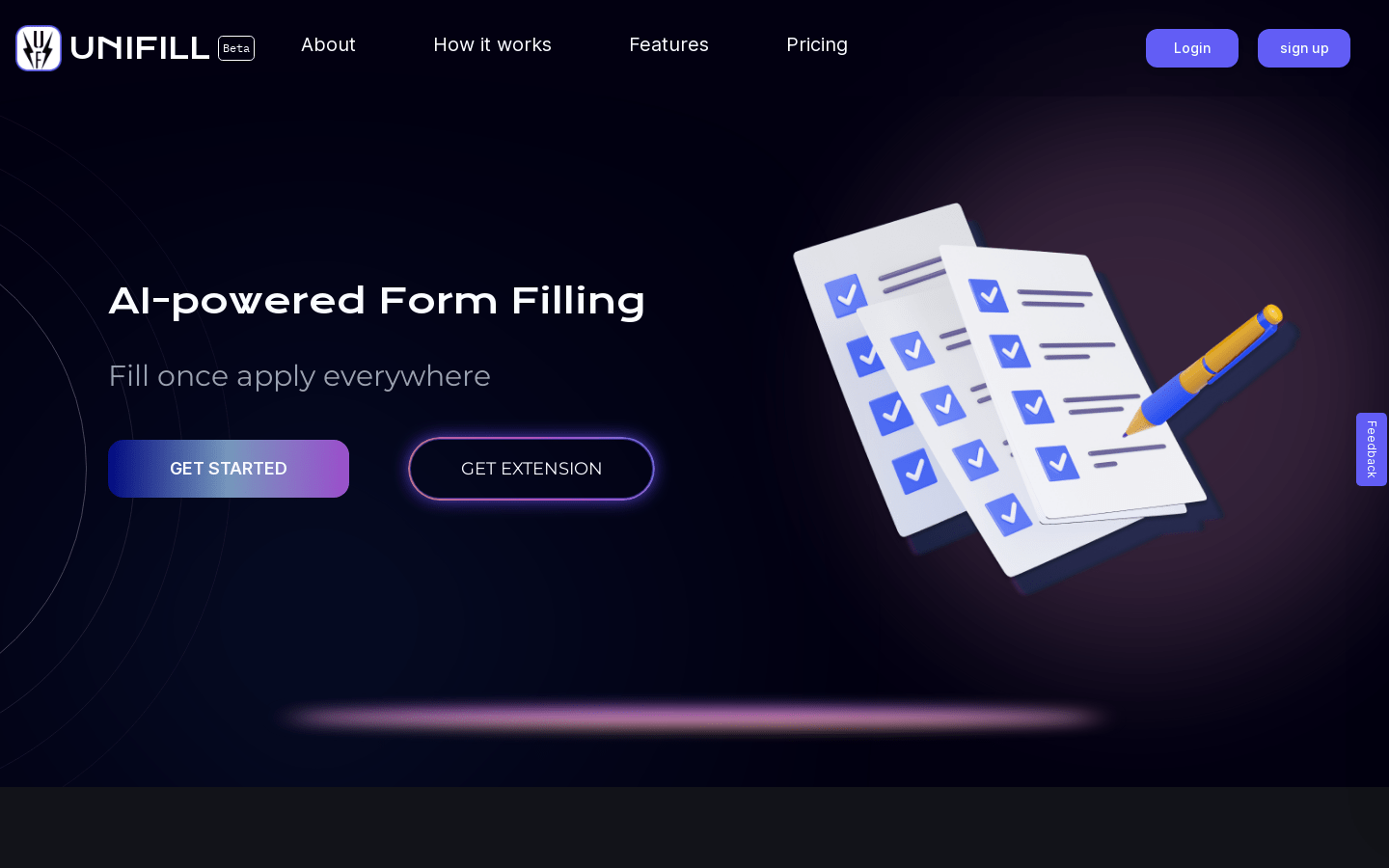
Screenshot archived from the listing page, for preview only.











