
Tubeletter
Turns YouTube videos into newsletters with AI-written summariesConvert a video into an email and grow your subscriber list
Highlights
What you can do with it
- A tech blogger turns videos into newsletters that grow subscribers
- A game streamer segments a list and sends targeted newsletters
- An educator uses real-time analytics to tune content and send times
How to use it
- 1 Register and log in to Tubeletter
- 2 Connect your YouTube channel
- 3 Pick the videos you want to turn into newsletters
- 4 Review and edit the AI summary, then segment and send
- 5 Track opens, clicks, and growth to improve future sends
Who it is for
Pros
- Free version available to try the workflow
- Saves time by drafting summaries automatically
- Combines writing, list management, and analytics
Limitations
- AI summaries still need review for accuracy and tone
- The free version is limited compared with paid plans
- Delivery and growth depend on your audience, not just the tool
What Tubeletter is
Tubeletter is an all-in-one newsletter assistant made for YouTube creators. It connects to your channel, reads your videos, and uses AI to write clear, attractive summaries you can send as a newsletter. Beyond writing, it helps you manage subscribers, segment your list, and track results like open rates, click-through rates, and subscriber growth. There is a free version for getting started, a Pro plan at $14.99 per month, and a Pro Plus plan at $29.99 per month for creators with bigger needs.
What you can do with it
- Turn a YouTube video into an AI-written newsletter summary.
- Manage subscribers with a branded signup page and list segments.
- Pick a personalized writing style so the email sounds like you.
- Track opens, clicks, and growth in real time to improve future sends.
Who it is for
- New YouTube creators who want a low-cost way to start a newsletter.
- Growing creators who need more videos, channels, and features.
- Professional creators with large lists who send often.
What to watch out for
AI summaries are drafts, not finished copy: check facts and tone before you send, since a wrong summary can mislead subscribers. The free version has limits, and the paid plans are priced per month, so weigh the cost against how often you publish. Delivery quality and list growth still depend on your content and audience, so treat Tubeletter as a time-saver rather than a guarantee of more subscribers. Features and interface details may change between versions, so review the latest notes on the page before you start. For team use, agree on naming and editing conventions in advance to avoid version conflicts or duplicated work.
FAQ
Is Tubeletter free?
There is a free version. Paid plans add more capacity, with Pro at $14.99 per month and Pro Plus at $29.99 per month.
How does it write the newsletter?
It reads your video, pulls the key points, and drafts a summary in a style meant to sound like you wrote it.
Who is it for?
It is built for YouTube creators, from beginners to professionals with large lists.
What should I keep in mind?
Review AI summaries before sending, and remember the free tier has limits. Growth still depends on your content and audience.
Why it is free
What the official page says: free version
Free limits, trial length and features are decided by the official site and can change at any time.
Product preview
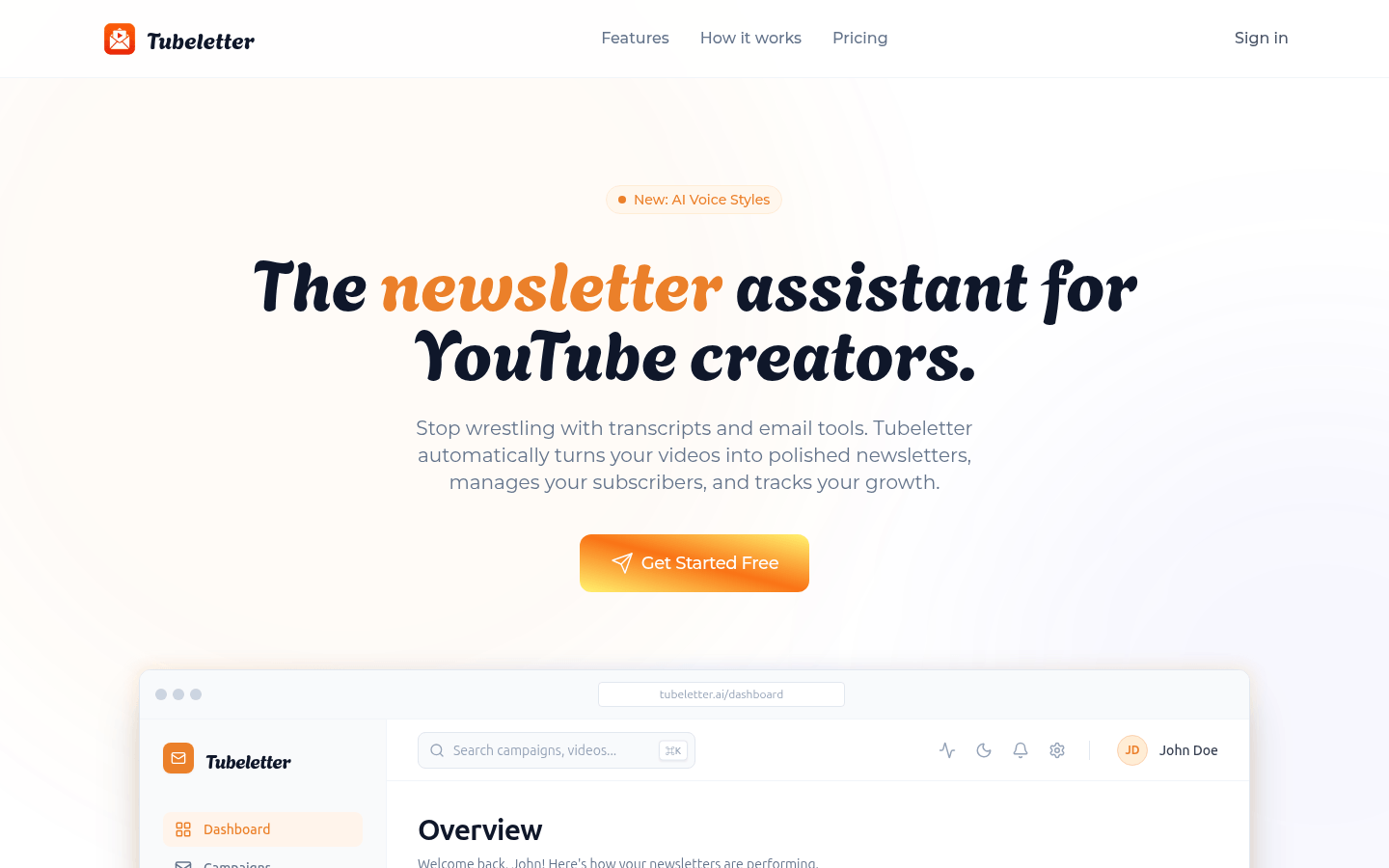
Screenshot archived from the listing page, for preview only.











