Translated.BEST
Free AI document translation that keeps your original layoutTranslate documents in 50 languages without losing formatting
Highlights
What you can do with it
- Translate a PDF report into English while keeping the page structure
- Convert a DOCX contract into French for a partner review
- Turn a PPT deck into Chinese for an overseas presentation
How to use it
- 1 Open the Translated.BEST website in your browser.
- 2 Upload the file you need translated, in PDF, DOCX, XLSX, PPT, or EPUB form.
- 3 Choose the target language from the supported list.
- 4 Wait for the AI to process the document.
- 5 Download the result and use the comparison view to check the layout.
Who it is for
Pros
- Translates files directly, so no manual copy and paste
- Format preservation and comparison view reduce rework
- Free to use across a wide set of formats and languages
Limitations
- Translation quality on specialist terms still needs human review
- The free terms can change as the service evolves
- Uploaded documents leave your machine, which matters for confidential files
What Translated.BEST is
Translated.BEST is an online website that uses recent AI technology for document translation. Instead of asking you to copy text into a box, it takes whole files and returns a translated version. It supports roughly 20 file formats, among them PDF, DOCX, XLSX, PPT, and EPUB, and it covers about 50 languages including English, Chinese, French, Spanish, and Japanese. The service is described as free to use, and it is aimed at scenarios such as law, gaming, and finance where whole documents need to move between languages.
What separates it from a simple text translator is the attention to layout. The listing says it maintains the original document format and supports comparison viewing, so a report with tables, headers, and images does not come back as a wall of text. That saves the reformatting work that usually follows a machine translation.
What you can do with it
- Translate a PDF, DOCX, XLSX, PPT, or EPUB file into another supported language
- Keep the original document format instead of getting plain text back
- Compare the translation with the source to check wording and layout
- Handle routine multilingual documents without installing software
- Move a whole file between languages rather than a pasted paragraph
Who it is for
- Students and researchers who read papers published in other languages
- Business staff who work with multilingual contracts, reports, and slide decks
- Legal, gaming, and finance teams handling document sets
- Anyone who needs a whole file translated rather than a pasted paragraph
What to watch out for
Machine translation of legal, financial, or highly technical text still needs a human check before you rely on it, especially where a single word changes an obligation. Uploading a document means sending it away from your machine, so confidential material deserves a second thought. The free terms are set by the operator and can change, and there is no promise of unlimited file size or page count, so test a long document before you commit a large batch. Keep the original files safe, because a translation that goes wrong is easier to redo than a source that was never saved.
FAQ
Which formats does Translated.BEST accept?
About 20 formats, including PDF, DOCX, XLSX, PPT, and EPUB.
How many languages are supported?
Around 50, including English, Chinese, French, Spanish, and Japanese.
Does the translation keep the original layout?
Yes, the listing says it maintains the original document format and supports comparison viewing.
Why it is free
What the official page says: free to use
Free limits, trial length and features are decided by the official site and can change at any time.
Product preview
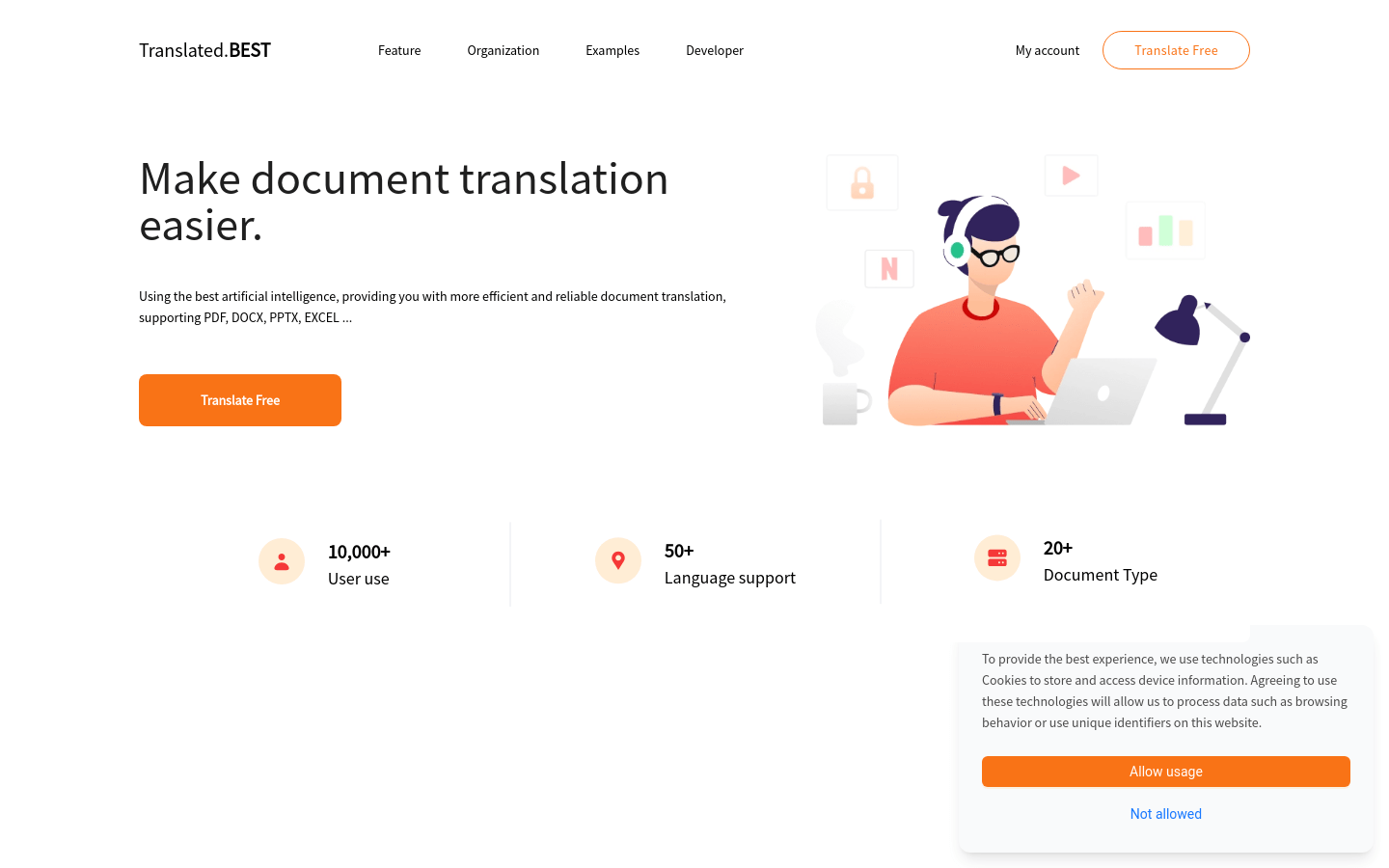
Screenshot archived from the listing page, for preview only.