
ToVideo
Turn photos into videos with AI effectsImage to video with music and transitions
Highlights
What you can do with it
- Turn product photos into short ad clips
- Make teaching videos from slides and images
- Build social media posts from a photo set
How to use it
- 1 Open the ToVideo website and upload your images
- 2 Arrange the images in the order you want
- 3 Add AI transitions, music, text, and effects
- 4 Preview, then download the MP4 and share it
Who it is for
Pros
- Simple upload and ordering workflow
- Watermark-free MP4 output
- Free version available for basic conversion
Limitations
- The free version limits advanced features
- Long projects take time to process
- Heavier use requires paid features
What ToVideo is
ToVideo is an online tool that converts images into videos. The workflow is photo-first: upload pictures, order them into a narrative, and let AI add transition animations and background music. You can layer text descriptions, subtitles, and effects on top, then tune playback speed and duration. The result downloads as a high quality MP4, and the site says the output carries no watermark.
What you can do with it
- Convert a set of images into a video
- Add AI transitions and background music automatically
- Insert text descriptions, subtitles, and effects
- Adjust speed, duration, and order
- Download the finished MP4 for social or ads
Who it is for
- Social media creators who need quick clips
- Advertisers turning product images into video ads
- Teachers assembling short videos from slides
- Anyone with a photo set and no editing experience
What to watch out for
The free version covers basic conversion, while advanced features sit behind payment, so plan for an upgrade if you need the fuller toolset. Processing time grows with project length, and browser-based editing means a stable connection matters. The AI picks transitions and music for you, which is fast but not always on brief, so review the result before publishing rather than assuming the automation matched your intent. Behavior may vary across browsers and devices, so test before production use and consult the help docs if errors appear. Features and interface details may change between versions, so review the latest notes on the page before you start. Save a backup of the original file before large batch jobs, and keep an exported copy of key results in case the page or service becomes temporarily unavailable.
FAQ
Is the output watermark-free?
The site states that output is watermark-free.
What format does it export?
High quality MP4 downloads.
Can I edit on my phone?
Yes, the tool supports cross-device operation across phone, tablet, and computer.
Why it is free
What the official page says: free version
Free limits, trial length and features are decided by the official site and can change at any time.
Product preview
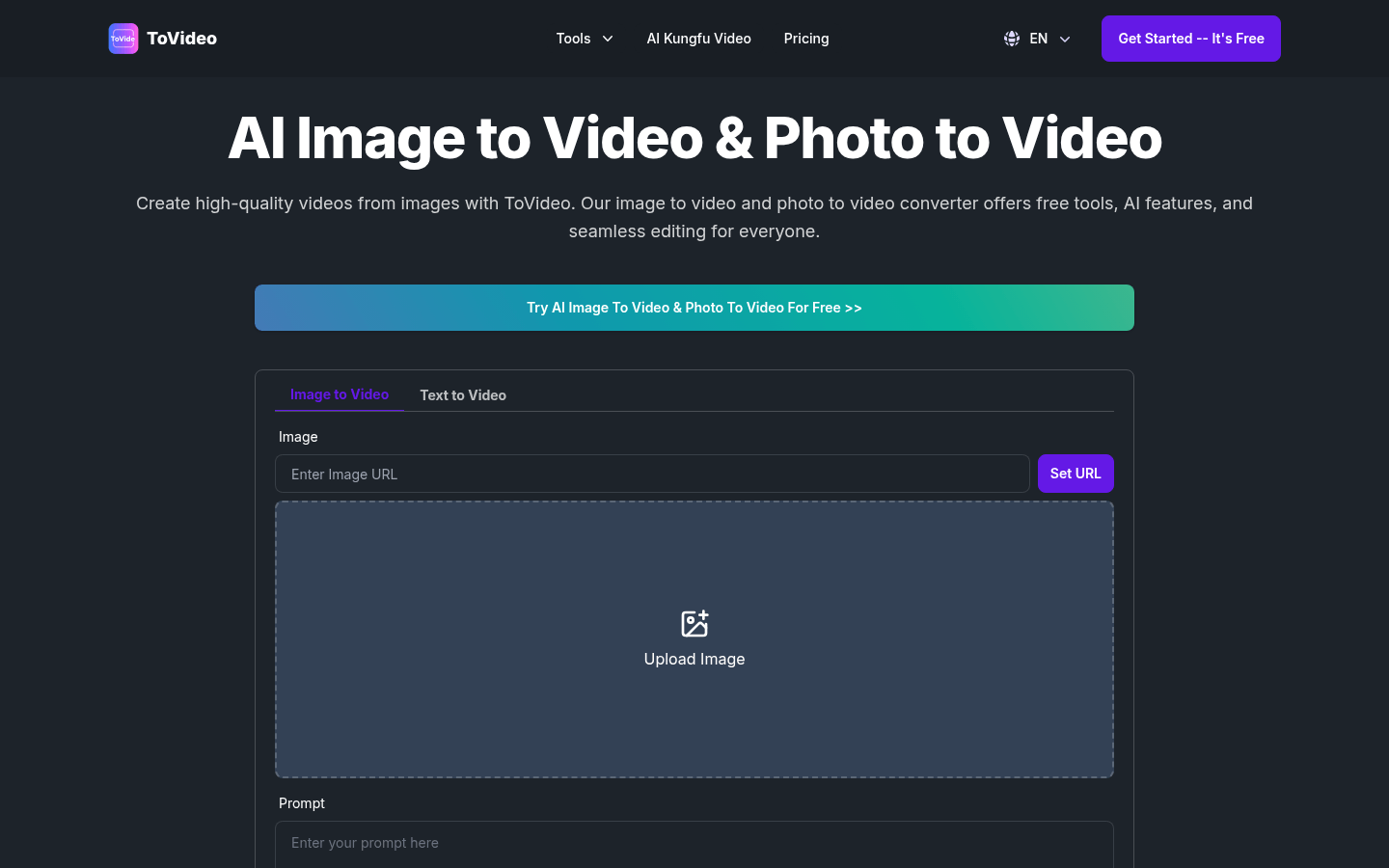
Screenshot archived from the listing page, for preview only.











