
Speclint
Scores GitHub issue specs before AI coding agents runCheck the ticket first, so the agent does not redo the work
Highlights
What you can do with it
- Catch missing measurable results and verification steps before coding starts
- Reduce rework when agents such as Cursor, Codex, or Claude Code build from issues
- Keep every spec in a project above a quality bar before it enters the queue
How to use it
- 1 Open or edit an issue on GitHub and let the Speclint action run
- 2 Read the completeness score and the agent-ready verdict
- 3 Work through the structured comment that lists what is missing
- 4 Use the rewrite option if you want the weak sections rebuilt for you
- 5 Edit and let Speclint re-score until the issue clears the threshold
Who it is for
Pros
- No CI setup beyond a YAML file; it triggers on issue activity
- Feedback is specific rather than a generic quality warning
- Rewrite support saves time on the weakest sections
- Free daily quota is enough to evaluate it on live tickets
Limitations
- The free tier is limited to three requests per day
- Trial terms and paid pricing can change without notice
- It reads specs, it does not verify whether the code is correct
- Teams must actually act on the comments for rework to drop
What Speclint is
Speclint is a tool that checks the quality of GitHub issue specifications before AI coding agents start work on them. The problem it targets is simple: when a ticket is incomplete, an agent fills the gaps with guesses, and the team pays for that in rework. Speclint runs automatically when an issue is opened or edited, so nobody has to remember to trigger it. It rates the specification across five dimensions and returns a completeness score plus a verdict on whether the ticket is ready for an agent. If the score falls below the threshold, which defaults to 70, it posts a structured comment under the issue that names the weak dimensions and suggests what to add. Developers can also ask it to rewrite the weak sections on its own, and passing codebase context makes the acceptance criteria reference your real stack instead of a generic pattern.
What you can do with it
- Score any GitHub issue ticket or spec text instantly.
- See exactly which dimensions are missing content, with suggestions.
- Rewrite weak sections without touching the parts that already pass.
- Re-score automatically as the spec is edited, with no manual re-run.
Who it is for
- Development teams using AI coding agents to build from issues.
- Individual developers who want an outside read on ticket quality.
- Project managers who need to keep spec quality consistent across a project.
What to watch out for
The free tier is a limited quota of three requests per day, which is fine for evaluation but thin for a busy repository. Trial terms and paid pricing can change, so check current numbers before you build a workflow around it. Speclint reads specifications, it does not check whether the resulting code is correct, so it is one gate in the process rather than a guarantee. Finally, the comments only reduce rework if the team actually works through them; a score nobody acts on changes nothing.
FAQ
How does Speclint get triggered?
It runs automatically when a GitHub issue is opened or edited, so there is no manual step and no CI pipeline to configure beyond a YAML file.
What does the score mean?
It rates the specification across five dimensions and returns a completeness score along with a verdict on whether the ticket is ready for an AI coding agent.
Can it fix the spec for me?
Yes. You can request a rewrite of the weak sections, and Speclint rebuilds them without modifying the parts that already pass.
Is there a free option?
There is a free trial with a quota of three requests per day, which is enough to test it against real issues before choosing a paid plan.
Why it is free
What the official page says: free trial
Free limits, trial length and features are decided by the official site and can change at any time.
Product preview
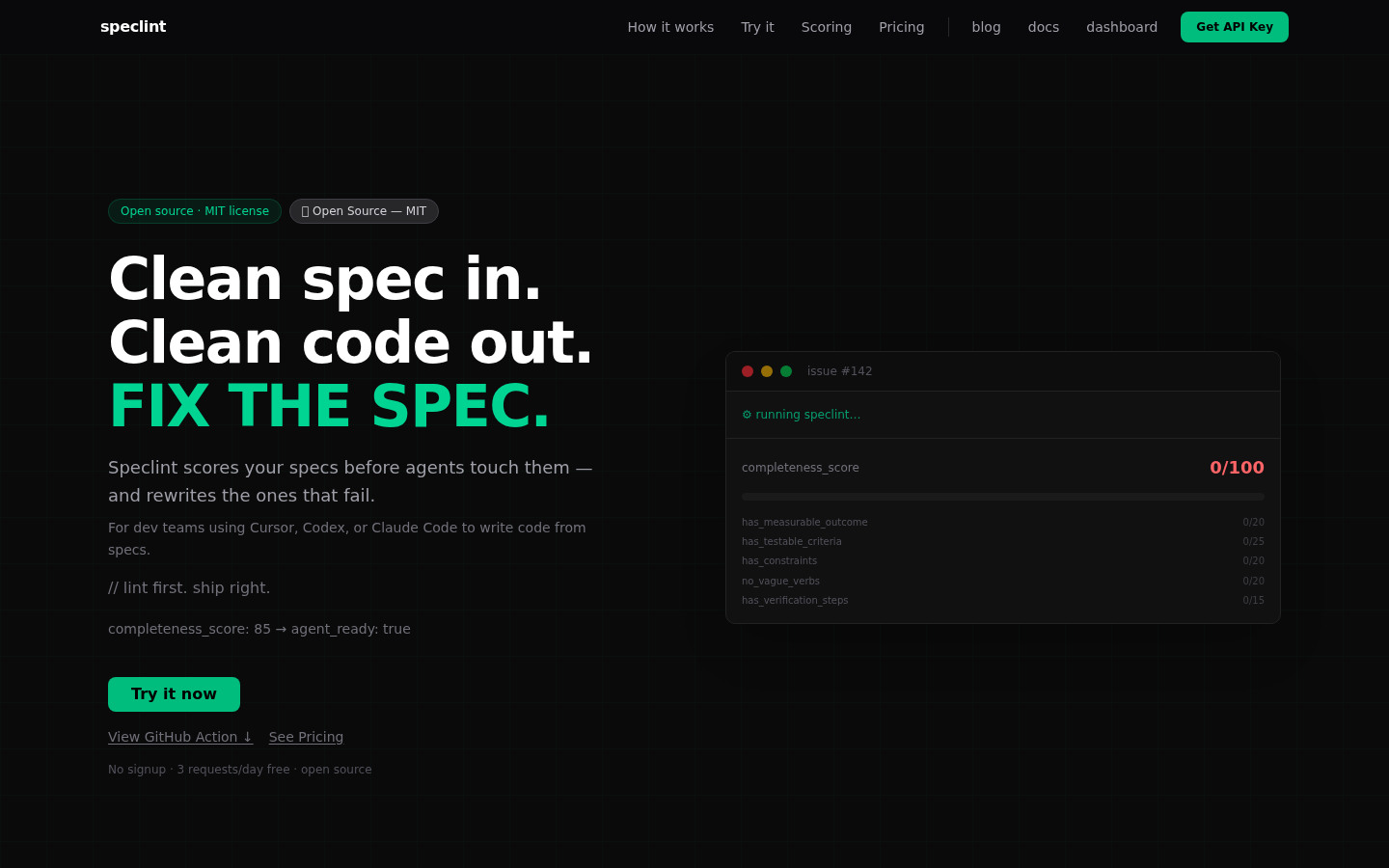
Screenshot archived from the listing page, for preview only.











