Highlights
What you can do with it
- Turn written ideas into short video clips
- Prototype visual concepts quickly
- Create social or draft videos from text prompts
How to use it
- 1 Describe the video you want in a text prompt
- 2 Let the model generate the clip with audio
- 3 Review the result and download it
- 4 Upgrade only if you need heavier use
Who it is for
Pros
- Permanently free version for individuals
- Fast generation
- Synced audio and visuals
- High availability target
Limitations
- Free rules and limits can change
- Depends on the upstream model and hosting it does not control
- Professional and enterprise tiers cost money
- Generated video can contain errors and needs review
What Sora 2 is
Sora 2 is presented as an AI video generation platform built on OpenAI's Sora 2 model. It creates short videos from text prompts and is described as physically accurate, with synchronized audio and visuals, in a matter of seconds. The site offers a permanently free version aimed at individuals and small projects, and it lists professional and enterprise tiers for heavier use. Alongside generation, the description points to fast processing, privacy and security measures, global infrastructure for speed, and a high availability target.
It is worth being clear about what this listing reflects: the free access described here comes from this particular website, not from a guarantee about the underlying model. Availability, video length, and features can shift as the platform changes.
What you can do with it
- Turn written ideas into short video clips with matching audio.
- Rely on physics-aware motion so objects move in a believable way.
- Generate content quickly for drafts, concepts, and social posts.
- Start on the free version before considering paid tiers.
Who it is for
The free tier is aimed at individual creators and small projects that want to test AI video without paying upfront. Hobbyists, social media creators, and anyone prototyping visual ideas are a natural fit. Larger teams that need consistent output or commercial terms would look at the paid tiers instead.
What to watch out for
The free version is the headline, but free rules can change, and there is no promise that current limits will stay the same. The service also leans on an upstream model and hosting that it does not control, so downtime or policy changes elsewhere can affect what you can generate. Video length, resolution, and the number of clips may be capped on the free plan. Generated video should still be reviewed before publishing, since AI motion and audio can contain errors.
FAQ
Is there a free version?
Yes, the site lists a permanently free version for individuals and small projects, with professional and enterprise tiers for heavier use.
What does it generate?
Short videos from text prompts, described as physically accurate with synchronized audio and visuals.
Do I need an account?
The free version is presented as usable to start generating, though account needs can change.
Will the free limits stay the same?
Free rules can change at any time, and the service depends on an upstream model and hosting it does not control.
Why it is free
What the official page says: 免费使用免费版永久免费免费
Free limits, trial length and features are decided by the official site and can change at any time.
Product preview
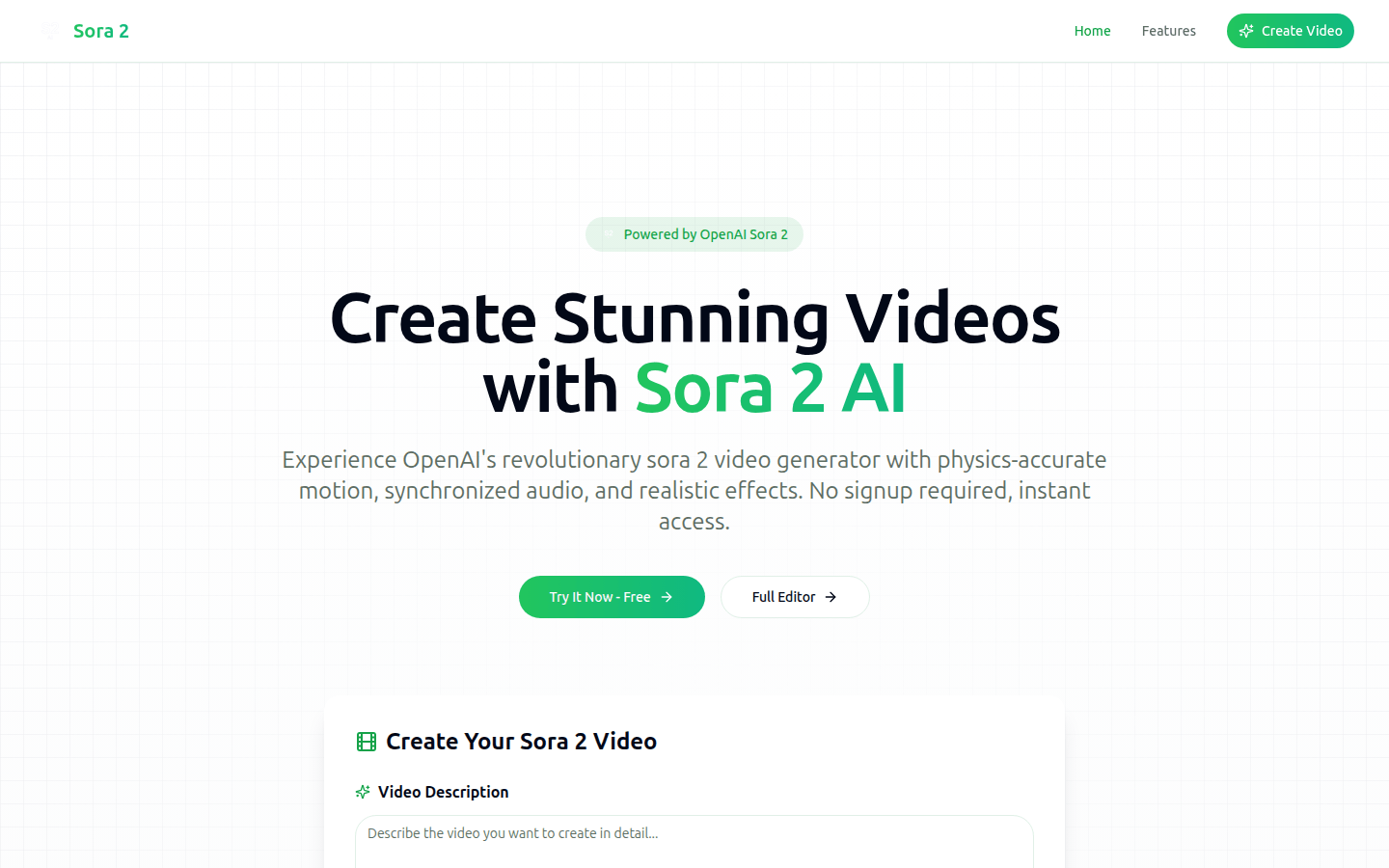
Screenshot archived from the listing page, for preview only.