
Smart FAQs
AI FAQ and chatbot plugin for sitesAnswer common questions with AI on any site
Highlights
What you can do with it
- An e-commerce site answers shipping and return questions and cuts duplicate tickets.
- A corporate site helps visitors find information and stay longer.
- An online service provider raises satisfaction and resolves issues faster.
How to use it
- 1 Visit the site and start the free trial.
- 2 Pick a plan such as basic, advanced, or professional.
- 3 Paste the code snippet into your site to install the widget.
- 4 Build your FAQ database in the dashboard or import a spreadsheet.
- 5 Customize colors, fonts, spacing, and page-specific widgets.
- 6 Watch searches to spot content gaps and add new FAQs.
Who it is for
Pros
- Free basic plan for small teams to start
- AI understands intent, not just keywords
- Quick install by pasting a snippet into most platforms
- Flags content gaps so you can reduce duplicate tickets
Limitations
- Advanced and professional plans cost $29 and $60 per month, and pricing can change
- Answer quality depends on how well your FAQ content is written
- AI can still misread unusual questions, so monitor chats
- It is a website plugin, so it will not handle phone or email support
What Smart FAQs is
Smart FAQs is a plugin for managing frequently asked questions with AI. Instead of making visitors hunt through long lists, it adds FAQ widgets and an AI chatbot that read the meaning behind a question, not just the keywords, and return one clear answer from your content. It also has AI search that works even when customers use different words, and a drafting assistant that turns rough notes into proper FAQ entries in seconds. You can style the widget to look native to your site and show only relevant questions on specific pages. Install is a code snippet on platforms like WordPress, Shopify, and Wix.
What you can do with it
- Add AI answers and a chatbot that understand question intent.
- Let customers search and get one direct answer instead of a list of links.
- Turn rough topics into clean FAQ entries with the drafting assistant.
- Match brand colors and fonts, and show page-specific FAQs with tags.
Who it is for
- E-commerce businesses fielding many repeat questions about shipping and returns.
- Corporate websites that need to explain products and services clearly.
- Online service providers with complex instructions and high ticket volume.
What to watch out for
Advanced and professional plans are listed at $29 and $60 per month, and pricing can change, so confirm current costs. Answer quality depends on how well your FAQ content is written, so thin content gives thin answers. AI can still misread unusual questions, so monitor chats and refine. It is a website plugin, so it will not handle phone or email support for you. Free tiers and usage limits can change, so check the current rules on the official page before relying on it long term.
FAQ
What is Smart FAQs?
It is a plugin that manages FAQs with AI answers, search, and chatbots for your website.
Which platforms does it support?
It works on platforms like WordPress, Shopify, and Wix by pasting a code snippet.
Is there a free plan?
The basic plan is free, and advanced and professional plans are listed at $29 and $60 per month.
How does the AI answer questions?
It understands the meaning behind questions and pulls a single clear answer from your FAQ content.
Why it is free
What the official page says: free trial
Free limits, trial length and features are decided by the official site and can change at any time.
Product preview
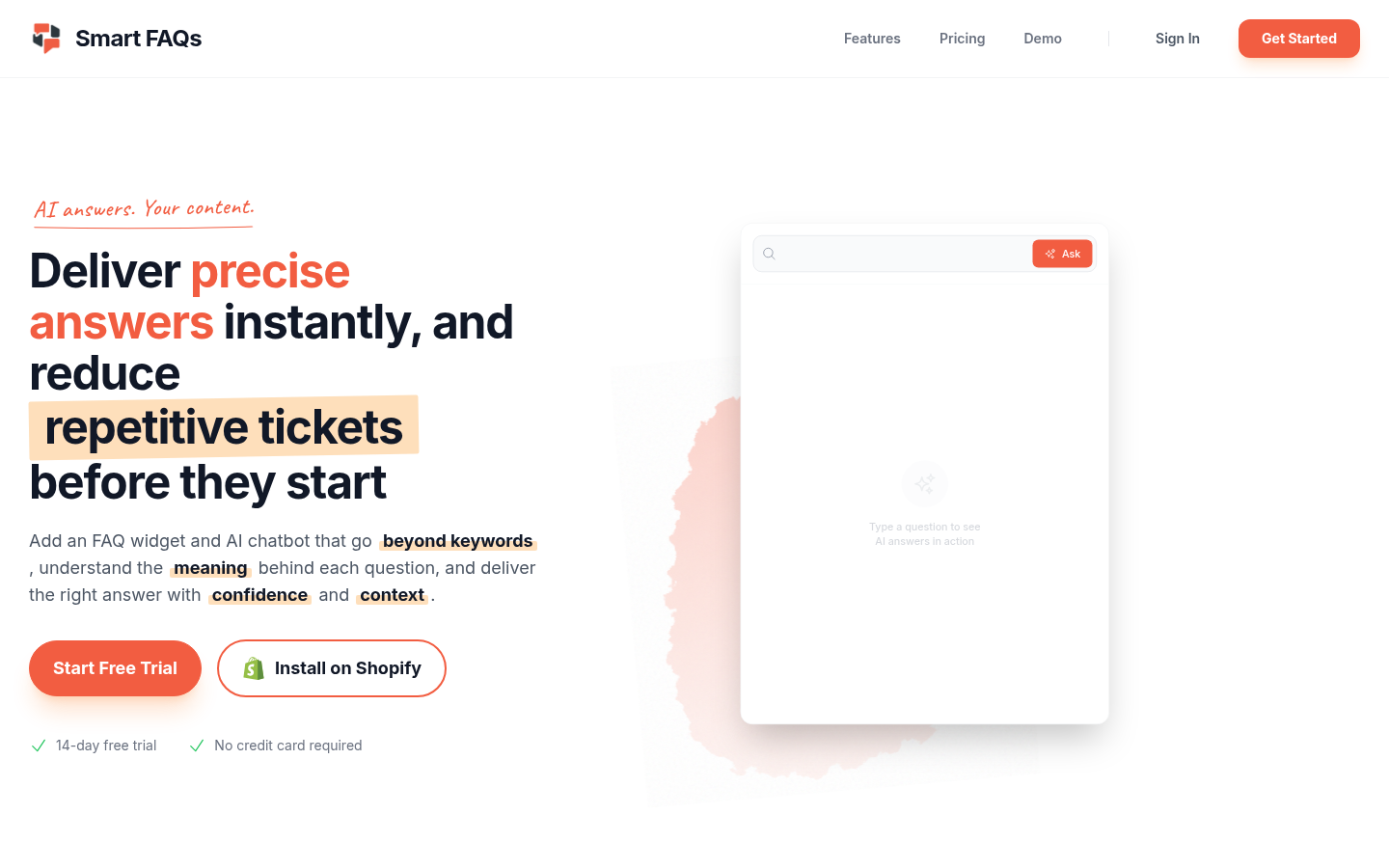
Screenshot archived from the listing page, for preview only.











