
SKI
Local voice coding helperTalk to your AI coding agent for free
Highlights
What you can do with it
- Dictate coding requests like creating a login function to the agent.
- Record and transcribe team meetings locally while the agent takes notes.
- Check project status by voice while working remotely.
How to use it
- 1 Install SKI for your operating system (DMG for Mac, EXE for Windows).
- 2 Connect a supported coding agent such as Claude Code or Cursor.
- 3 Speak your request and watch the status dot confirm the agent is listening.
- 4 Use screenshot hotkeys to share context with the agent.
Who it is for
Pros
- Runs fully local, so voice data stays on your machine.
- Supports several coding agents and multiple projects.
- Free for permanent use with offline capability.
Limitations
- Free-forever terms could change, so check the site for updates.
- Setup needs a supported agent and some configuration to start.
- Meeting recording should respect consent and local privacy rules.
What SKI is
SKI is a cross-platform voice assistant built for AI coding agents, with versions for Mac, Windows, and Linux. Voice recognition and synthesis both run on your own computer, so no voice data is uploaded and the tool keeps working offline. You speak your requests, and SKI passes them to a supported coding agent such as Claude Code, Cursor, Codex, or Gemini CLI. A green status dot shows when the agent is listening, and you can interrupt it while it is speaking. The site lists it as free for permanent use, and it is aimed at developers who want to give commands by voice instead of typing every line, with extras like screenshot sharing and calendar meeting joins on top of the core control.
What you can do with it
- Dictate coding requests and have the agent act on them.
- Interrupt the agent mid-sentence with full-duplex voice chat.
- Bind multiple projects and route voice to the right repository.
- Capture screenshots with a hotkey to give the agent visual context.
- Record meetings locally with no duration or retention limit.
Who it is for
- Developers who want to code and command agents by voice.
- Remote workers who check project status while away from a desk.
- Teams that need local, private meeting recording and transcription.
What to watch out for
The free-forever model could change, so check the official page for current terms before you depend on it. Getting started takes setup: install the app, connect a supported agent, and configure your projects, which is a real learning curve. Voice recognition runs locally, so a quiet microphone and clear speech help accuracy. Local meeting recording should respect consent and privacy rules in your region, and the responsibility for lawful use sits with you. Offline use is a strength, but it also means updates depend on you downloading new versions.
FAQ
Is SKI really free?
The site lists it as free for permanent use. Confirm current terms on the official page before relying on it.
Does my voice leave my computer?
No. Recognition and synthesis run locally, so voice data is not uploaded, and it works offline.
Which coding agents does it support?
It connects to agents such as Claude Code, Cursor, Codex, and Gemini CLI with one-click setup.
Why it is free
What the official page says: free forever
Free limits, trial length and features are decided by the official site and can change at any time.
Product preview
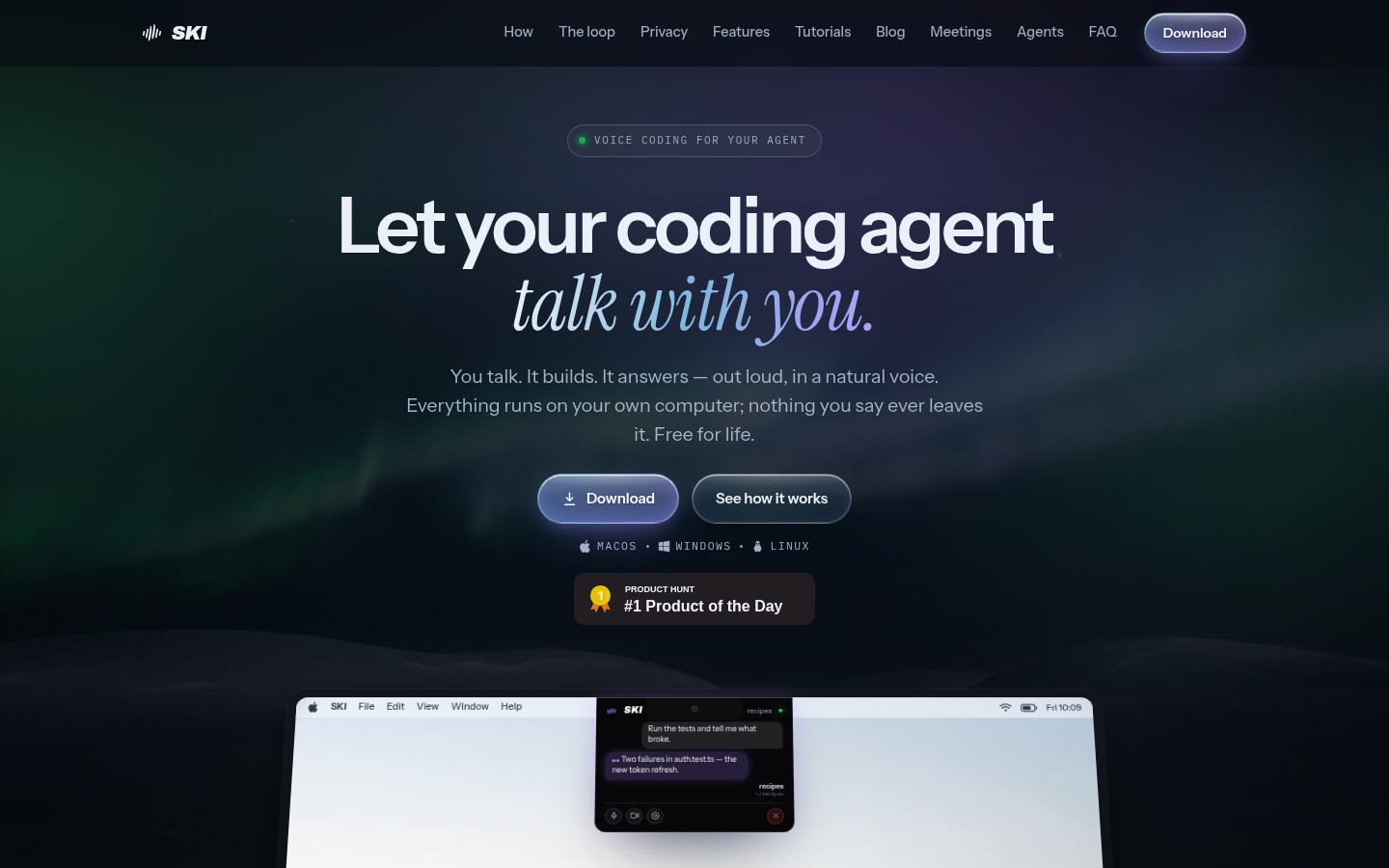
Screenshot archived from the listing page, for preview only.











