
Santa Video
Free personalized Santa video messagesType text, get a Santa video in minutes, free
Highlights
What you can do with it
- Make a Santa clip for children at a family Christmas party
- Send a personalized holiday greeting to a friend
- Add a branded Christmas message for customers or students
How to use it
- 1 Open the Santa Video website.
- 2 Type the text you want Santa to say in the input box.
- 3 Confirm the text and click the button to start creating the video.
- 4 Wait for the system to generate the video, then check the result.
- 5 If it looks right, use the send button to share it with others.
Who it is for
Pros
- No cost to create and send the videos
- Simple text-in flow that takes minutes, not hours
- Personalized wording makes each greeting feel unique
Limitations
- The free offering can change, so availability is not guaranteed
- It is seasonal and Santa-themed, with limited reuse outside Christmas
- Customization is mainly through text, so visual control is limited
What Santa Video is
Santa Video is a free service for creating personalized Santa Claus video messages. According to the site, you only need to enter text and the video is produced within a few minutes, ready to send to relatives and friends. The whole point is to add a joyful, surprising touch to Christmas by letting people share blessings in a more memorable way than a plain card. There is no charge, and the site presents the tool as completely free. It runs in the browser and is available at any time, so you do not need special software or a fixed schedule to make a greeting.
What you can do with it
- Type your own message and have Santa deliver it on video.
- Personalize the wording so each recipient gets a unique clip.
- Send the finished video to family and friends to share holiday cheer.
- Use it for seasonal messages from a school or a business.
Who it is for
- Families who want a special Christmas surprise for children.
- Friends who want to trade personalized holiday greetings.
- Schools and companies sending festive messages to their audience.
What to watch out for
Because it is a free, holiday-focused tool, the offer may not last forever, and features could change with the season or the year. Treat the current free access as a snapshot rather than a guarantee. The video is driven by the text you type, so you do not get fine control over the visuals or the performance, which means results may feel similar from one greeting to the next. It is also narrowly themed around Christmas, so it has little use the rest of the year.
FAQ
Is Santa Video really free?
Yes, the site states you can create the videos without paying.
How long does it take to make a video?
The site says production takes a few minutes after you enter your text.
Who can I send a Santa video to?
Anyone you like. The site suggests family, friends, and even customers or students.
Why it is free
What the official page says: for freecompletely free
Free limits, trial length and features are decided by the official site and can change at any time.
Product preview
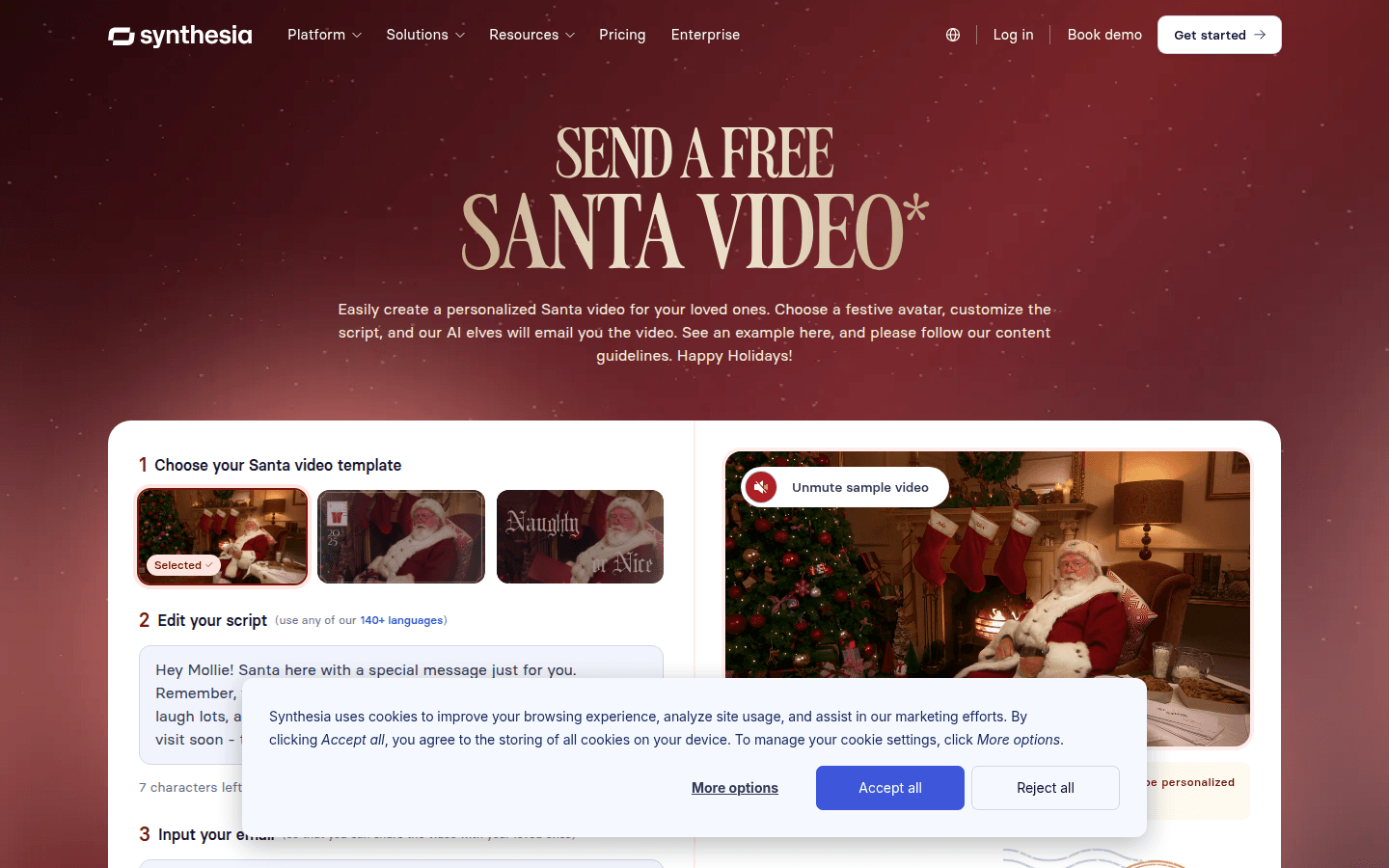
Screenshot archived from the listing page, for preview only.











