
Rubtin
Browser-based file and developer toolsFile tools that never leave your browser
Highlights
What you can do with it
- A business person merges several contracts into one file
- A student converts scanned homework images into a document
- A developer formats data while debugging an interface
How to use it
- 1 Open the site and pick a tool category.
- 2 Select the specific tool you need.
- 3 Upload or paste the file or data.
- 4 Set the parameters, such as dimensions or page range.
- 5 Process, then download the result.
Who it is for
Pros
- Described as permanently free to use
- Files stay local, which is good for privacy
- Covers document, image, developer, and financial needs in one place
- No account or upload step to slow you down
Limitations
- Browser processing depends on your machine, so very large files may be slow
- No cloud copy, so results are lost if you close the tab
- Tool depth is basic compared with dedicated software
- Permanently free is a claim, not a guarantee
What Rubtin is
Rubtin is a suite of web utilities that run entirely in your browser. The defining choice is that files are not uploaded to a server; everything happens locally, which is the privacy argument and also why it is fast. The document tools cover merging multiple files, splitting out pages or ranges, compressing size, converting images to documents, and turning document pages back into images. On the image side there is compression and resizing with an aspect ratio lock. There are developer tools including data formatting and encoding conversion, financial calculators, and code generation with custom colors and vector export. The listing describes it as permanently free to use.
What you can do with it
- Merge, split, compress, and convert document files locally.
- Compress and resize images without losing the aspect ratio.
- Format data and convert encodings while debugging.
- Run financial calculations for invoices and returns.
- Generate custom scannable codes and download them.
Who it is for
- Business people merging contracts, reports, and invoices.
- Students turning scanned homework into clean documents.
- Developers formatting data and converting encodings during debugging.
What to watch out for
Because processing runs on your own machine, very large documents or high-resolution images can be slow or can strain a low-powered laptop, and a browser tab that crashes mid-job loses the work. There is no cloud copy, so download results as you go rather than assuming they persist. The tools are deliberately simple, so if you need text recognition, redaction, batch automation, or precise print control, dedicated software will serve you better. The description of the site as permanently free is a statement about current intent rather than a contractual guarantee, so do not build a business process that assumes it. Still, for quick one-off file jobs where you would rather not upload anything, it does the job cleanly.
FAQ
Is Rubtin free?
The listing describes it as permanently free to use.
Are my files uploaded anywhere?
No. The listing says all operations complete in the browser and no file upload is required.
Can I make scannable codes?
Yes. You can generate custom codes from text or a link, choose colors, and download them in common image and vector formats.
Why it is free
What the official page says: free to use
Free limits, trial length and features are decided by the official site and can change at any time.
Product preview
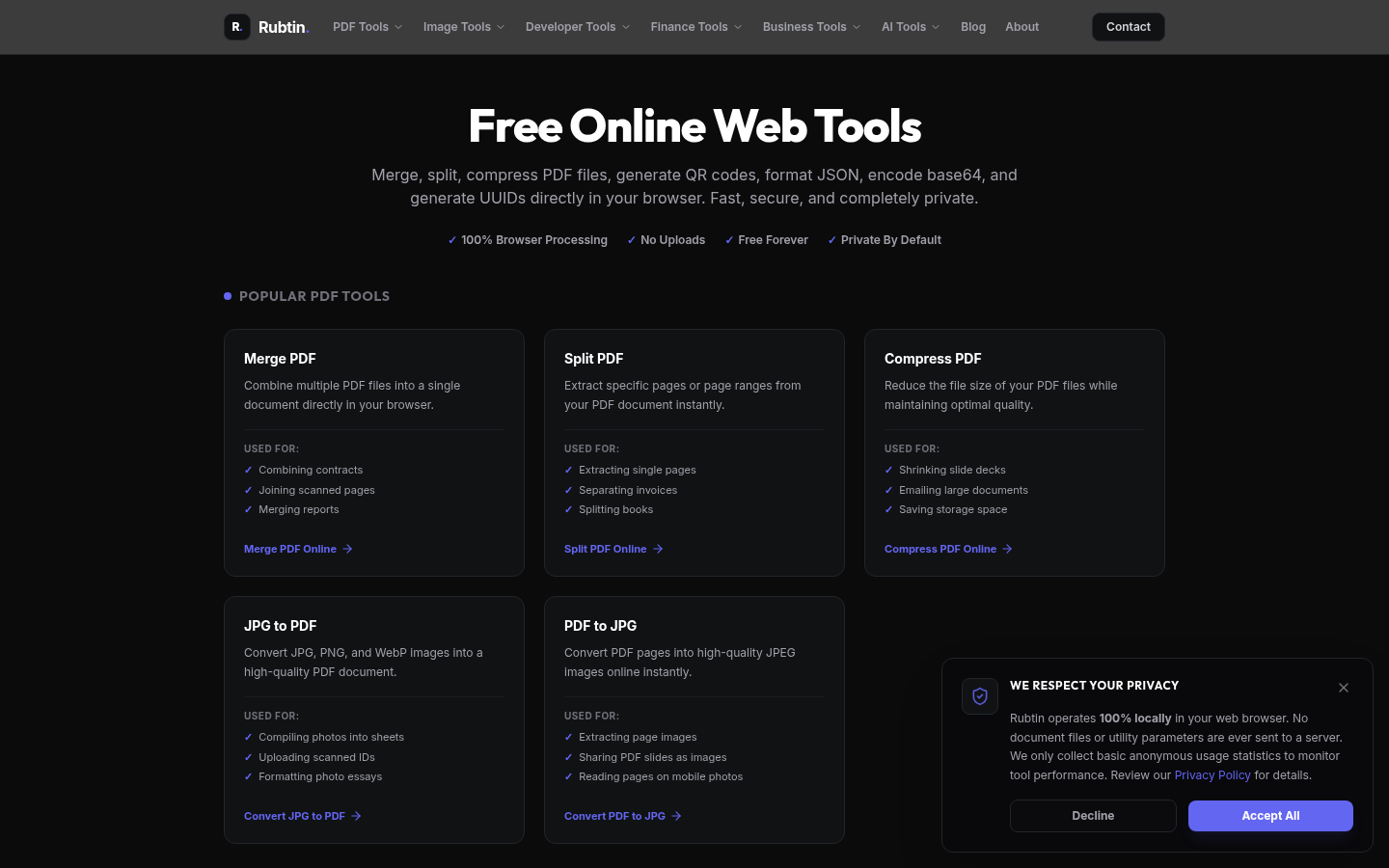
Screenshot archived from the listing page, for preview only.











