
Roomlab
AI interior design and virtual stagingRestyle a room in seconds with AI
Highlights
What you can do with it
- Producing several living room options for a client
- Virtually staging a vacant listing for marketing
- Showing an interior concept to a project team
How to use it
- 1 Open RoomLab and sign up or log in
- 2 Upload the room photo you want to work on
- 3 Choose furniture replacement, materials, decluttering, or staging
- 4 Adjust styles, colours, and materials as prompted
- 5 Generate and review the realistic result
- 6 Save it to your gallery or share it
Who it is for
Pros
- Fast results with no design background needed
- Covers furniture, materials, and staging in one place
- Useful for client presentations and listings
Limitations
- Pricing details are not published, only a free trial hint
- Output is an image, not an editable 3D model
- Real layouts and measurements still need a professional check
What RoomLab is
RoomLab is an AI application for interior design and virtual staging. You upload a photo of a room and the tool reworks it: it can replace furniture with different styles, models, and colours, change wall and floor materials, and clear clutter so the space reads cleaner. For empty or for sale properties it can add furniture and decor so the listing photographs better. Everything renders in seconds and the app is built for people without formal design training. It is aimed at interior designers, architects, and real estate professionals, and the listing points to a free trial, with the pricing details not spelled out on the page.
What you can do with it
- Transform a room photo into a new design in seconds
- Swap furniture and change wall or floor materials
- Remove clutter from a shot automatically
- Virtually stage an empty property for marketing
Who it is for
- Interior designers who need several options for a client
- Architects communicating an interior concept to a team
- Real estate agents marketing vacant properties
What to watch out for
The page does not publish pricing, only a hint of a free trial, so confirm the cost before you use it on client work. Results are generated images, not editable 3D models, so you cannot pull exact dimensions or specifications from them. Furniture and materials shown may not be purchasable or priced, so treat the output as a visual concept and verify real products separately. For anything going into a client proposal, check that the render matches the actual space, and label AI generated images clearly where local advertising rules require it.
FAQ
What does RoomLab do?
It transforms room photos, replaces furniture, changes materials, declutters, and virtually stages properties.
Who is it for?
Interior designers, architects, and real estate professionals.
Is there a free trial?
The listing points to a free trial, though pricing is not detailed.
Why it is free
What the official page says: free trial
Free limits, trial length and features are decided by the official site and can change at any time.
Product preview
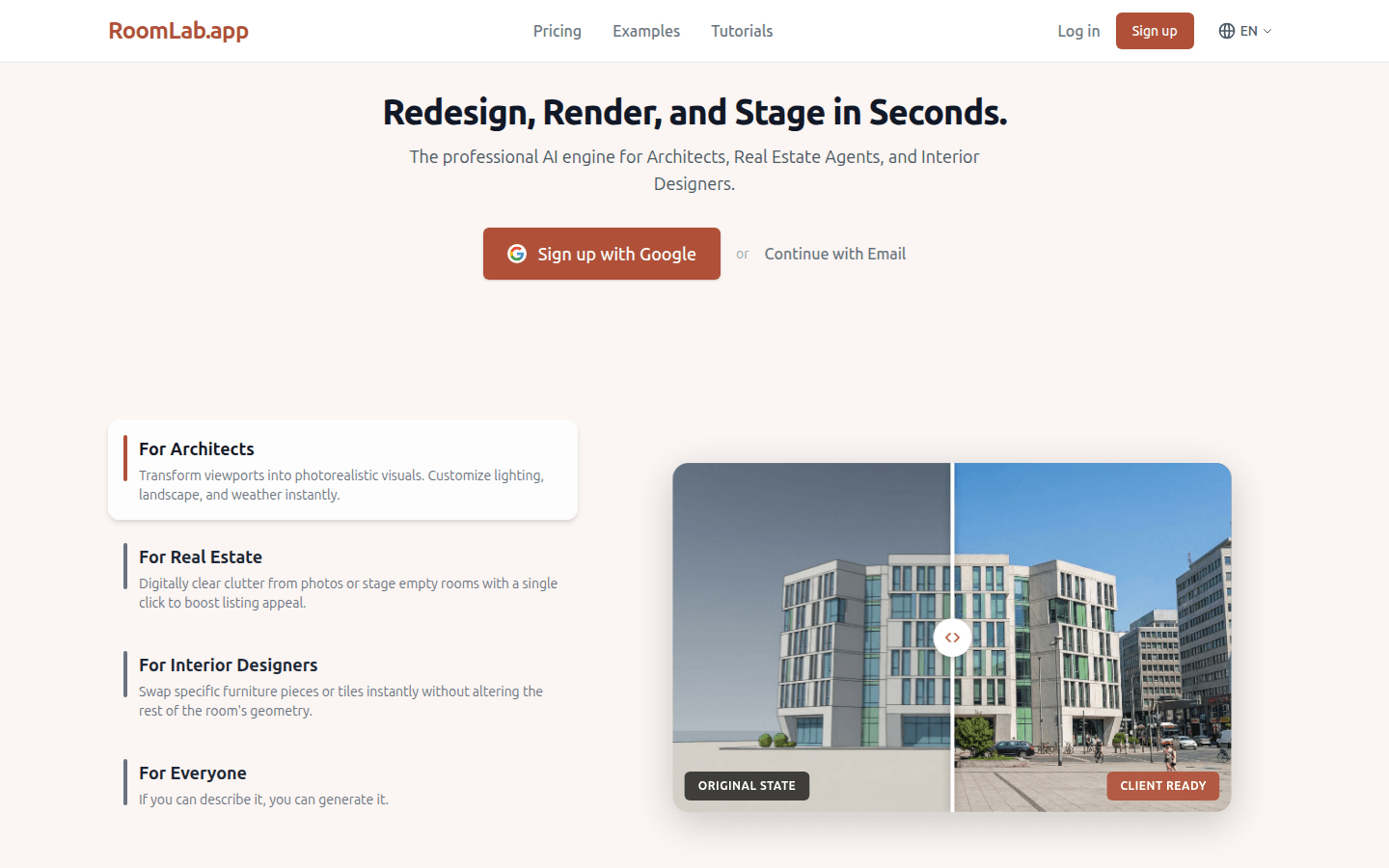
Screenshot archived from the listing page, for preview only.











