
Remove Sora watermarks
Watermark removal for Sora video linksStrip Sora watermarks from a link
Highlights
What you can do with it
- A creator cleans a watermark off an AI animated video before posting it.
- A social media manager prepares short clips for a channel schedule.
- A curious user tests removal quality a few times before deciding on a paid plan.
How to use it
- 1 Copy the public share link of the Sora video.
- 2 Paste the link into the input box on the site.
- 3 Click the remove button and let the AI process the video.
- 4 Preview the result and download the cleaned video.
Who it is for
Pros
- No upload step, so large files do not need to leave the source site.
- Fast processing with a preview before you commit to a download.
- A free tier exists for a few removals each day.
Limitations
- Removing a watermark may breach the terms of the platform that produced the video, and consequences fall on the user.
- The free plan is capped at three removals per day, so volume work needs a paid tier.
- Quality varies by clip, some watermarks leave traces, and privacy or storage statements are the site's own.
What Remove Sora watermarks is
Remove Sora watermarks is a tool for stripping watermarks from AI generated Sora videos. You copy the public share link of a Sora video, paste it into the site, and the tool calls an AI removal API, usually finishing in two to ten seconds. There is no upload step, since the tool fetches the video from the link itself, and you can preview and download the result straight away. It claims lossless quality and says it does not store your videos, keeping only processing logs to prevent abuse. A free plan allows three removals per day, with paid tiers for volume users.
What you can do with it
- Remove a Sora watermark from a video by pasting its public share link.
- Preview the cleaned video and download it immediately.
- Run a few removals a day at no cost on the free plan.
- Handle larger volumes on a paid plan.
Who it is for
- Creators who publish AI generated video and want a clean frame.
- Social media managers preparing short clips for posting.
- Anyone testing whether removal quality is good enough before paying.
What to watch out for
This is the part to take seriously. Removing a watermark may breach the terms of the platform that produced the video, and it can also strip attribution from content you do not own, so only use it on videos you created or have the right to edit. If a school, client, or platform has rules about altered or unlabelled AI media, follow them, since any consequences of ignoring those rules are yours. Quality varies with the source clip, some watermarks leave traces, and the free plan is capped at three removals per day. The site's privacy and storage statements are its own, and plan limits and prices can change.
FAQ
How does it work?
You paste the public share link of a Sora video and the tool processes it remotely, usually in a few seconds.
Do I need to upload the video?
No. The site says it fetches the video from the link, which saves bandwidth and time.
Is it free?
There is a free plan with three removals per day, plus paid tiers for higher volume.
Why it is free
What the official page says: free planfree trial
Free limits, trial length and features are decided by the official site and can change at any time.
Product preview
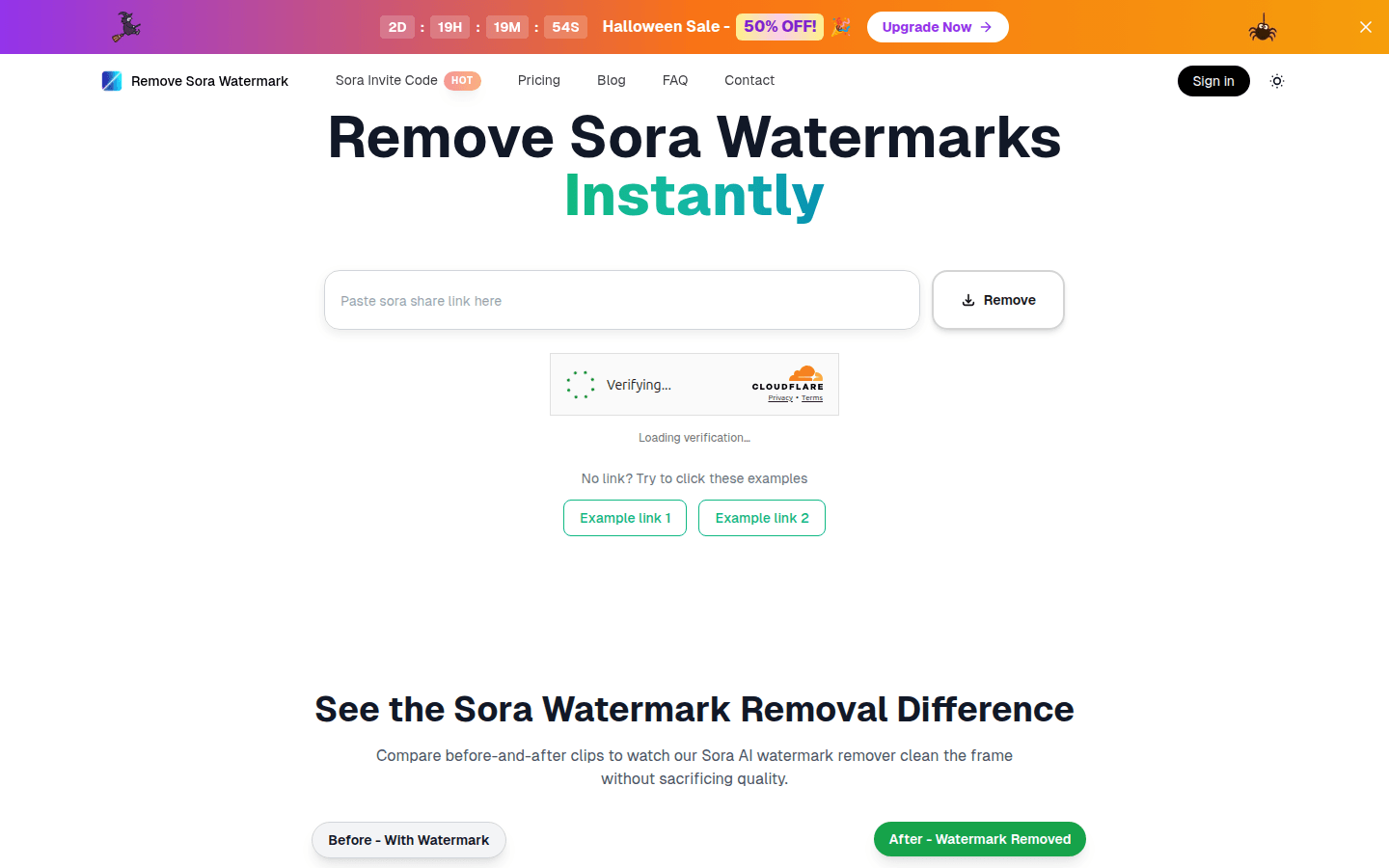
Screenshot archived from the listing page, for preview only.











