
Rekam AI
All in one AI voice toolkit with free text to speechRead text aloud, clone voices, transcribe audio
Highlights
What you can do with it
- Turn blog articles into audio for listeners
- Create course audio in a teacher's own voice
- Add natural narration to product videos
How to use it
- 1 Open rekam.ai in your browser
- 2 Sign in if you need the advanced tools
- 3 Pick text to speech, voice cloning or speech to text
- 4 Choose a voice and language
- 5 Generate, preview, then download
Who it is for
Pros
- Core voice tools are free to use
- One platform covers TTS, transcription and cloning
- Voice library and history make repeat work easy
Limitations
- Cloning a voice can break school or platform rules, and the consequences rest with you; only use voices you have the right to use
- Free plan limits how much you can generate before Pro is needed
- Output quality varies by language and by voice choice
What Rekam AI is
Rekam AI is an all in one AI voice creation platform. It is free to use at the base level, with a paid Pro plan for people who need more. The core tools are text to speech, speech to text and voice cloning, plus a voice library that includes male and female American English voices among other options. You paste or type text and the platform reads it aloud in a natural voice, or you upload an audio file and get a written transcript. Everything you generate is kept in a history list so you can find it again later.
What you can do with it
- Turn written articles into audio for listening on the move
- Transcribe recorded speech into editable text
- Clone a voice for repeated narration work, where you have the rights
- Pick voices and languages from the built in library
Who it is for
- Content creators who publish audio alongside text
- Educators who prepare listening material for class
- Marketers who need quick voiceover for ads and demos
What to watch out for
Voice cloning is the feature that needs the most care. Cloning someone's voice without permission can break school, platform or local rules, and any consequence falls on you, so only use voices you own or are authorized to use. The free tier caps usage, so long projects usually need Pro. Quality also varies by language and by voice, so test a short sample before you record a full script. Generated history is stored on the account, so treat the login as sensitive. Features and interface details may change between versions, so review the latest notes on the page before you start.
FAQ
Is Rekam AI free?
There is a free version that covers the main tools, and a Pro plan is available for heavier use.
What does the voice library offer?
A range of voice types and languages, including male and female American English voices, so you can match the tone of your project.
Can I clone any voice?
The platform includes a cloning feature, but you should only clone voices you own or have permission to use, since misuse may break platform rules and the responsibility sits with the user.
Why it is free
What the official page says: free version
Free limits, trial length and features are decided by the official site and can change at any time.
Product preview
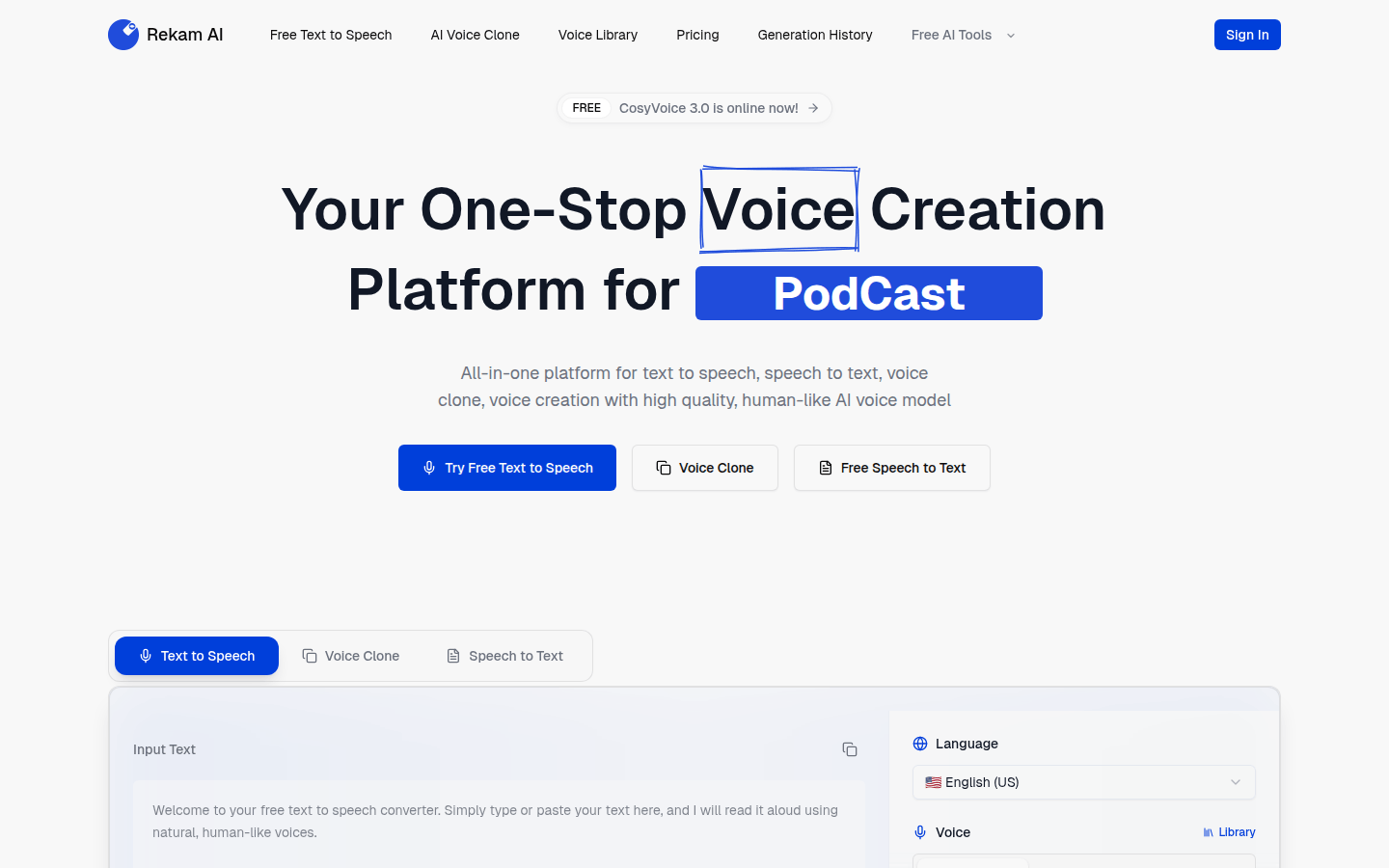
Screenshot archived from the listing page, for preview only.











