
Polar Bear Immersive Translation
Immersive browser translation pluginTranslate pages, PDFs, and academic text
Highlights
What you can do with it
- Reading a foreign webpage through immersive translation
- Translating an academic PDF while keeping its layout
- Looking up words instantly with the online dictionary
How to use it
- 1 Find the plugin in your browser's app store and install it
- 2 Restart the browser and open a page or PDF
- 3 Click the plugin icon and choose Translate Whole Page
- 4 Highlight a word for an instant translation
- 5 Drag a PDF into the plugin to translate it
Who it is for
Pros
- Keeps original layout when translating PDFs
- Academic engine tuned for precise terminology
- Available on several major browsers
Limitations
- Pricing is not clearly stated, so the free version's limits are unclear
- Translation quality can vary by language and content
- Depends on the browser plugin staying available
What Polar Bear Immersive Translation is
Polar Bear Immersive Translation is a browser plugin built to translate web content without pulling you out of your reading flow. It supports several browsers, including Chrome, Edge, Firefox, and 360 Safe Browser, and it covers a range of needs: whole-page translation, PDF translation that keeps the original layout, an academic engine tuned for precise terminology, immersive in-page translation, whole-section selection, and a built-in online dictionary. The main selling points are accuracy, speed, and support for many languages so it works across different scenarios. It is developed by Shenzhen Xiangta Technology, and while the exact pricing is not clearly listed, there appears to be a free version.
What you can do with it
- Translate a full webpage in one click.
- Translate PDFs while keeping the original layout.
- Use an academic engine for precise terms and jargon.
- Get instant translations by highlighting a word.
- Look up detailed definitions in the online dictionary.
Who it is for
- Readers who browse foreign-language websites.
- Students and researchers working with academic PDFs.
- Anyone who wants fast inline translation and lookup.
- Multilingual users who switch between languages often.
What to watch out for
The pricing is not clearly stated on the page, so the limits of the free version are uncertain and paid tiers may exist. Translation quality can vary by language pair and by how technical the text is, so important documents deserve a check. Since it is a browser plugin, its availability depends on each browser's store and on the developer keeping it updated, so keep a backup plan for critical translation work. Run one full task end to end first, then expand once you are comfortable with the workflow and the result quality.
FAQ
Which browsers are supported?
It is available for Chrome, Edge, Firefox, and 360 Safe Browser.
Can it translate PDFs?
Yes, it supports PDF translation while preserving the original format.
Is it free?
The page does not state clear pricing, but there appears to be a free version available.
Why it is free
What the official page says: free version
Free limits, trial length and features are decided by the official site and can change at any time.
Product preview
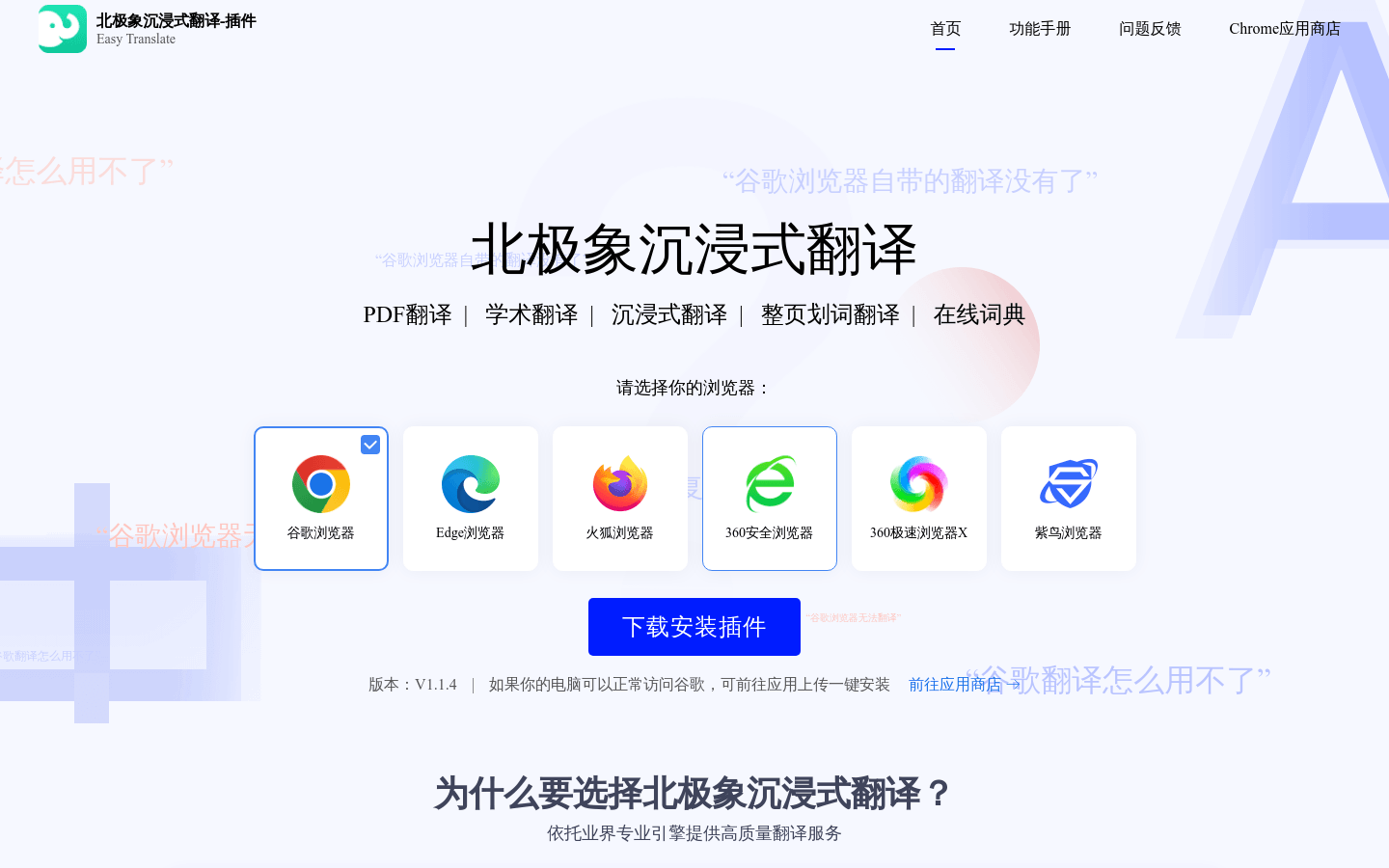
Screenshot archived from the listing page, for preview only.











