
PixPark AI
Free AI image and video generatorGenerate images and video without signing up
Highlights
What you can do with it
- An indie developer generates icons and environment art for a game
- A designer produces consistent hero images for a landing page
- A marketer creates advertising concepts and product visuals
How to use it
- 1 Open the PixPark AI website without logging in
- 2 Compare the model library and pick one that fits your task
- 3 Describe the image you want in the input box
- 4 Generate, then edit conversationally if needed
- 5 Download quickly, since files are kept for twenty four hours
Who it is for
Pros
- No account needed, which lowers the barrier to trying it
- Model choice lets you match the engine to the job
- Commercial use is allowed on generated images
Limitations
- Files are only stored for twenty four hours, so you must download fast
- The platform is currently free, and that can change
- Model quality varies, so compare before committing to one
What PixPark AI is
PixPark AI is a free all in one platform covering AI image generation, video generation, and photo editing. You can open the site and start working without registering an account, which removes the usual sign up step before you see whether a tool is any good. Under the hood there is a library of advanced models, and the platform encourages you to compare them by model line, generation style, and the kind of production they suit rather than forcing one engine on everyone. The stated use cases lean practical: professional asset generation, faster game art, business visuals such as advertising concepts and product renders, and social content with a consistent look. Generation is described as unlimited, and the site says users keep full ownership of what they make, including commercial use.
What you can do with it
- Generate images from a written description.
- Generate video alongside still images in the same workspace.
- Edit and refine photos with the built in editing tools.
- Compare models in the library before committing to one.
- Use conversational editing to iterate on a result.
- Download output for commercial or personal use.
Who it is for
- Game developers who need textures, concepts, and environments quickly.
- Designers producing hero images, advertising ideas, and product visuals.
- Content creators who want original artwork for social posts.
- Small teams that need visual assets without a design department.
What to watch out for
Generated files are stored temporarily for twenty four hours only, so anything you want to keep has to be downloaded straight away. The platform is currently free, and a free offer like that can change, so do not wire it into a production pipeline without a backup plan. Model quality also varies across the library, so spend a few minutes comparing engines on your own prompts rather than assuming the first one you try is the right one for the job.
FAQ
Do I need to register?
No. You can enter the platform and generate without an account.
How long are my images kept?
Generated images are stored temporarily for twenty four hours, so download them in time.
Can I use the images commercially?
The site says you keep full ownership of generated images, including commercial use.
Why it is free
What the official page says: no registrationcompletely free
Free limits, trial length and features are decided by the official site and can change at any time.
Product preview
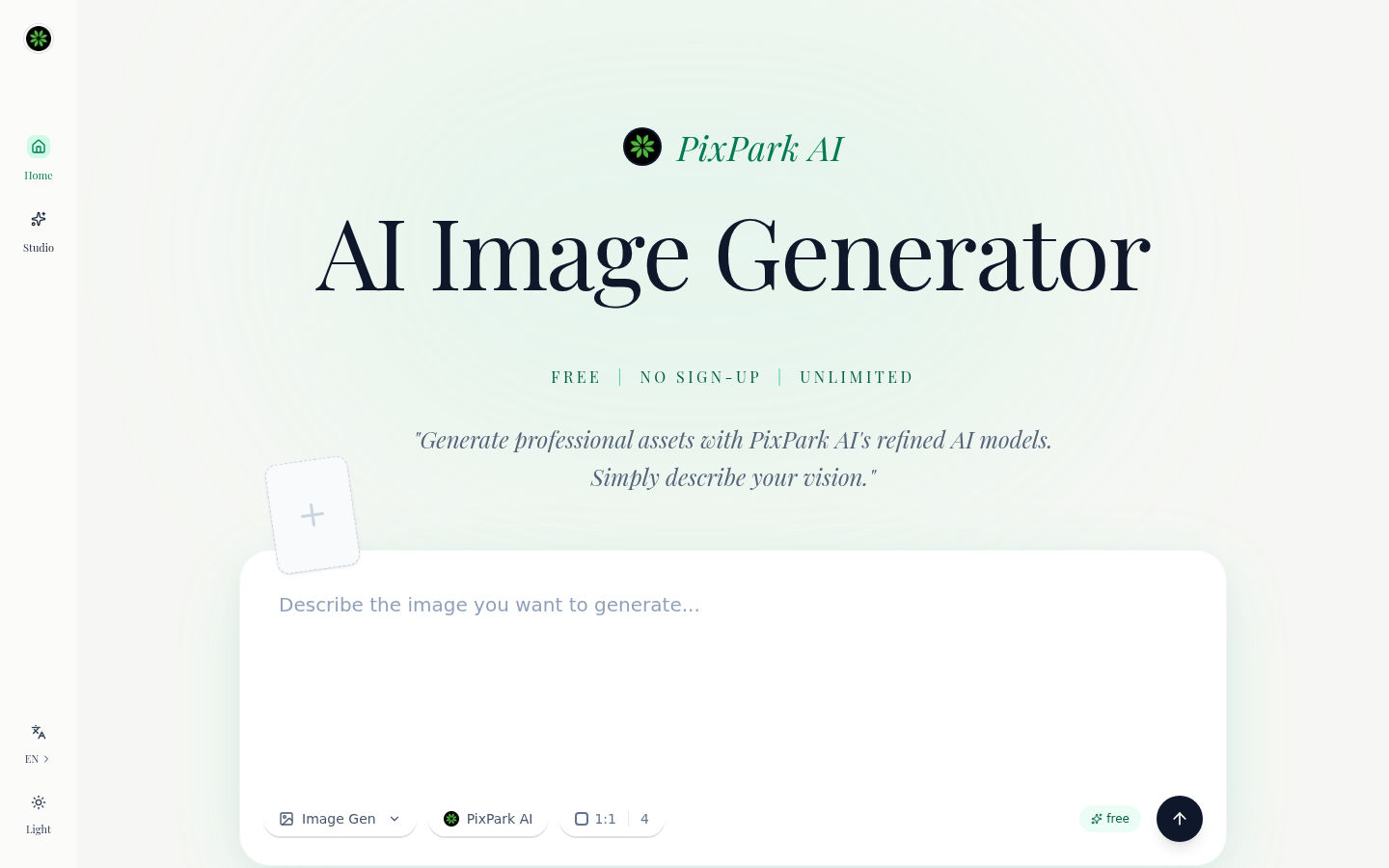
Screenshot archived from the listing page, for preview only.











