
Photo Restore AI
Online AI old photo restoration toolRepair, colorize, and sharpen old photos
Highlights
What you can do with it
- Restore faded family photos for a reunion
- Rebuild yellowed wedding photos as an anniversary gift
- Batch restore historical photos for a museum exhibition
How to use it
- 1 Upload scanned photos by drag and drop or file browse
- 2 Let the AI repair scratches, sharpen details, and add color
- 3 Preview the result, then download the high-definition file
Who it is for
Pros
- No professional editing skills required
- Batch processing speeds up large archives
- Wide format support including HEIC and TIFF
Limitations
- Free access is a trial; output starts at $0.20 per photo
- Heavily damaged originals may need manual touch-up
- Colorization is an inference, not a historical record
What Photo Restore AI is
PhotoRestore.ai is an online old photo restoration tool built on AI. It targets damaged and faded photos, repairing scratches, reconstructing color, and sharpening faces without professional editing skills. A free trial is available and paid output starts at $0.20 per photo. Uploads support JPG, PNG, WEBP, HEIC, TIFF, and BMP, and results can be batch processed and downloaded in high definition.
What you can do with it
- Repair scratches automatically with context-aware pixel filling.
- Colorize black-and-white photos using era, light, and texture analysis.
- Enhance and sharpen faces, including blurry ones.
- Batch upload and restore multiple photos at once.
- Download high-definition results.
- Use one-click operation without manual masking.
Who it is for
- Families restoring personal photo archives.
- Photographers adding restoration as a service.
- Designers working on retro or heritage projects.
- Historians and archivists processing large collections.
What to watch out for
Free access is a trial, and each restored photo costs from $0.20. Severely damaged originals may still need manual retouching. Colorization is an algorithmic inference rather than documentary evidence, so treat it as an artistic reconstruction, especially for historical material. Processing speed depends on file size and network conditions, so retry later if a task stalls during peak hours. Run one full task end to end first, then expand once you are comfortable with the workflow and the result quality. Start with a small sample to confirm the output meets your expectations before processing the full batch. Free tiers and usage limits can change, so check the current rules on the official page before relying on it long term. Behavior may vary across browsers and devices, so test before production use and consult the help docs if errors appear.
FAQ
What does it cost?
There is a free trial, and paid plans start at $0.20 per photo.
Which formats can I upload?
JPG, PNG, WEBP, HEIC, TIFF, and BMP are supported.
Can it fix faces?
Yes. A dedicated face enhancement model identifies each face and sharpens features, even on blurry shots.
Why it is free
What the official page says: free trial
Free limits, trial length and features are decided by the official site and can change at any time.
Product preview
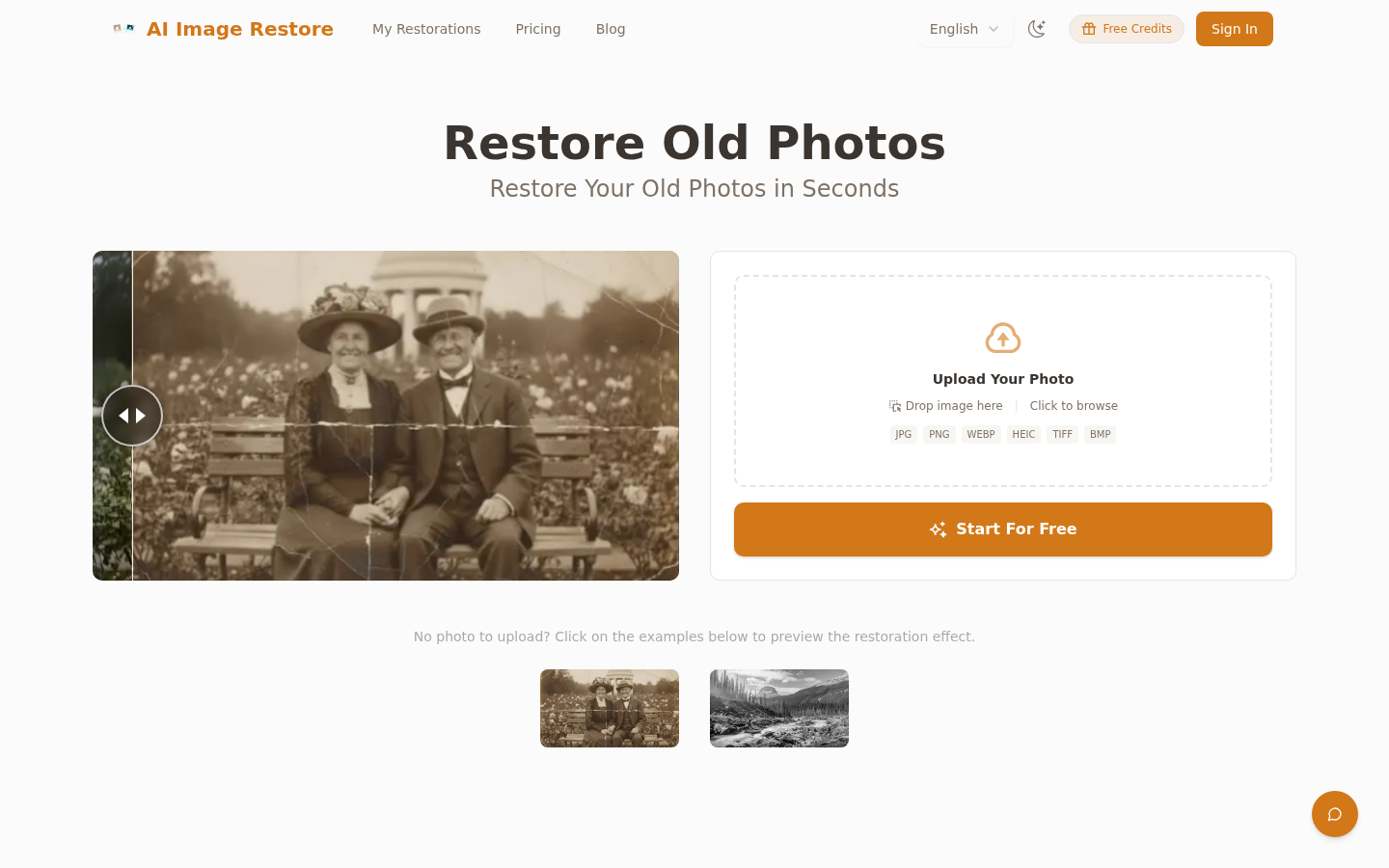
Screenshot archived from the listing page, for preview only.











