
pdf.net
Online PDF editor for edit, merge, split, and signHandle PDFs in the browser without installing software
Highlights
What you can do with it
- A legal assistant completes a full document edit in minutes
- An accounting supervisor edits text, annotates, and converts formats
- A tax consultant splits a long PDF into shorter documents fast
How to use it
- 1 Upload a PDF or drag it onto the page; DOC, DOCX, JPG, and PNG also work
- 2 Use the tools to edit, sign, merge, split, or convert the file
- 3 Download the updated file to your device
Who it is for
Pros
- Core functions are free to use
- Wide range of editing, signing, and conversion tools
- Works in the browser across platforms
- Simple interface that is easy to pick up
Limitations
- Some advanced features require registration
- Conversion fidelity can vary with complex layouts
- Free access terms and features may change over time
- Very large or scanned PDFs may be slower to process
What pdf.net is
pdf.net is a professional online PDF editor with a simple, intuitive interface. It lets you edit text directly inside a PDF, change font size and color, and move text around with ease. You can merge multiple files into one, split a file into parts, and reorder pages before merging. It offers several ways to sign, including typing, drawing, or uploading a signature, and it can annotate with marks, highlights, and drawings in different colors and widths. It also rotates, reorders, and deletes pages, adds images, page numbers, and Bates numbers, and converts between PDF and formats such as Word, Excel, CSV, PNG, and JPG while keeping the original layout.
What you can do with it
- Edit text, fonts, and colors directly in a PDF in the browser.
- Merge, split, rotate, reorder, and delete pages as needed.
- Sign documents and add annotations and highlights.
- Convert PDF to Word, Excel, CSV, PNG, and JPG, and back again.
Who it is for
- Legal assistants who edit, annotate, and sign many documents.
- Accounting staff who process statements, reports, and exports.
- Students, freelancers, and enterprise employees who handle PDFs daily.
What to watch out for
The core functions are free to use, but more features require registering an account. Conversion fidelity can vary with complex layouts, fonts, or scanned pages, so check the output before you rely on it. Very large or image-heavy PDFs may be slower to process in the browser. Free access terms and the exact feature set can change over time, so confirm current details. For legally binding signatures, make sure the method you choose meets the requirements of your situation and jurisdiction.
FAQ
Is pdf.net free?
The core functions are free to use, and more features unlock when you register an account.
Can I convert PDFs to other formats?
Yes. It converts PDF to Word, Excel, CSV, PNG, and JPG, and can also convert those formats back to PDF while keeping the layout.
Can I sign documents?
Yes. You can add a signature by typing, drawing, or uploading an image, and the tool states the signatures have legal effect.
Why it is free
What the official page says: free to use
Free limits, trial length and features are decided by the official site and can change at any time.
Product preview
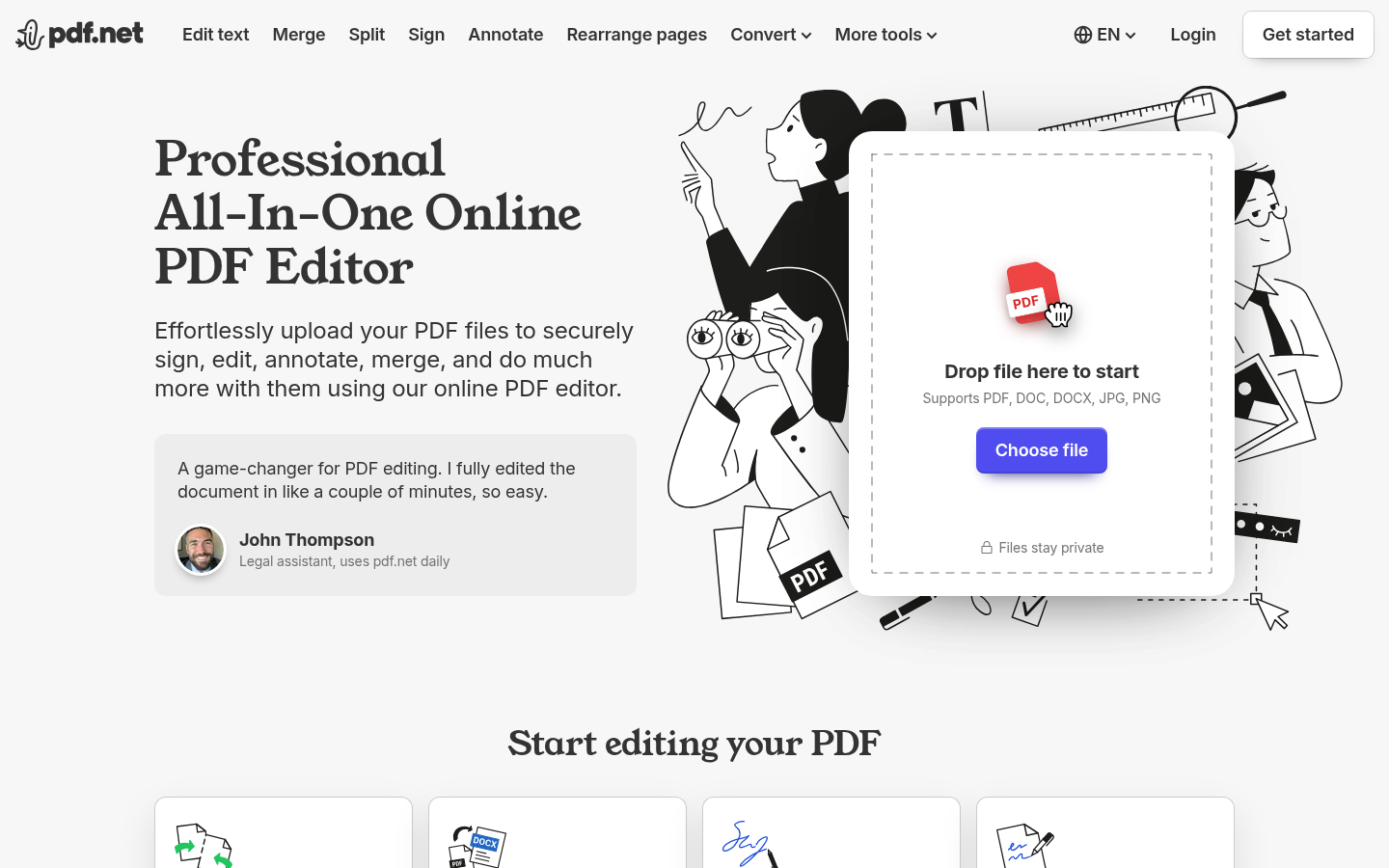
Screenshot archived from the listing page, for preview only.











