
Parse.dev
AI data analysis tool with zero code SQL free versionQuery and visualize data without writing SQL, free version
Highlights
What you can do with it
- Analysts querying databases without writing SQL
- Small teams exploring trends in their own data
- Users building visual reports for stakeholders
How to use it
- 1 Open Parse and connect your built-in information
- 2 Ask a question or describe the analysis you want
- 3 Let the AI query the data and find patterns
- 4 Review the visualized report it generates
- 5 Export or share the results
Who it is for
Pros
- Free basic version available
- No SQL knowledge required
- Automatic insight discovery and visual reports
Limitations
- Free version limits and advanced pricing may change over time
- Insight quality depends on data structure and quality
- Complex questions may still need manual query work
What Parse.dev is
Parse is an AI driven data analysis tool that removes the need to write SQL queries. You connect your data and then ask questions or describe the analysis you want, and the tool queries the database for you. It is built to be intuitive, so people without database training can still explore data. Beyond querying, it analyzes trends, discovers insights automatically, and turns results into visualized reports that are easy to read. There is a basic free version with core functionality, and an advanced version that offers more features and storage. It serves individuals, small teams, and enterprise users alike.
What you can do with it
- Query databases without writing SQL by hand
- Analyze data trends through a simple interface
- Let the AI surface insights automatically
- Turn results into clear, visualized reports
Who it is for
- Analysts who want answers without manual SQL
- Small teams exploring their own datasets
- Business users who need visual reports quickly
What to watch out for
The free version has limits, and the advanced pricing can change, so review current plans before relying on it. Insight quality depends on how clean and well structured your data is, so messy sources produce weaker results. Very complex questions may still require manual query work or a data expert. Treat automatic insights as leads to check, not final answers, especially before making decisions based on them. Processing speed depends on file size and network conditions, so retry later if a task stalls during peak hours. Run one full task end to end first, then expand once you are comfortable with the workflow and the result quality.
FAQ
Is Parse free?
It has a basic free version, with an advanced version that adds more features and storage.
Do I need to know SQL?
No, the tool is designed so you can query data without writing SQL.
Who is it for?
It targets individual users, small teams, and enterprise users who need quick data answers.
Why it is free
What the official page says: free version
Free limits, trial length and features are decided by the official site and can change at any time.
Product preview
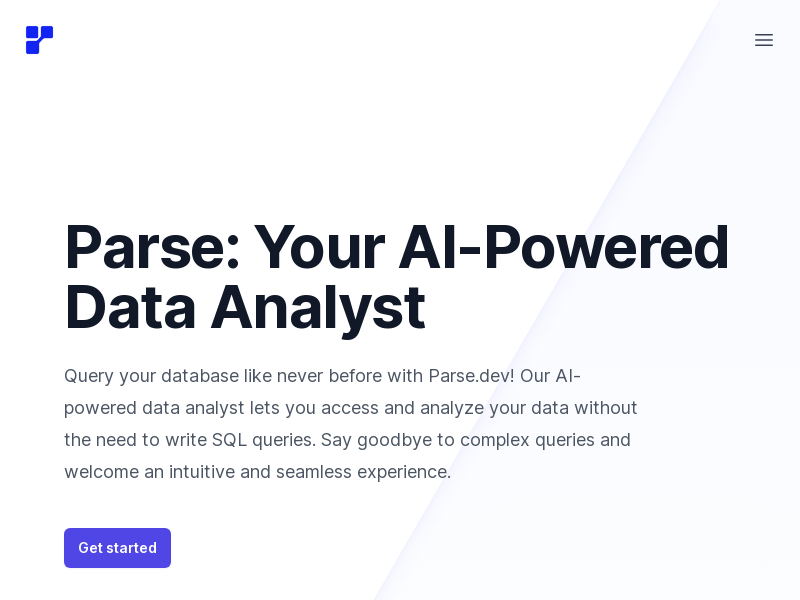
Screenshot archived from the listing page, for preview only.











