
Osmo
AI note-taking assistantNever lose a conversation again
Highlights
What you can do with it
- A meeting is transcribed and summarized into decisions and actions
- An interview is captured as text and turned into an article
- AI assistance helps weigh options after a discussion
How to use it
- 1 Open Osmo and start a recording or session
- 2 Let it transcribe the conversation automatically
- 3 Read the summary it produces
- 4 Edit and tidy the notes in the editing tools
- 5 Turn the result into a slideshow, an article or a decision aid
Who it is for
Pros
- Unlimited free transcription is the headline offer
- Summaries save reading a full transcript
- Notes can be pushed into slideshows and articles
Limitations
- The site was returning an error page when this entry was checked
- Transcription accuracy depends on audio quality
- Recording conversations has consent and privacy implications
What Osmo is
Osmo is a personal AI note-taking assistant built around capturing what was said. It transcribes conversations automatically, summarizes them into notes, and helps you push the result into slideshows, articles or decisions. The headline feature is that the site describes transcription as unlimited and free, which is unusual in a category where minutes are usually metered. Editing tools let you tidy the output afterward instead of accepting a raw transcript, and the site says AI assistance can help with decision-making once the discussion is captured. It is pitched at people who spend their day in back-to-back meetings, interviews and calls and need a searchable record afterward. One caveat: the site was returning an error page when this entry was checked.
What you can do with it
- Transcribe a conversation automatically
- Read a summary instead of the full transcript
- Edit and tidy the notes afterward
- Turn captured notes into slideshows or articles
- Use AI assistance to work through decisions after a discussion
Who it is for
- People in back-to-back meetings who need a reliable record
- Interviewers and researchers capturing conversations at length
- Writers who want to turn spoken discussion into a draft
What to watch out for
The site was returning an error page when this entry was checked, so confirm it is live and that the unlimited free transcription offer still stands before you build a workflow on it. Transcription accuracy depends heavily on audio quality, accents and overlapping speech, so expect to clean up transcripts of noisy or multi-speaker recordings. Recording conversations carries consent and privacy obligations: make sure participants know they are being recorded and check the rules that apply where you are. Finally, storing meeting content means trusting the vendor with sensitive material, so review the data handling terms before recording anything confidential.
FAQ
What does Osmo do?
It captures high-quality notes by transcribing conversations, summarizing them, and helping you generate new ideas, slideshows and articles from the result.
Is transcription really unlimited and free?
The site describes unlimited free transcription as a core feature. Because free terms change and the site was erroring when this entry was checked, confirm the current offer before relying on it.
Can I edit the notes afterward?
Yes. The site describes powerful editing tools, so you can tidy the summary rather than accepting a raw transcript.
What should I be careful about?
Recording conversations raises consent and privacy questions. Make sure the people involved know they are being recorded, and check the rules where you are before capturing calls or meetings.
Why it is free
What the official page says: 免费
Free limits, trial length and features are decided by the official site and can change at any time.
Product preview
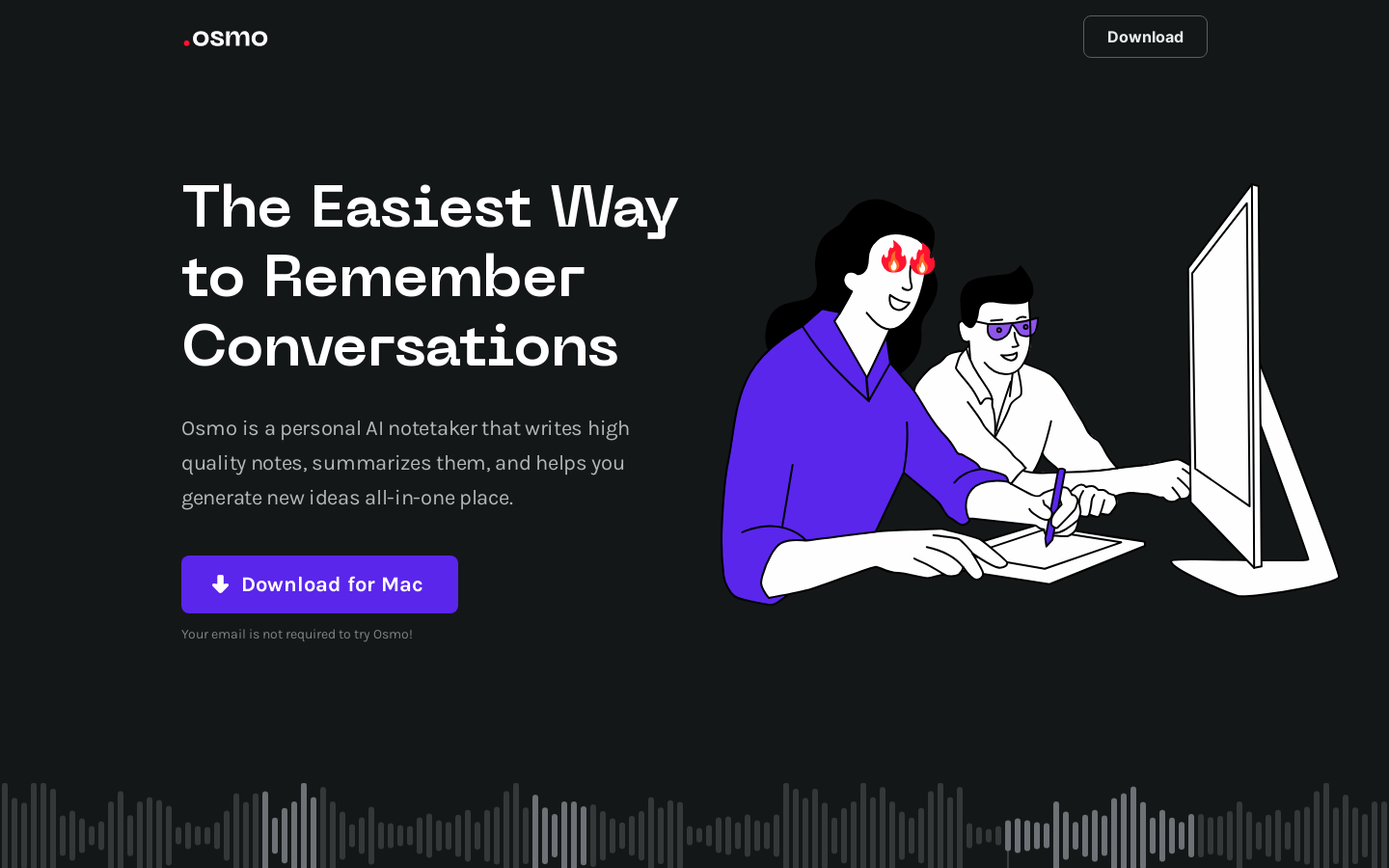
Screenshot archived from the listing page, for preview only.











