
Openclaw
Open source AI automation framework developers can self hostProgrammable AI workflows with 50 plus integrations, MIT licensed
Highlights
What you can do with it
- Teams automating office tasks like scheduling and email replies
- Developers building data processing and analysis workflows
- Anyone connecting smart home devices into automated routines
How to use it
- 1 Install Openclaw using the quick command or Docker
- 2 Define your AI workflows in TypeScript or YAML
- 3 Integrate chat platforms and services with built in plugins
- 4 Choose a model provider or run a local model with Ollama
- 5 Deploy to your own infrastructure and extend with custom plugins
Who it is for
Pros
- Free under the MIT license with only your own infrastructure costs
- 50 built in integrations plus support for custom TypeScript plugins
- Runs on macOS, Linux, and Windows without WSL
Limitations
- You pay for and manage your own server and model API usage
- Requires developer skills to define workflows and write plugins
- Self hosting means you handle security, updates, and reliability
What Openclaw is
Openclaw is an open source AI automation framework built for developers who want full control over their workflows. Instead of depending on a cloud AI service, you can self deploy it and audit every line of code. It is released under the MIT license, which means the framework itself is free to use. Your only costs are your own server and any external model API you decide to call. The framework includes a programmable workflow engine where you define triggers and actions in TypeScript or YAML, a universal message router that treats chat platforms as middleware, and a stateful context manager for multi turn conversations.
What you can do with it
- Define AI workflows with a programmable engine in TypeScript or YAML
- Route messages across WhatsApp, Telegram, Discord, Slack, and iMessage
- Connect 50 built in services or write your own TypeScript plugins
- Bring your own model from OpenAI, Anthropic, or a local Ollama setup
Who it is for
- Developers who want transparent and auditable automation code
- Technical teams that need to keep data on their own infrastructure
- Users who want to avoid lock in to a single AI model vendor
What to watch out for
Self hosting gives you control, but it also means you are responsible for server costs, security patching, uptime, and backups. External model APIs can add usage based charges that grow with your automation volume. The framework assumes developer comfort with code, configuration, and deployment tools like Docker, so it is not a no code product. Because it is open source, long term maintenance depends on the community, so review the project activity before relying on it for critical systems.
FAQ
Is Openclaw free?
Yes, it is MIT licensed and free to use. You only pay for your server and any external model API.
Which chat platforms does it support?
It can route messages across WhatsApp, Telegram, Discord, Slack, and iMessage through one API gateway.
Can I run models locally?
Yes, with bring your own model you can connect external providers or run local models using Ollama.
Why it is free
What the official page says: free to use
Free limits, trial length and features are decided by the official site and can change at any time.
Product preview
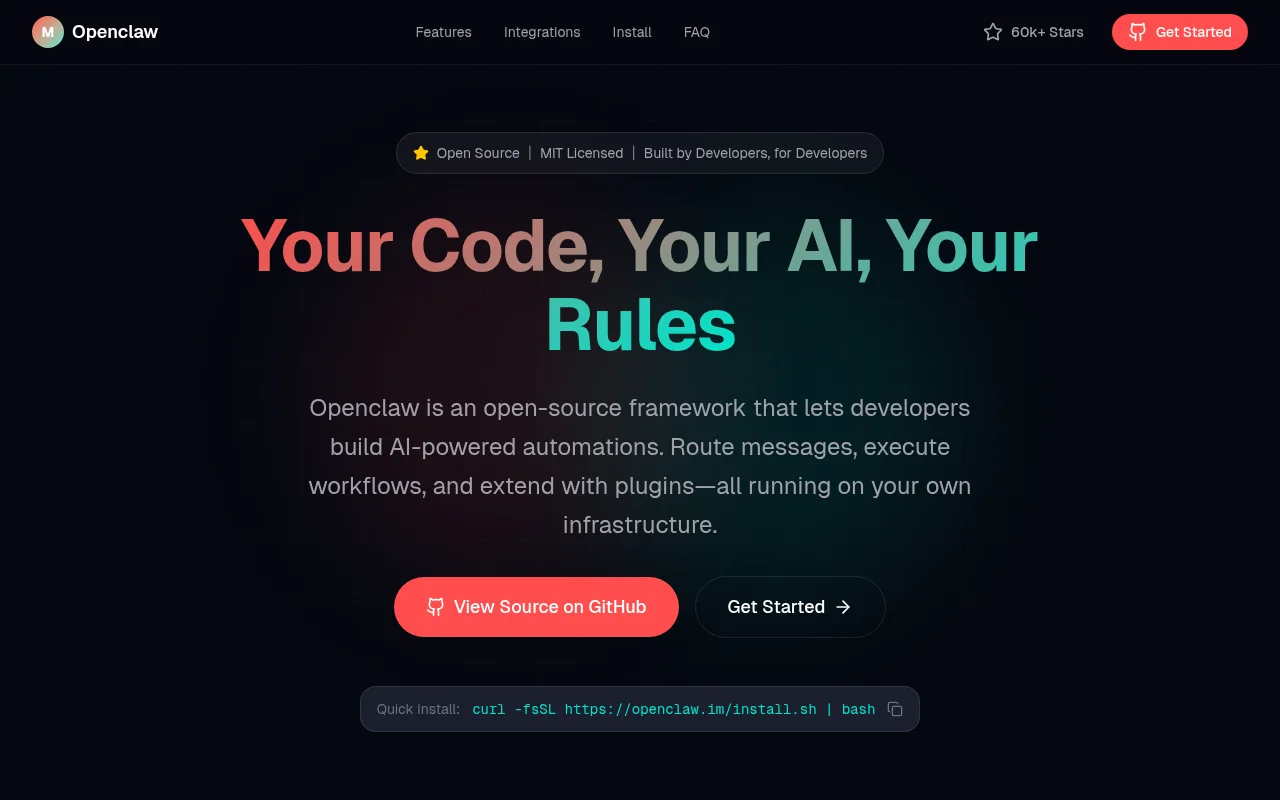
Screenshot archived from the listing page, for preview only.











