
Onward
Meeting assistant that records and tracks actionsMeetings, minutes, and tasks in one tool
Highlights
What you can do with it
- Teams run a call and get minutes without note taking
- Actions from a meeting turn into tracked tasks
- Records stay current without manual updates
How to use it
- 1 Sign up for Onward and create a meeting.
- 2 Hold the call and let it record minutes.
- 3 Turn the outcomes into tracked tasks.
- 4 Update records and review before the next meeting.
Who it is for
Pros
- Minutes and actions captured automatically
- Fewer separate tools for meetings and tasks
- Free trial plus early access to try it
Limitations
- Early access means features may change or break
- Paid pricing scales with user count
- Site availability has been inconsistent
What Onward is
Onward is a meeting tool built for teams that run on conversations. It handles the whole loop: you create the meeting, it records minutes during the call, outcomes become tracked tasks, and the related records update so nobody has to reconstruct what was agreed. The product describes itself as simple, powerful, and connected, and it is being offered with early access, which means you can use it ahead of a full release and shape it with feedback. On the commercial side there is a free trial, and paid versions are priced by user count, so cost grows with the team rather than staying flat.
What you can do with it
- Create a meeting and have minutes recorded
- Turn decisions into tasks that are actually tracked
- Keep records updated without manual retyping
- Automate the follow-up around important calls
Who it is for
- Teams that meet often and dislike note taking
- Managers who chase actions between calls
- Early adopters comfortable with new tools
- Groups that want one place for meetings and tasks
What to watch out for
Early access is the main caveat. Features can change, break, or disappear before launch, so do not build a critical process on it yet, and keep your own notes until the product settles. Paid pricing scales with user count, which is worth modelling before you roll it out to a whole team rather than a pilot group, since a small per-seat difference multiplies quickly. Automatic minute taking also means recordings and transcripts of internal conversations pass through a third party, so review the privacy and retention settings before using it for sensitive topics. Site availability has been inconsistent, so confirm the service is live before you rely on it for a busy week.
FAQ
What does Onward do?
It helps teams create meetings, record minutes, track tasks, and update records, automating the follow-up around important conversations.
Is it released yet?
The description mentions early access, so some behaviour may still change before a full release.
How is it priced?
There is a free trial, and paid versions are priced according to the number of users.
Why it is free
What the official page says: free trial
Free limits, trial length and features are decided by the official site and can change at any time.
Product preview
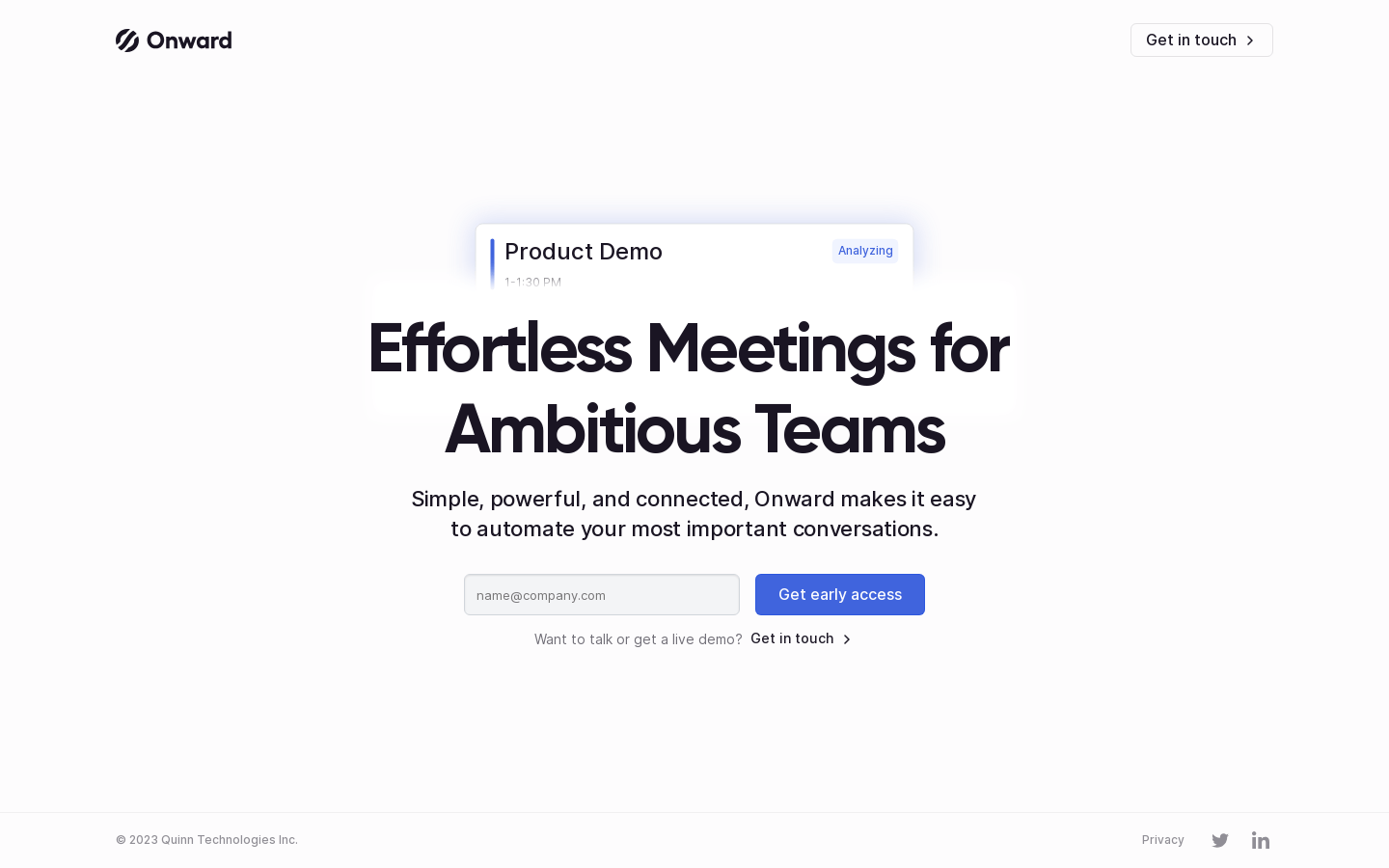
Screenshot archived from the listing page, for preview only.











