Note This Down
AI transcription for handwritten notesDigitize handwriting straight into Notion
Highlights
What you can do with it
- Digitize class notes for easier review
- Transcribe meeting notes for work
- Turn lab notes into searchable records
How to use it
- 1 Install the Note This Down app
- 2 Connect your Notion account
- 3 Upload or photograph handwritten notes
- 4 Add a title and run transcription
- 5 Review and organize the text in Notion
Who it is for
Pros
- Direct Notion integration
- Handles messy handwriting well
- Multi-device access with secure storage
Limitations
- Requires a Notion account
- Subscription needed after the 7-day trial
- Very unclear handwriting can still produce errors
What Note This Down is
Note This Down is an app that uses AI to digitize handwritten notes. According to the site, you connect your Notion account, upload photos of your handwritten notes, and the app converts the handwriting into editable text that is saved on a new page in Notion. Key benefits include high transcription accuracy even with messy handwriting, direct integration with Notion, unlimited uploads and transcriptions, and access across multiple devices so you can capture notes anywhere. The site lists a 7-day free trial, with monthly and yearly pricing after that. It is designed for people who enjoy writing by hand but want the convenience of digital organization and full-text search.
What you can do with it
- Turn handwritten notes into editable, searchable text
- Save transcriptions straight into a new Notion page
- Upload multiple note photos at once for batch work
- Search, edit, and organize notes inside Notion afterward
Who it is for
- Students digitizing class notes for easier review
- Professionals transcribing meeting notes into records
- Researchers organizing lab notes and field observations
- Handwriting fans who want digital search without typing
What to watch out for
It requires a Notion account, so it is not useful if you do not already use Notion or are unwilling to adopt it. The 7-day trial is short and continued use needs a monthly or yearly subscription, so weigh the cost against how much you actually write by hand. Transcription accuracy is high but not perfect, and very unclear, stylized, or cursive handwriting can still produce errors that need cleanup. Because your notes are stored through Notion, your data sits with that service too, so review its privacy terms before uploading sensitive or confidential material.
FAQ
Does it work with Notion?
Yes. You connect a Notion account and notes are saved to a new page.
Is there a free trial?
Yes. The site offers a 7-day free trial before monthly or yearly pricing.
How accurate is the transcription?
The site says it keeps high accuracy even with messy handwriting, though very unclear writing can still cause errors.
Why it is free
What the official page says: free trial
Free limits, trial length and features are decided by the official site and can change at any time.
Product preview
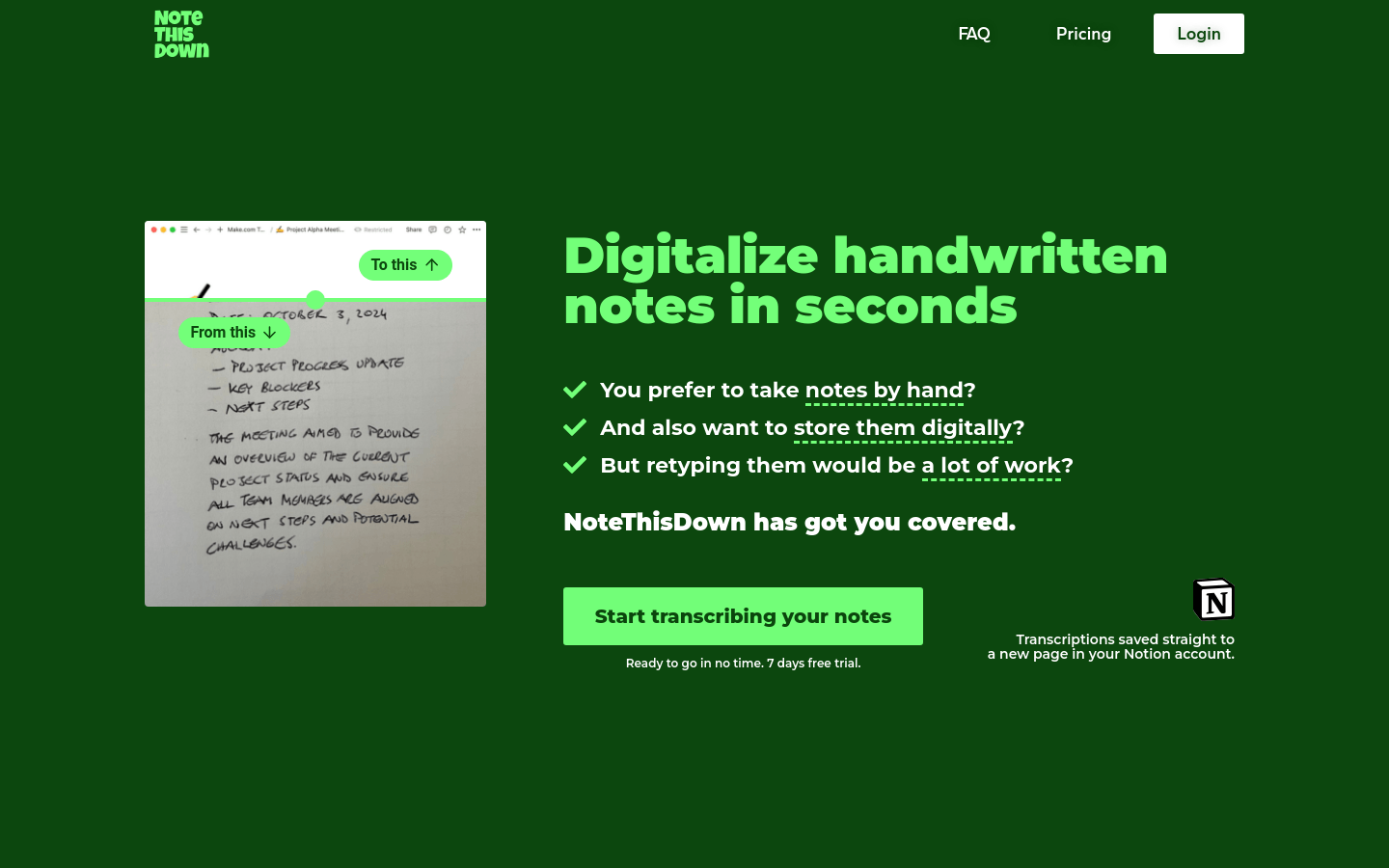
Screenshot archived from the listing page, for preview only.











