
Nimo
Intelligent canvas that unifies AI workAll your AI apps and agents on one canvas
Highlights
What you can do with it
- Merge Gmail and Calendar into one daily view
- Turn financial data into a live planning dashboard
- Build a product launch plan dashboard
How to use it
- 1 Open nimo.space and pick the free version, trial, or Pro
- 2 Connect the apps you use from the app store
- 3 Use the AI assistant or build a custom dynamic app with prompts
- 4 Organize tasks by category to keep context tidy
Who it is for
Pros
- Free version and trial
- Data stays on your Mac and iCloud
- Brings many tools into one canvas
Limitations
- Free version and trial have limits and Pro costs $16.2 per month
- Data is stored on your Mac and iCloud, so it is tied to the Apple ecosystem
- Connecting many apps and building custom apps takes time to learn
What Nimo is
Nimo is an intelligent canvas that brings AI apps, agents, and tools into one workspace. It offers an infinite canvas, an app store with more than 100 applications, an AI assistant for documents and tasks, and the ability to build custom dynamic apps through prompts. Connected app data is stored only on your Mac and iCloud, which the site presents as a privacy choice and a reason to keep work in one place. The goal is to cut the constant switching between apps so you can handle more of your work on a single surface. There is a free version and a free trial, plus a paid Pro version at $16.2 per month.
What you can do with it
- Merge apps and agents onto one infinite canvas
- Connect Gmail, Google Sheets, Calendar, and more
- Build custom dynamic apps with prompts
- Organize tasks by category with their own context
Who it is for
- Business people juggling many work apps
- Product managers building dashboards
- Office workers updating docs and tasks
What to watch out for
The free version and trial have limits, and the Pro version costs $16.2 per month, so ongoing use can carry a cost. Because data is stored on your Mac and iCloud, the tool is tied to the Apple ecosystem and may not suit other setups or teams on Windows. Connecting many apps and building custom dynamic apps takes time to learn, so plan for a setup period before it starts to save you time. For best results, start with a small test file and review the output carefully before working on anything important. Free tiers can change over time, so it is worth checking the current limits on the official page before you rely on the tool daily.
FAQ
What is Nimo?
It is an intelligent canvas that unifies AI apps, agents, and tools in one workspace.
Is there a free version?
Yes, it offers a free version and a free trial, plus a paid Pro version at $16.2 per month.
Where is my data stored?
The site says connected app data is stored only on your Mac and iCloud.
Why it is free
What the official page says: free versionfree trial
Free limits, trial length and features are decided by the official site and can change at any time.
Product preview
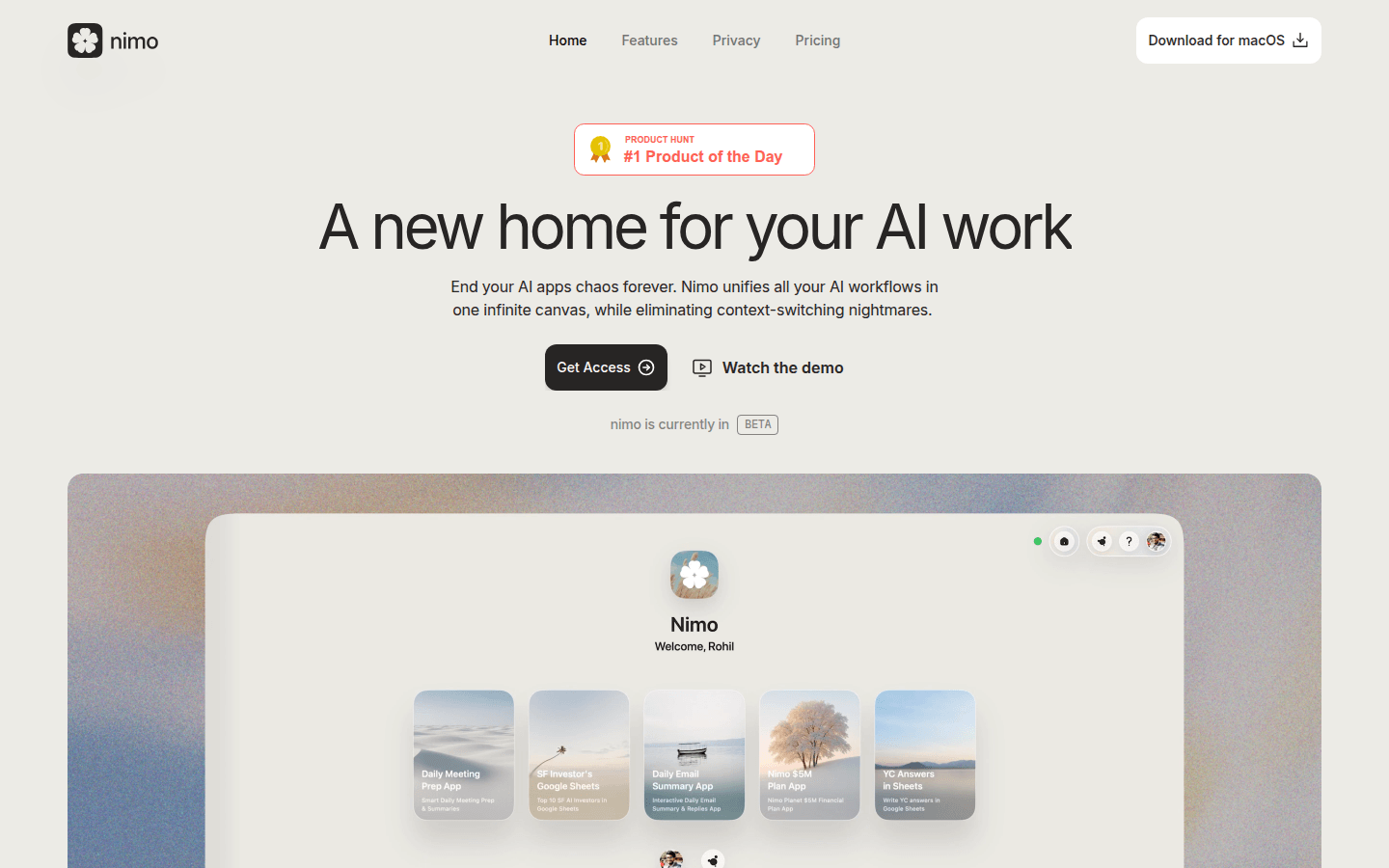
Screenshot archived from the listing page, for preview only.











