
MyEdit
One-stop AI photo editorDraw, erase, extend and clean up photos
Highlights
What you can do with it
- Designers draft promotional images quickly with the AI drawing generator.
- Bloggers adjust product photos for different social platforms with local redrawing.
- Everyday users clean up personal photos by removing objects or swapping backgrounds.
How to use it
- 1 Open the MyEdit website and pick the editing function you need.
- 2 Upload the image file you want to work on.
- 3 Run the tool, for example AI drawing, object removal or background removal.
- 4 Preview the result and check that it meets your needs.
- 5 Download the finished image to your device.
- 6 Upgrade to a subscription if you need extra features or higher download limits.
Who it is for
Pros
- A wide set of tools in one place, so you rarely need to switch sites.
- No professional editing skills needed to get a usable result.
- Some features are completely free and there is a free trial before paying.
- It runs in the browser, so there is nothing to install.
Limitations
- The full feature set sits behind a subscription, and the free trial and free rules can change at any time.
- Output quality depends on the upstream AI models and on the photo you upload.
- New users need a few tries to learn what each AI tool actually does.
- The page could not be reached during the last automated check, so availability is uncertain.
What MyEdit is
MyEdit is an online image editing service from CyberLink. It bundles AI drawing, image restoration, background removal and image enlargement into one web page, together with everyday editing controls such as crop, flip, rotate, resize and format conversion. The idea is that advanced algorithms handle the heavy lifting, so a person with no professional editing background can still finish a job quickly. There is a free trial and some features are completely free, while a subscription unlocks additional functions and higher download limits.
What you can do with it
- Type a description and pick a style to generate an image with the AI drawing generator.
- Smudge an area and describe what should appear there with local redrawing.
- Extend the background of a photo with the AI image extension tool.
- Remove unwanted objects or people in one click.
- Cut out a background to get a transparent image or swap in a new one.
- Crop, flip, rotate, resize and convert formats with the basic editor.
Who it is for
- Designers who need fast visuals for drafts and campaigns.
- Bloggers and sellers who prepare product photos for social platforms.
- Casual users who want a quick clean up on personal photos.
What to watch out for
Only part of the toolbox is free. The free trial and the set of free functions can change at any time, and the extra tools plus higher download limits sit behind a paid plan. Output quality depends on the upstream models and on the photo you upload, so results are not uniform across images. Some AI features, such as local redrawing, take a couple of tries before you get the hang of them. The page also could not be reached during the last automated check, so confirm it is up before you plan work around it.
FAQ
Is MyEdit free?
Some features are completely free and there is a free trial. Extra functions and higher download limits need a subscription.
Do I need design skills?
No. The AI tools are built so that people without professional editing skills can still finish common tasks.
Who makes MyEdit?
It is developed by CyberLink, a company that builds consumer software.
Can I use it on a phone?
It is a web tool, so you open it in a browser rather than installing an app.
Why it is free
What the official page says: free trialcompletely free
Free limits, trial length and features are decided by the official site and can change at any time.
Product preview
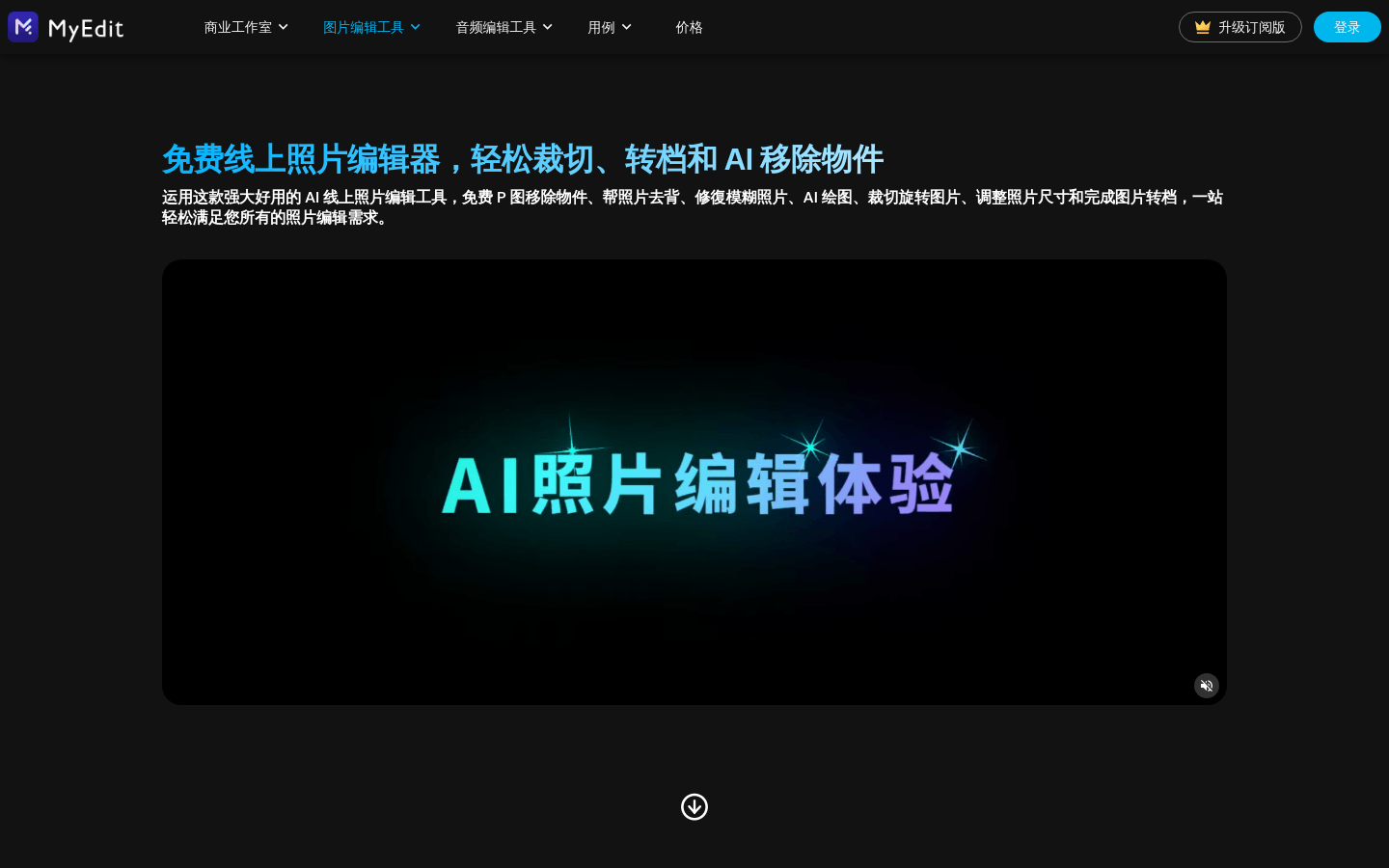
Screenshot archived from the listing page, for preview only.











