MinusX
AI data analyst inside your browser toolsAsk questions in Jupyter, Metabase, Sheets
Highlights
What you can do with it
- Data analysts generate reports and explore data in Jupyter notebooks
- Business analysts explore and visualize data in Metabase
- Researchers run data science experiments in Google Colab
How to use it
- 1 Install Chrome and visit the MinusX website.
- 2 Add the extension to your browser.
- 3 Open a supported tool such as Jupyter, Metabase, or Sheets.
- 4 Ask a question or make a request in natural language.
- 5 Select the data area when prompted and review the result.
- 6 Extend or modify the existing notebook as needed.
Who it is for
Pros
- Free to use at the moment
- Stays inside the tools you already work in
- Several AI models are supported
- Natural language lowers the barrier to exploring data
Limitations
- The team notes a possible move to a subscription model, so do not assume it stays free
- Only works inside supported tools, so other platforms are out of scope
- AI suggestions still need human review before decisions
- Requires Chrome and access to your data tools
What MinusX is
MinusX is a Chrome extension that works as an AI data scientist inside the tools you already use. It supports Jupyter, Metabase, Tableau, Grafana, Google Colab, and Google Sheets, letting you ask questions in natural language, generate hypotheses, and request data changes without leaving the page. You can select an area of a notebook or dashboard and ask for modifications, and the extension supports models such as Claude Sonnet 3.5, GPT-4o, and GPT-4o mini, with plans to let users choose custom models. It is currently free to use, though the team notes a possible move to a subscription model later.
What you can do with it
- Explore data and form hypotheses using natural language.
- Ask questions inside Jupyter, Metabase, Tableau, Grafana, Colab, or Sheets.
- Select areas of a notebook or dashboard and request changes.
- Switch between supported AI models for different tasks.
Who it is for
- Data analysts working in notebooks and dashboards.
- Business analysts exploring metrics in Metabase or Sheets.
- Researchers running experiments in Google Colab.
What to watch out for
The extension is free today but may move to a subscription, so do not build a critical workflow on the assumption that it stays free. It only works inside supported tools, so other platforms are out of scope. AI suggestions still need human review, especially for analysis that informs decisions, and the extension needs Chrome and access to your data tools. Processing speed depends on file size and network conditions, so retry later if a task stalls during peak hours. Run one full task end to end first, then expand once you are comfortable with the workflow and the result quality.
FAQ
Which tools does MinusX support?
It works with Jupyter, Metabase, Tableau, Grafana, Google Colab, and Google Sheets.
Is it free?
It is currently free to use, with a possible transition to a subscription model in the future.
Which AI models can it use?
It supports models such as Claude Sonnet 3.5, GPT-4o, and GPT-4o mini, with plans for custom model choice.
What can I ask it to do?
You can explore data, generate hypotheses, and request changes to a notebook or dashboard in natural language.
Why it is free
What the official page says: free to use
Free limits, trial length and features are decided by the official site and can change at any time.
Product preview
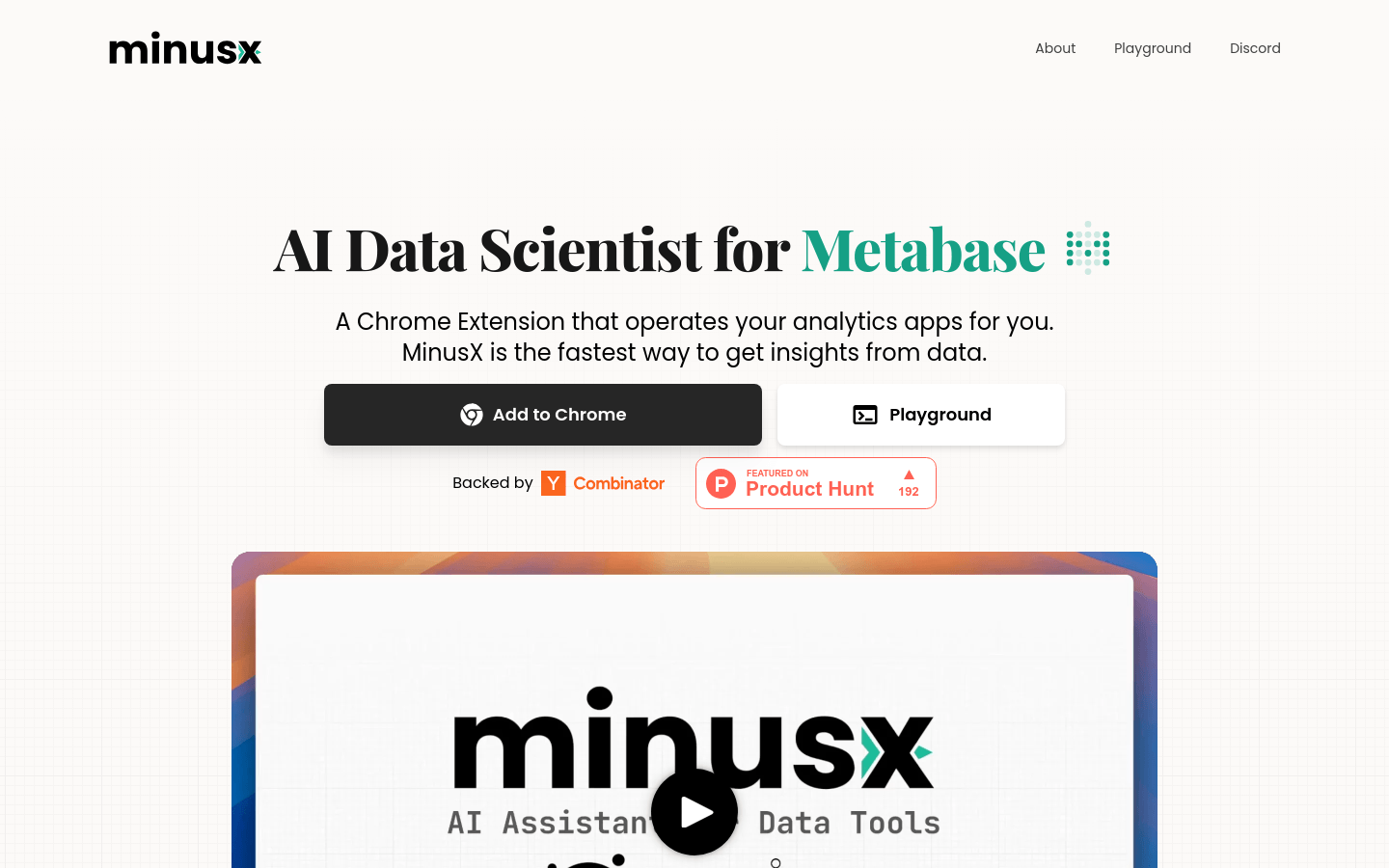
Screenshot archived from the listing page, for preview only.