Makeprompt
Free AI prompt generatorTurn rough ideas into reusable prompts
Highlights
What you can do with it
- A marketer generates social copy prompts and swaps in product, audience, and tone variables
- A product manager builds a PRD prompt with role, goals, and output format for use in Claude
- An educator creates lesson plan prompts and stores them in a library for reuse
How to use it
- 1 Visit the MakePrompt site, log in, and click the generate button
- 2 Describe the prompt you want in natural language, adding as much detail as you can
- 3 Optionally upload images or files as extra reference material
- 4 Answer the follow-up questions about audience, tone, and format, or skip them
- 5 Review the streamed Markdown, edit it, or apply AI improvement suggestions
- 6 Fill in any variable values, then copy the prompt into your AI tool of choice
Who it is for
Pros
- Core features are free, with no lock-in and no forced subscription
- Markdown output works across all major AI platforms without conversion
- Variables and the library cut repeated typing for recurring tasks
- You keep final control over which AI suggestions to accept
Limitations
- The site states it is completely free, but free feature sets and limits can change
- Generated prompts still need your review; the tool cannot know your exact context
- Quality depends on how much detail you put into the initial description
- It is a prompt builder, not a model, so output quality still depends on the AI you use
What MakePrompt is
MakePrompt is a free AI prompt generator and optimizer. Most AI chat tools answer you in a conversation thread; MakePrompt instead hands you a document. You describe the outcome you want in plain language, it works out the task type, fills in the roles, context, and constraints that a good prompt needs, and streams back a complete structured prompt in Markdown. That format matters, because it ports directly into ChatGPT, Claude, Gemini, Midjourney, or any other mainstream platform without conversion. The generation process is visible rather than a black box: you can inspect the result, edit headings, lists, and examples on the page, and see updates immediately. Named variables let one template serve many situations. AI improvement suggestions arrive in a comparison view, and the choice to accept them stays with you. Every change is saved as a version you can roll back, and everything lands in a searchable personal library. Core features are free and the prompts remain yours.
What you can do with it
- Turn a rough sentence into a structured prompt with role, context, and constraints filled in
- Edit the Markdown output directly and see changes update in real time
- Insert variables so one template adapts to many topics, audiences, and tones
- Compare AI improvement suggestions against your version and apply only what you want
- Keep every prompt in a searchable library and roll back to any earlier version
Who it is for
- Content creators who need dependable prompts for articles, ads, and scripts
- Product managers who write requirements documents, plans, and analyses
- Developers building prompts for code generation, debugging, and unit tests
- Educators, researchers, and marketers who reuse the same structure again and again
What to watch out for
The listing says core features are completely free and that you keep ownership of your prompts, but free feature sets and usage limits can change, so confirm current terms before you rely on it for paid work. MakePrompt builds the prompt, not the answer, so the final quality still depends on the AI tool you paste it into. The generated prompt also cannot know your full context, so read it through and adjust before use. Finally, the AI improvement suggestions are advisory. They are shown in a comparison view precisely so you can reject them, and a suggestion that looks reasonable in isolation can still be wrong for your specific task.
FAQ
Is MakePrompt really free?
The listing says core features are completely free and that you keep ownership of your prompts. Check the site for any current limits.
Which AI tools can I use the prompts with?
The Markdown output is built to copy into ChatGPT, Claude, Gemini, Midjourney, and similar platforms without format conversion.
Can I reuse a prompt for different topics?
Yes. Insert named variables such as a topic or audience placeholder and fill in new values each time.
Why it is free
What the official page says: completely free
Free limits, trial length and features are decided by the official site and can change at any time.
Product preview
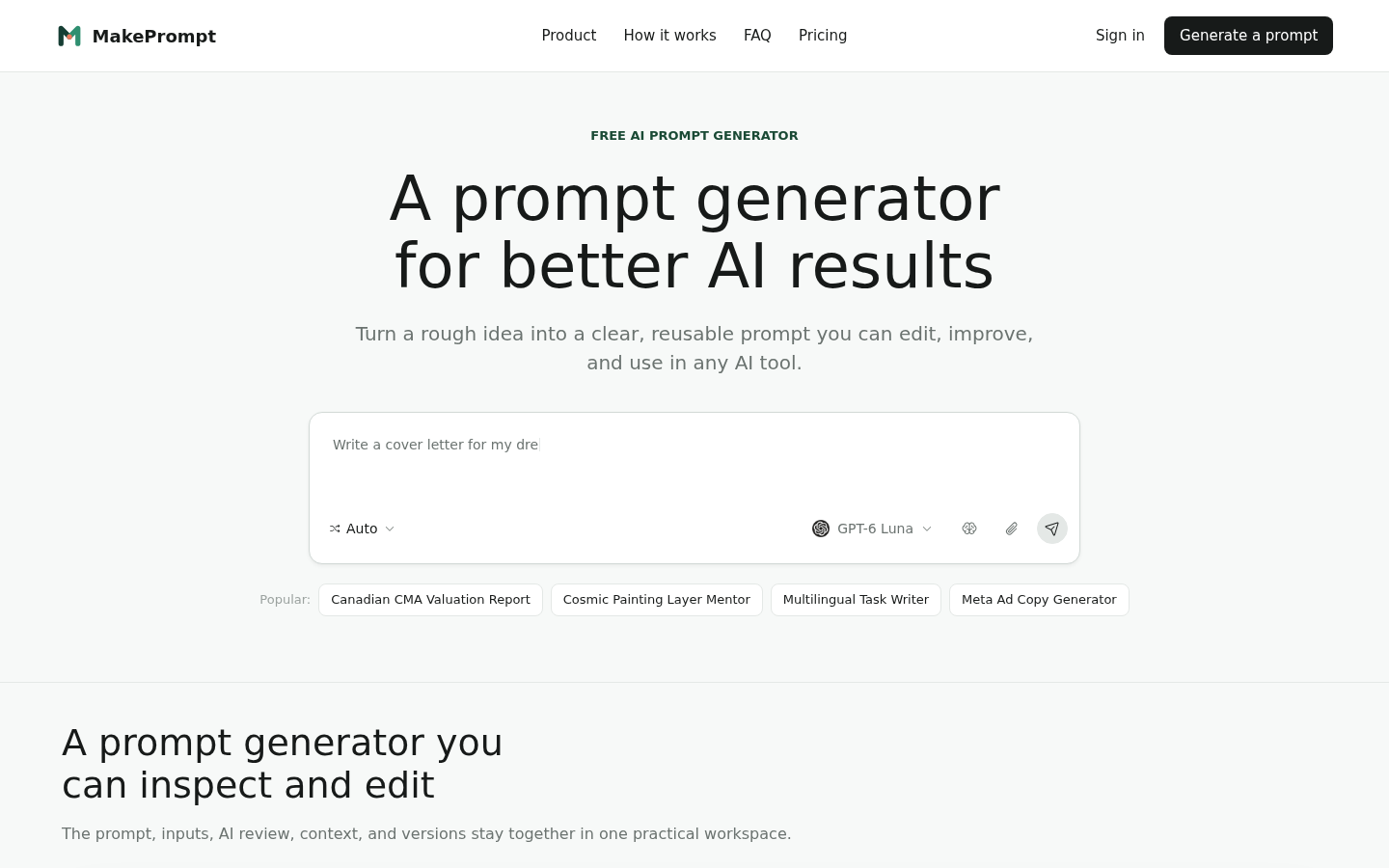
Screenshot archived from the listing page, for preview only.