
LazyTyper
Free Whisper voice typingType by voice, fast and accurate
Highlights
What you can do with it
- Dictate code documentation and notes while coding
- Write articles and drafts by speaking instead of typing
- Capture interview words in real time on the go
How to use it
- 1 Download LazyTyper for Windows or macOS from the site
- 2 Open the app and pick a voice model for your task
- 3 Make sure your microphone is working
- 4 Speak naturally and watch your words turn into text
- 5 Switch language or model as needed, then save the text
Who it is for
Pros
- Completely free and ad-free with local and cloud engines
- Fast dictation with multi-language support in one sentence
- Lightweight app that runs on Windows and macOS
Limitations
- Accuracy is around 90 percent, so you still proofread
- Voice is processed, sometimes via cloud, so mind sensitive content
- The completely free offer could change over time
What LazyTyper is
LazyTyper is a voice typing app powered by Whisper. It is built to give you an efficient and accurate way to input text by speaking instead of typing. It offers 12 voice models, 5 of which can run locally on your machine, and it claims you can type about three times faster than manual input with accuracy up to 90 percent. It supports seamless multi-language input, so you can mix languages such as Chinese, English, and Japanese in the same sentence without switching keyboards. The app is lightweight, runs on Windows and macOS, and is described as completely free and ad-free.
What you can do with it
- Dictate text quickly with 12 voice models, 5 of them local
- Mix multiple languages in one sentence without switching
- Switch between local and cloud engines as needed
- Save the generated text locally after you finish
Who it is for
- Developers and writers who produce a lot of text
- Students and journalists capturing notes and interviews
- Project managers handling emails, reports, and documents
What to watch out for
Accuracy is claimed at up to 90 percent, not perfect, so you should still proofread important text, and heavy accents or rare terms may need correction. Because it is voice input, your speech is processed by the app, sometimes through cloud engines, so be careful about dictating sensitive or private information. It runs on Windows and macOS only, and the completely free, ad-free offer reflects the current state and could change over time, so check the site for the latest terms. For best results, start with a small test file and review the output carefully before working on anything important.
FAQ
Is LazyTyper free?
Yes. The app is described as completely free and ad-free, with both local and cloud engines.
How accurate is the voice typing?
It claims accuracy up to 90 percent, meaning most input needs little or no correction, though proofreading is still wise.
Can it handle more than one language?
Yes. It supports multi-language voice typing and can handle mixed languages such as Chinese, English, and Japanese in the same sentence.
Which systems does it run on?
It runs on Windows and macOS as a lightweight app with a small memory footprint.
Why it is free
What the official page says: completely free
Free limits, trial length and features are decided by the official site and can change at any time.
Product preview
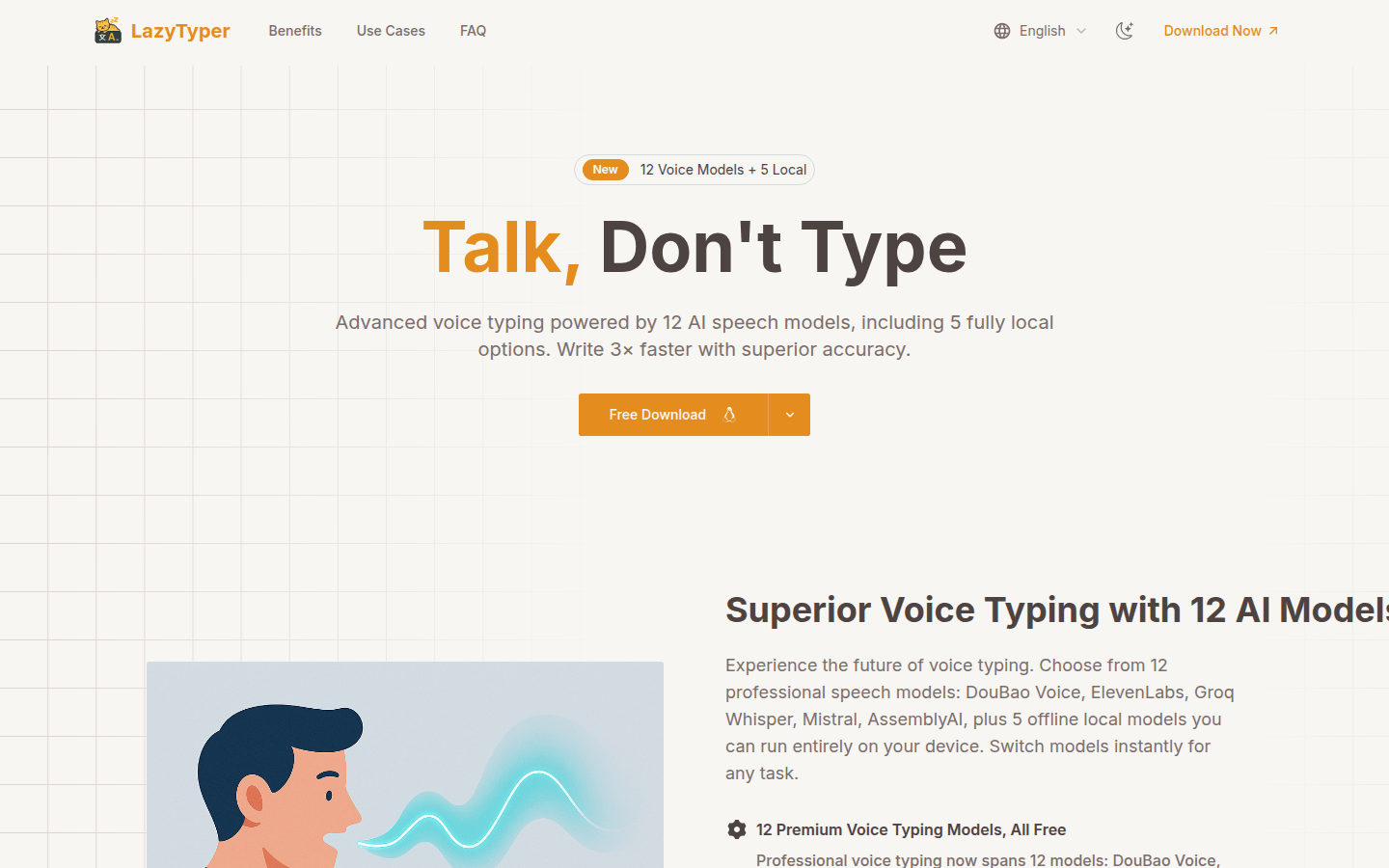
Screenshot archived from the listing page, for preview only.











