Kim Personal Health Assistant
AI health assistant for your own dataUnderstand your health data in plain terms
Highlights
What you can do with it
- A fitness enthusiast syncing a sports watch to get a training plan and improve HRV.
- An office worker uploading a blood report and getting diet and rest advice.
- A user tracking sleep to see how a supplement affects deep-sleep time.
How to use it
- 1 Scan the QR code on the site to download Kim on an iOS device.
- 2 Register an account in the app.
- 3 Connect your wearable devices, such as a watch or band.
- 4 Upload a blood test report PDF and log your food and supplements.
- 5 Read your personalized insights and weekly report, then adjust your habits.
Who it is for
Pros
- Pulls wearable, blood, diet, and supplement data into one view.
- Explains markers and trends in plain language, not raw numbers.
- A free version and free trial lower the barrier to trying it.
Limitations
- It gives lifestyle guidance, not medical advice, and is not a substitute for a doctor.
- Pricing is not clearly stated, and any free version or trial terms can change.
- Insight quality depends on the devices and reports you connect, and it is iOS only.
What Kim Personal Health Assistant is
Kim is an AI health assistant app developed by Oculi Medical Corp. It runs on iOS and is designed to help you understand your own health data. The app syncs with wearable devices to pull exercise, sleep, and heart rate data, scans blood test report PDFs to flag abnormal markers and explain them, and tracks your food and supplement intake. From all of this it gives personalized advice on exercise, rest, and diet, spots trends early, and writes a weekly report. It is positioned for people who want to manage their health more scientifically. It offers a free version and a free trial, but it is lifestyle guidance, not a replacement for a doctor.
What you can do with it
- Sync exercise, sleep, and heart rate data from your wearable devices.
- Upload a blood test PDF and get abnormal markers flagged and explained.
- Log food and supplements, and get help spotting interaction and timing issues.
- Read a weekly report on sleep, recovery, and calories, and see trends before they grow.
Who it is for
- People who want a clearer, plain-language picture of their own health data.
- Fitness enthusiasts who train from wearable metrics and want tailored advice.
- Busy professionals who want simple, data-based guidance on rest and diet.
What to watch out for
Kim offers lifestyle guidance, not medical advice, and it is not a substitute for a doctor; always consult a professional about real health concerns, especially before changing training, diet, or supplements based on app output. The app is iOS only, so Android users cannot use it. Pricing and plan terms are not clearly stated, and any free version or trial can change, so confirm current details before relying on it. The quality of insights depends on the devices and reports you connect.
FAQ
Is Kim free?
The app lists a free version and a free trial, though exact pricing and plan terms are not detailed and can change.
What data can Kim read?
Wearable device data such as exercise, sleep, and heart rate, plus blood test report PDFs and your food and supplement logs.
Is Kim a replacement for a doctor?
No. It offers lifestyle guidance based on your data and is not medical advice or a substitute for professional care.
Why it is free
What the official page says: free versionfree trial
Free limits, trial length and features are decided by the official site and can change at any time.
Product preview
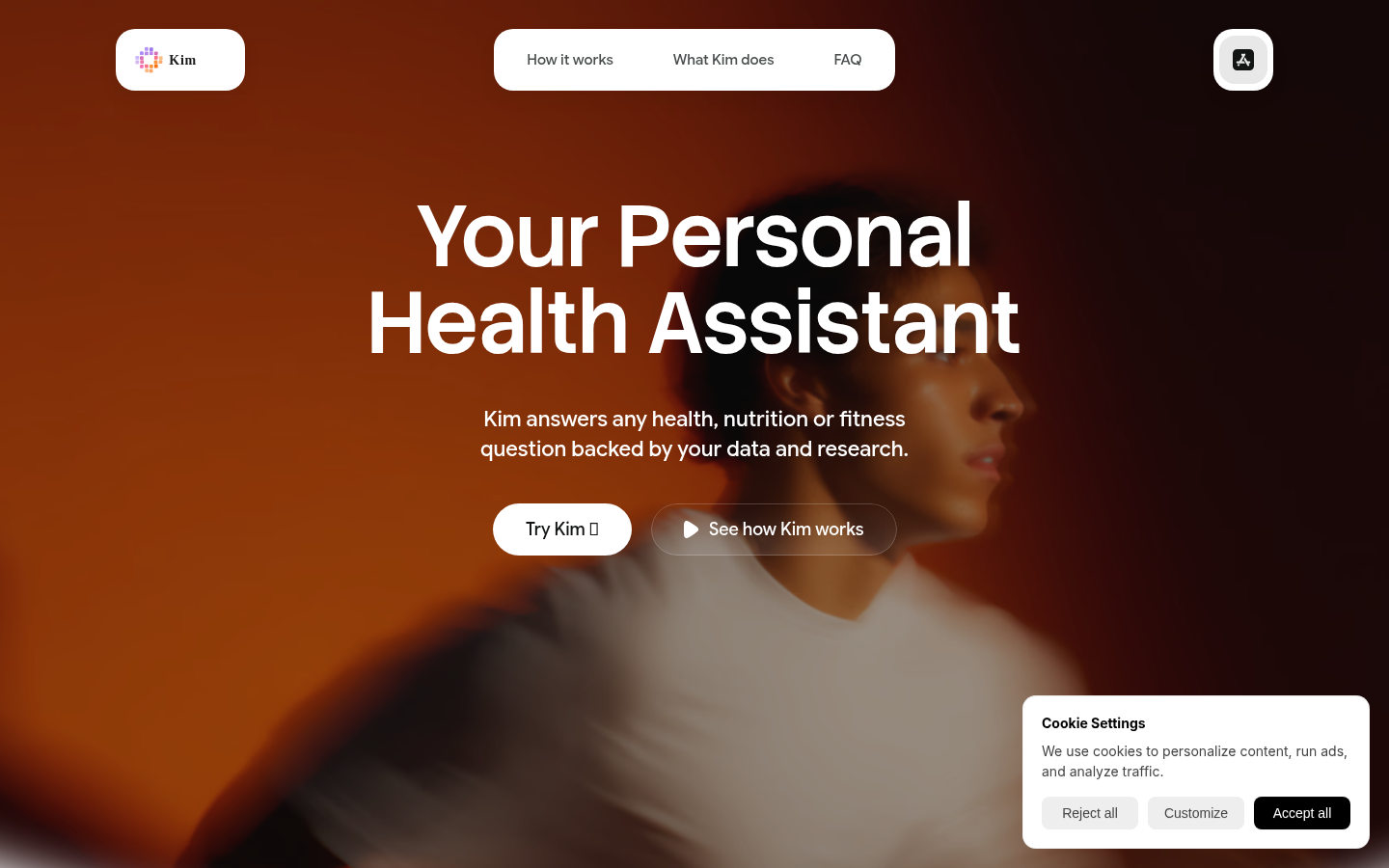
Screenshot archived from the listing page, for preview only.











