
Jib
Hands-free voice AITalk hands-free with Jib
Highlights
What you can do with it
- Ask questions in the car without touching a screen.
- Get quick facts while studying in a library.
- Have it read out information while your hands are busy at home.
How to use it
- 1 Download the Jib app from the App Store.
- 2 Install and launch the application.
- 3 Set the speech rate and pick a voice you like.
- 4 Choose or customise prompts for different conversation scenarios.
- 5 Start talking to Jib and interrupt any time to ask something new.
Who it is for
Pros
- Truly hands-free, so it fits driving, walking, and household chores.
- Interruption support makes the exchange feel closer to a real conversation.
- Speech rate, prompts, and voices are all adjustable.
Limitations
- It is in public beta, so free access and the feature set can change without notice.
- Availability depends on the App Store listing and your device.
- Voice recognition and response quality vary with noise, accent, and connection speed.
What Jib is
Jib is a voice AI assistant built for hands-free conversation. You speak to it, it answers out loud, and the exchange is designed to feel quick and smooth rather than like a stiff command menu. It works while you walk, drive, or do chores, and it can handle interruptions: you can cut in mid-answer and it keeps up with the flow. You can set the speech rate, choose voices, and customise prompts for different situations. Jib is currently in public beta and free to try, and it is distributed as an app through the App Store.
What you can do with it
- Ask questions by voice while your hands are busy.
- Interrupt a long answer and ask something else without restarting.
- Adjust how fast it speaks so answers arrive at a comfortable pace.
- Set up custom prompts and assign different voices to different scenarios.
Who it is for
- Drivers and walkers who need answers without touching a screen.
- People who would rather speak than type.
- Students and homemakers doing something else at the same time.
- Anyone curious about a conversational assistant during its beta period.
What to watch out for
Because Jib is in public beta, the free access and the feature set can change with little notice. It is delivered through the App Store, so availability follows that listing and the device you own. Voice recognition quality will vary with background noise, accent, and connection speed, and a hands-free design does not override local rules about using a phone in a car. Check the current status before you rely on it for anything important, and keep a typed alternative for tasks that must not fail.
FAQ
Does Jib cost anything?
It is free to use during its public beta. Pricing after the beta period is not stated.
Can I use it while driving?
It is designed for completely hands-free use, though you should still follow local rules about phone use in a car.
Can I change how it talks?
Yes. You can adjust the speech rate and choose different voices for different prompts.
Why it is free
What the official page says: for freefree trial
Free limits, trial length and features are decided by the official site and can change at any time.
Product preview
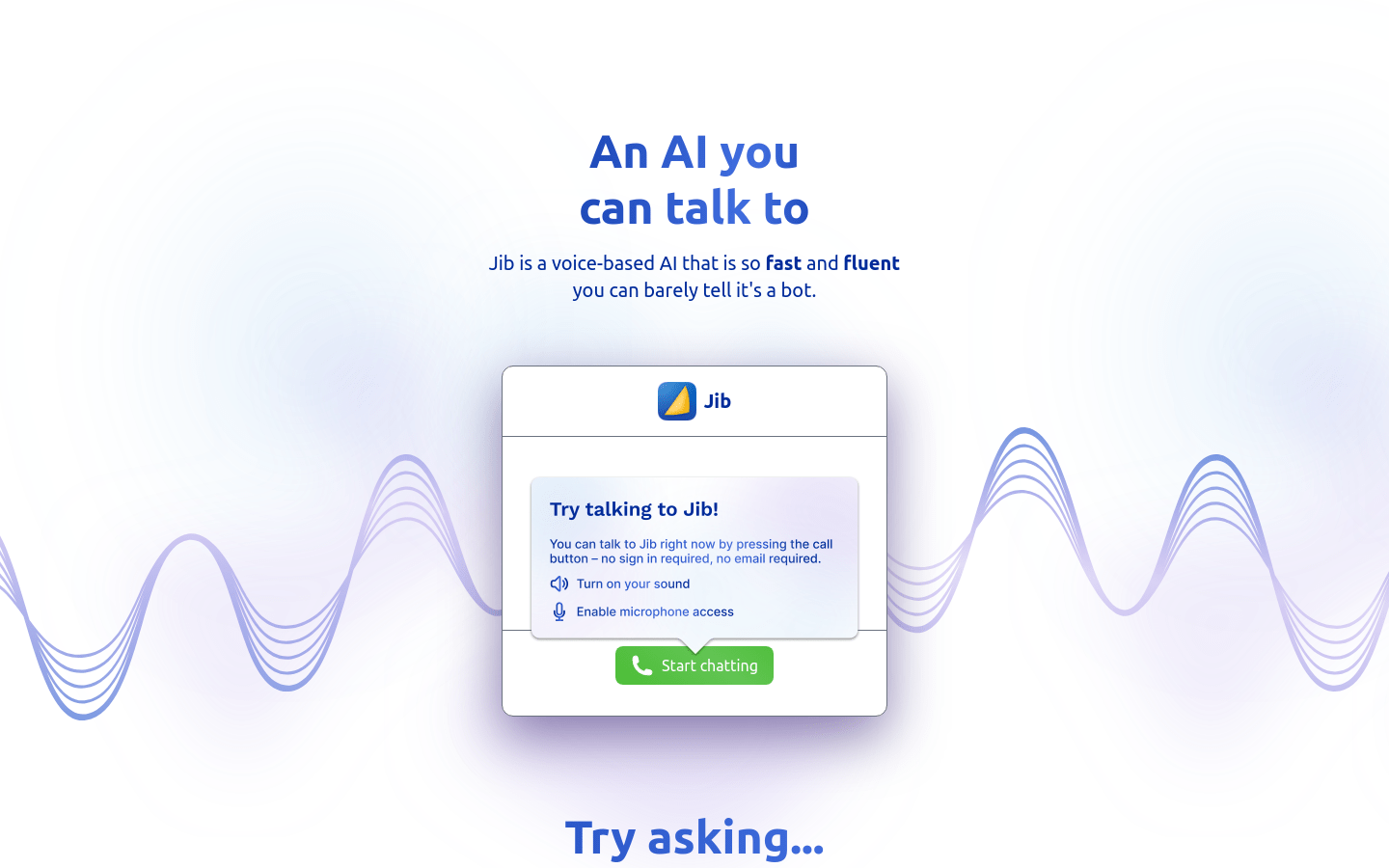
Screenshot archived from the listing page, for preview only.











