
Image Enhancer
AI image enhancer for clearer photosSharpen and enhance images online
Highlights
What you can do with it
- Clean up product photos for an online listing.
- Improve images used in social posts.
- Restore contrast to old family photographs.
How to use it
- 1 Open the OmniEnhancer site and upload your image.
- 2 Choose the enhancement mode that fits the problem.
- 3 Generate the result and compare with the original.
- 4 Check important details, then download.
Who it is for
Pros
- Daily free trial with no install.
- Simple upload, mode, download flow.
- Handles common formats including WebP.
- Comparison view prevents bad downloads.
Limitations
- One free trial per day limits batch work.
- Cannot recover detail that is not there.
- Cloud upload means images leave your device.
- Trial rules and pricing may change.
What Image Enhancer is
Image Enhancer is the online tool offered by OmniEnhancer. It is a cloud based service that uses AI to improve image quality, specifically clarity, contrast, colour and detail. You upload a photo, choose an enhancement mode that fits the problem, and the tool returns a processed version you can compare against the original before you download anything. Supported formats include JPG, PNG and WebP. A free trial is available once a day, which is enough to test the quality on a few images. It is pitched at both individual users and businesses that need presentable visuals.
What you can do with it
- Reduce minor blur and noise in a photo.
- Boost contrast and colour automatically.
- Sharpen product or portrait images for listings.
- Compare before and after before you commit to a download.
Who it is for
- Sellers who need cleaner product photos.
- Social media users improving the look of posts.
- Families restoring contrast to old photographs.
What to watch out for
The once a day free trial is not enough for batch work, so plan your uploads. Enhancement cannot invent detail that was never captured, so badly blurred or heavily compressed images will only improve so far. Because processing happens in the cloud, your images are uploaded, which matters for sensitive or client material. Trial frequency and paid plans are current terms and can change. Free tiers and usage limits can change, so check the current rules on the official page before relying on it long term. Processing speed depends on file size and network conditions, so retry later if a task stalls during peak hours.
FAQ
How often can I use it for free?
The site offers a free trial once a day.
Which formats are supported?
JPG, PNG and WebP uploads are supported.
Can I see the difference first?
Yes, you can compare the original and enhanced images before downloading.
What does it improve?
Clarity, minor blur, noise, contrast, colour and detail.
Why it is free
What the official page says: free trial
Free limits, trial length and features are decided by the official site and can change at any time.
Product preview
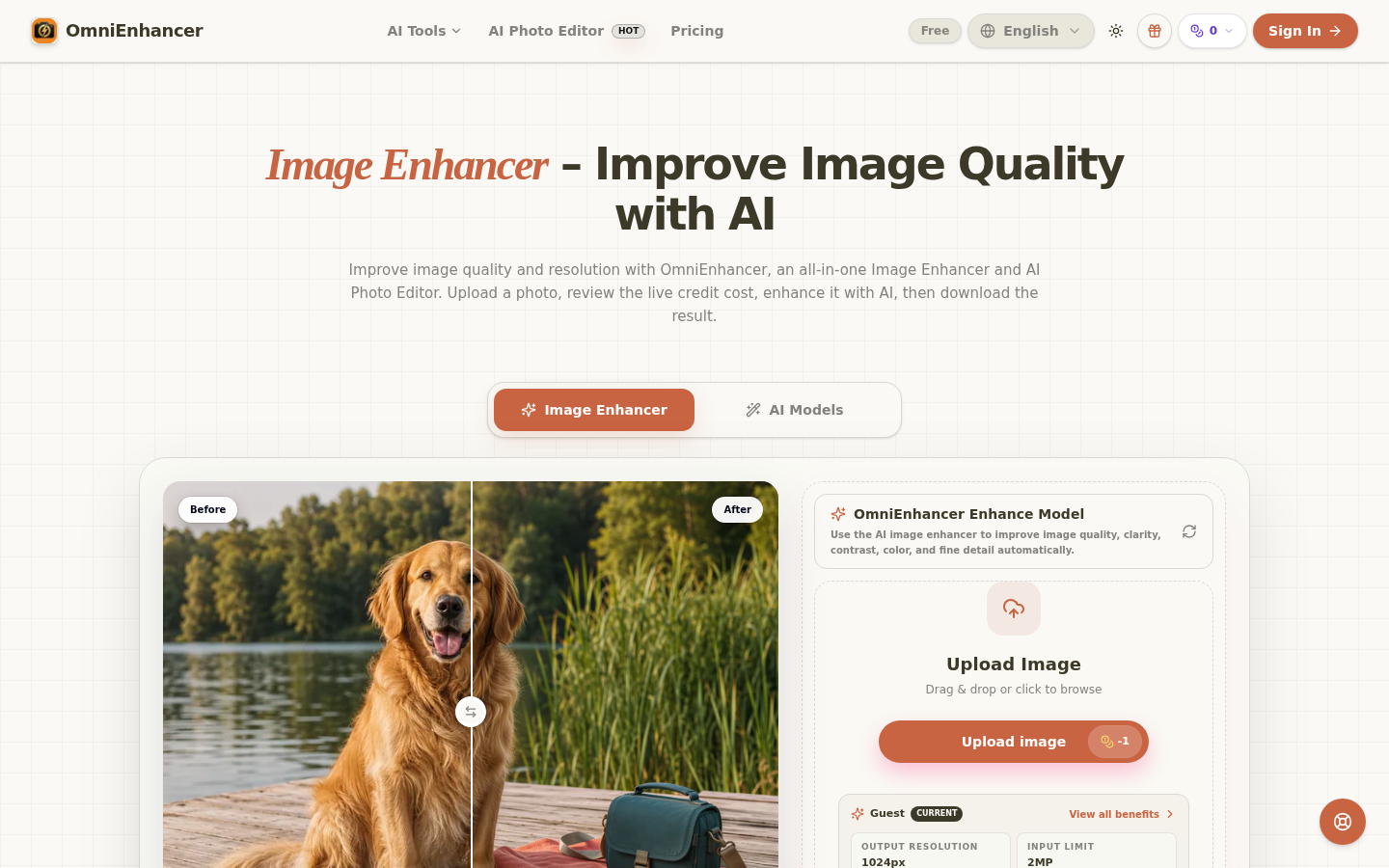
Screenshot archived from the listing page, for preview only.











