
HiSider - Free Use of Gemini/GPT/Claude
AI browser sidebar toolMany AI models and tools in one sidebar
Highlights
What you can do with it
- Students translate foreign material while studying
- Data analysts generate reports and charts from files
- Researchers pull answers from PDFs with ChatPDF
How to use it
- 1 Install the HiSider extension from its site
- 2 Open the sidebar in your browser
- 3 Pick the AI model you want to use
- 4 Upload a file or enter text for the task
- 5 Click the function button to get results
Who it is for
Pros
- Many models and tools without leaving the page
- Daily free credits to try different features
- Handles chat, translation, files, OCR, and summaries
Limitations
- Daily free credits are limited, and credit or pricing rules may change
- It relies on outside AI models, so availability and answers can shift with those services
- Aggregating many models needs some setup to learn which one suits each task
What HiSider is
HiSider is an AI browser sidebar extension that supports more than 60 AI models in one interface. You can switch between them without opening new tabs, and everything runs from a sidebar so you stay on the page you are reading. Features include integrated AI chat, multi-engine translation that compares results side by side, data analysis for Excel and CSV files, ChatPDF for summaries and answers, smart OCR for pulling text out of screenshots, and one-click summaries of long articles or videos. It provides daily free credits, and a low-cost paid plan is available for heavier use. The goal is to cut down on tab switching and keep your workflow in one spot, and it is built for students, analysts, and researchers who want AI help while they browse.
What you can do with it
- Chat with different AI models from a single sidebar.
- Compare translations from several engines at once.
- Upload Excel or CSV files and ask questions in plain language.
- Summarize long articles or videos, or extract text with OCR.
Who it is for
- Students who translate and study foreign material.
- Data analysts working with spreadsheets and reports.
- Researchers who read and question PDF literature.
What to watch out for
Daily free credits are limited, and credit or pricing rules may change, so check the current terms before you depend on it for daily work. The extension relies on outside AI models, so availability and the quality of answers can shift when those services change. Because it aggregates many models, there is some setup and learning to figure out which model suits each task, and results can differ from one model to another. Treat the sidebar as a helper and verify important facts, translations, and figures before you rely on them. Also keep in mind that uploading files means sending data to the service, so avoid sensitive material.
FAQ
What does HiSider do?
It puts many AI models and tools, like chat, translation, ChatPDF, and OCR, into a browser sidebar.
Is it free?
It gives daily free credits, and a low-cost paid plan is available for heavier use.
Can I analyze files with it?
Yes, you can upload Excel or CSV files and ask questions in natural language to get trends and charts.
Why it is free
What the official page says: 免费使用免费
Free limits, trial length and features are decided by the official site and can change at any time.
Product preview
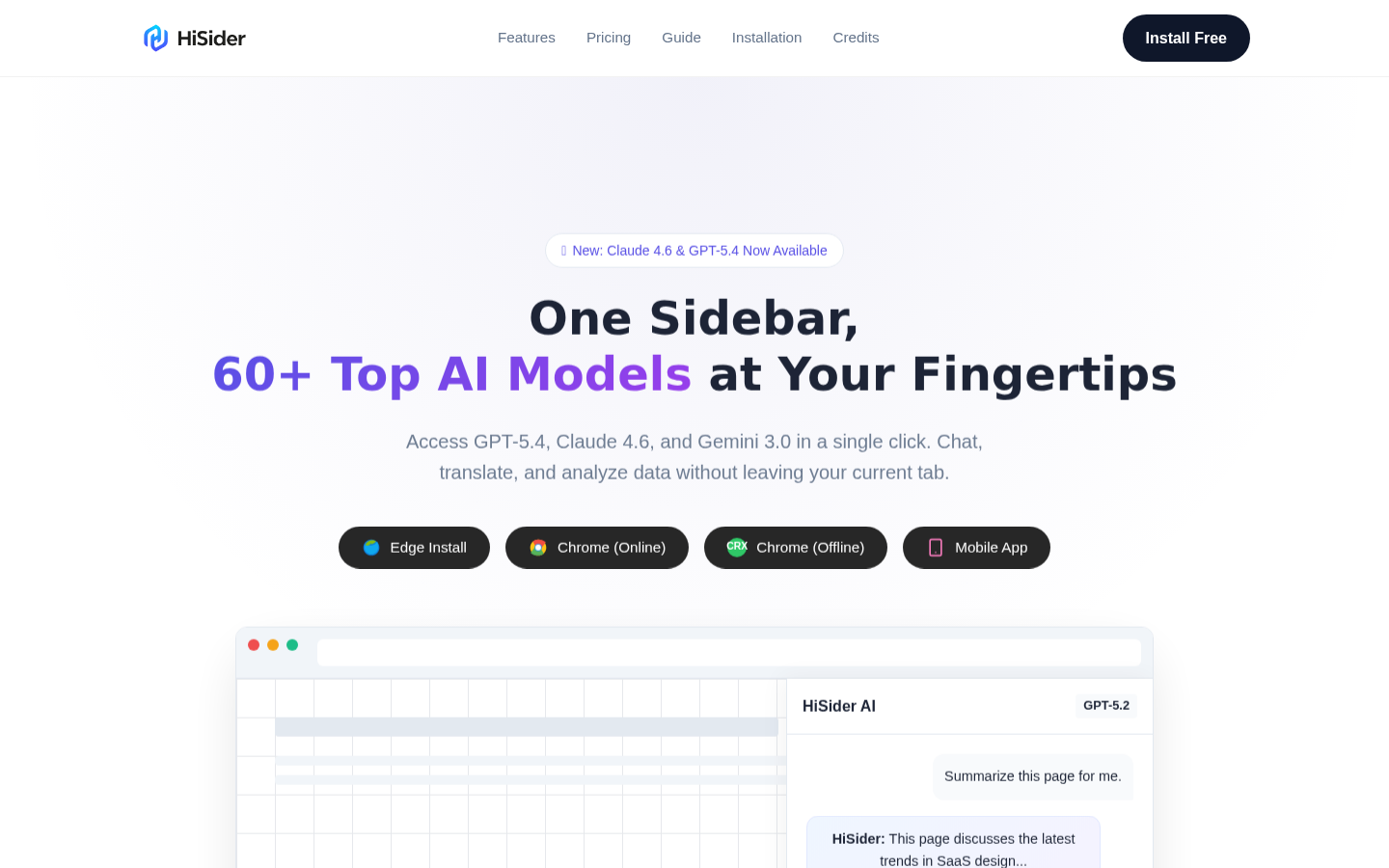
Screenshot archived from the listing page, for preview only.











