
Haye AI
An in-context AI writing assistant for macOSRewrite and fix text in any app with a shortcut
Highlights
What you can do with it
- Write an email without worrying about spelling errors
- Get grammar suggestions while reading a document
- Tighten a long paragraph into something shorter
How to use it
- 1 Install Haye AI on your Mac.
- 2 Bring up the toolbar with the keyboard shortcut.
- 3 Select the text you want to change and choose an action.
- 4 Review the rewritten text and keep or discard it.
Who it is for
Pros
- One shortcut works across every application
- Common edits such as tone, length, and grammar in one place
- A free tier lets you try it before subscribing
Limitations
- It is macOS only, so Windows and Linux users are left out
- Premium features require a subscription, and pricing is not detailed in the listing
- Suggestions are automated, so a human check is still needed for important text
What Haye AI is
Haye AI is an in-context AI writing assistant for macOS. Instead of opening a separate app or a browser tab, you bring up a system-level toolbar with a keyboard shortcut and use it inside whatever application you are already in. The toolbar can improve your writing, shorten it, adjust the tone, fix spelling and grammar, and simplify language, so the same shortcut handles most everyday text edits. Because the toolbar sits at the system level, the shortcut behaves the same way whether you are in a mail client, a word processor, or a notes app, and the change appears in place on the text you selected. A free usage tier is offered, and a premium subscription unlocks expanded AI features.
What you can do with it
- Rewrite a selected passage to improve the writing.
- Cut a long paragraph down to something shorter.
- Adjust the tone of a message before sending it.
- Fix spelling and grammar while you read.
Who it is for
- macOS users who write email and documents every day.
- Readers who want grammar checks without leaving the app.
- Writers who need to shorten or simplify text quickly.
What to watch out for
Haye AI is macOS only, so if you work across Windows, Linux, or a phone, this will not cover those devices. The premium features sit behind a subscription, and the listing does not give pricing details, so check the official site for what the free tier includes today. Free usage limits can also change over time, so treat the free tier as a trial rather than a permanent allowance. Suggestions are generated automatically, so anything important, such as a contract or a formal letter, still deserves a human read before it goes out.
FAQ
Which operating system does Haye AI support?
It is built for macOS.
How do I open it?
You activate the system-level toolbar with a keyboard shortcut, then use it inside the app you are working in.
Is there a free version?
Yes, the listing mentions a free usage tier and a premium subscription.
Why it is free
What the official page says: 免费使用免费
Free limits, trial length and features are decided by the official site and can change at any time.
Product preview
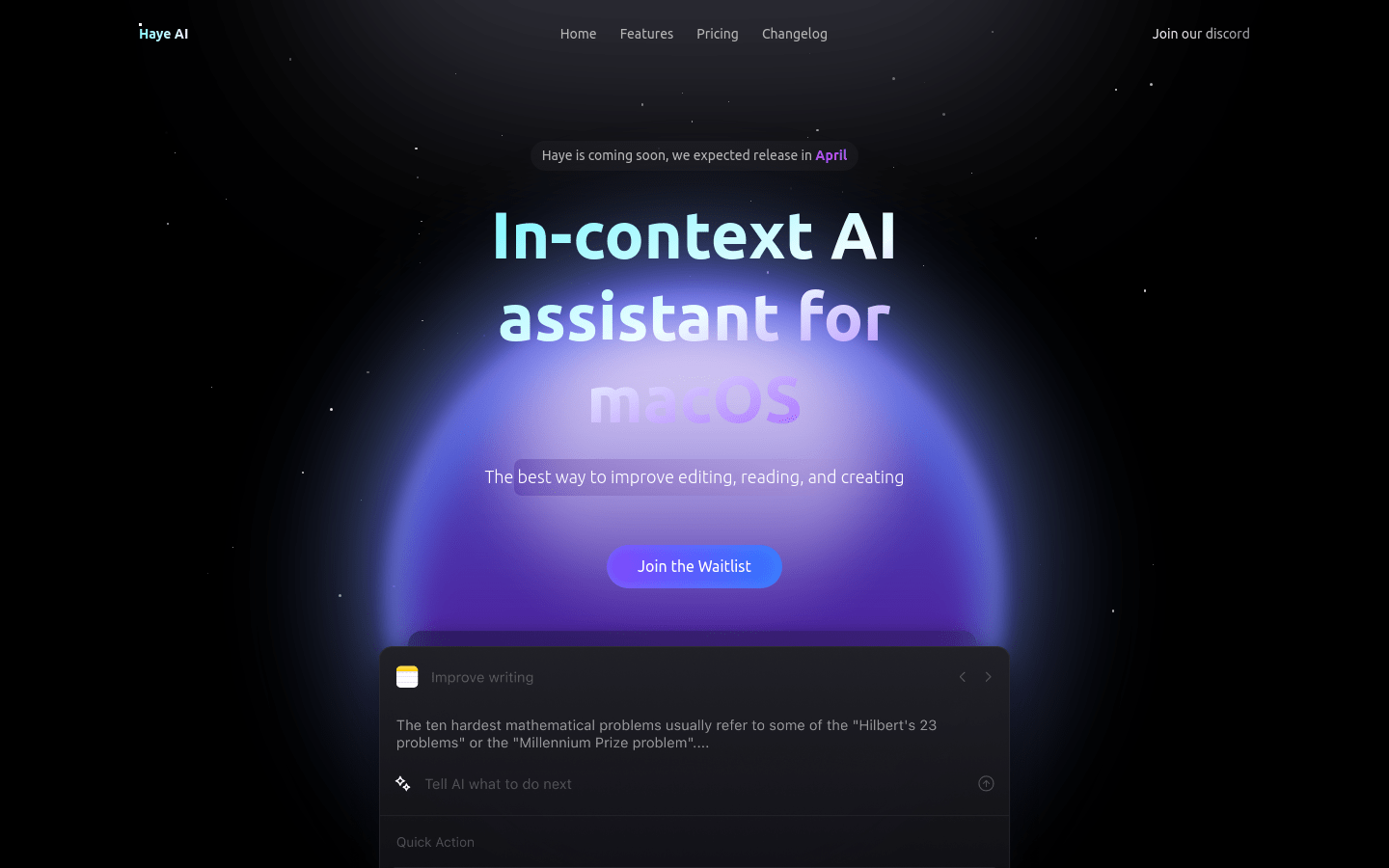
Screenshot archived from the listing page, for preview only.











