
GPTKit
AI text detection toolCheck if text is AI-written
Highlights
What you can do with it
- Educators and reviewers check whether submissions look AI-written
- Editors and moderators verify content authenticity
- Anyone who needs a quick second opinion on a piece of text
How to use it
- 1 Go to the GPTKit website
- 2 Paste the text you want to check into the input box
- 3 Run the detection to see whether it appears human or AI-written
- 4 Register an account if you need to check longer text
Who it is for
Pros
- Free to try with no payment required
- Combines multiple detection methods for one verdict
- Higher character limits once you register
Limitations
- Detection is not definitive and results should never be the sole basis for academic or hiring decisions
- The free tier caps each check at 2048 characters, which is short for long documents
- Detectors lag behind fast-changing AI models, so expect occasional misses on newer output
What GPTKit is
GPTKit is an AI-generated text detection tool. It uses several detection models to judge whether a piece of text was written by a human or produced by an AI such as ChatGPT, and it reports an accuracy rate of up to 93 percent. You can use it for free, with each check limited to 2048 characters, and registered users get a higher character limit. It combines six distinct detection methods into a single verdict. The tool is aimed at people who need a quick second opinion on text authenticity.
What you can do with it
- Check whether text appears to be AI-generated or human-written
- Run detection with six different methods combined
- Use it free of charge up to 2048 characters per check
- Raise the character limit by registering an account
Who it is for
- Educators and reviewers checking whether submissions look AI-written
- Editors and moderators verifying content authenticity
- Anyone who needs a quick second opinion on a piece of text
What to watch out for
Detection is not definitive. No tool can prove authorship with certainty, and a 93 percent accuracy claim still leaves room for error, so results should never be the sole basis for academic discipline, hiring, or publishing decisions. The free tier caps each check at 2048 characters, which is short for long documents. Detection methods also lag behind fast-changing AI models, so expect occasional misses on newer output, and treat any result as one input among several. For team use, agree on naming and editing conventions in advance to avoid version conflicts or duplicated work. Name and archive exported files consistently so you can find and reuse them, and keep a backup copy of key data.
FAQ
Is GPTKit free?
Yes, it is free to use, with each check limited to 2048 characters. Registered users get higher limits.
How accurate is it?
The site reports an accuracy rate of up to 93 percent, but no detector is definitive.
Can I use it to prove someone used AI?
No. Detection results are probabilistic and should not be the sole basis for academic discipline, hiring, or publishing decisions.
Why it is free
What the official page says: for free
Free limits, trial length and features are decided by the official site and can change at any time.
Product preview
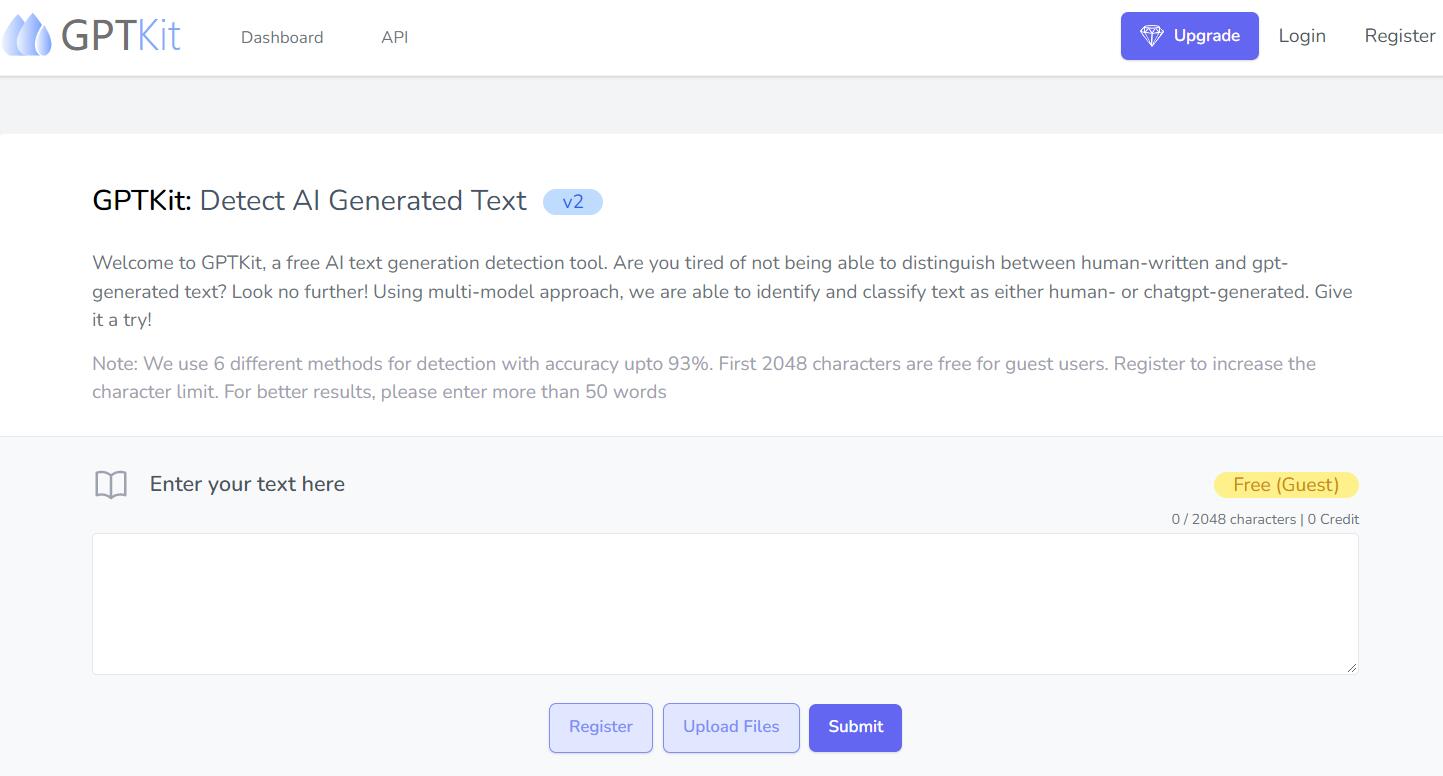
Screenshot archived from the listing page, for preview only.











