
Gemini Code Assist (Free Version)
Google's free AI coding assistantGenerate and review code inside your IDE
Highlights
What you can do with it
- Students generating HTML form code for projects
- Independent developers writing automation scripts from plain language
- Startups using code review to catch issues and improve quality
How to use it
- 1 Register with a personal Gmail account, no credit card needed
- 2 Install the Gemini Code Assist plugin in VS Code or a JetBrains IDE
- 3 Describe what you need in natural language
- 4 Let the assistant generate code and offer completions
- 5 Use it on GitHub to review code and spot issues
Who it is for
Pros
- Generous free monthly completion allowance
- No credit card required to start
- Works inside the IDEs developers already use
Limitations
- Free monthly completions are capped, so heavy use reaches the limit
- The product page can change, so the current free terms may shift
- AI suggestions still need review before you trust them
What Gemini Code Assist (Free Version) is
Gemini Code Assist is a free AI coding assistant from Google, built on the Gemini 2.0 model. It is designed to help developers write and review code faster by generating suggestions, completing lines, and flagging problems. The free version supports all publicly available programming languages and is tuned for both code generation and code review. Google offers up to 180,000 free code completions per month, which is aimed at students, independent developers, and startups. It plugs into Visual Studio Code and JetBrains IDEs, so you can generate, debug, and edit code without leaving your editor.
What you can do with it
- Generate code from a plain-language description of what you need.
- Get inline completion suggestions as you type.
- Ask it to build small pieces like an HTML form or a daily script.
- Run code review to catch issues and suggest improvements.
- Stay inside VS Code or JetBrains instead of switching windows.
Who it is for
- Students who want AI help on coursework and side projects.
- Independent developers who need free assistance while building.
- Startups that want automated review to lift code quality.
- Anyone coding in a public language who wants an in-editor helper.
What to watch out for
The free monthly completion allowance is capped, so very heavy use will eventually reach the limit and you will need a paid option or another tool. Because this is a Google product page, the current free terms and quota can change over time. Most importantly, AI-generated code is not automatically correct or secure, so you should still read, test, and review anything before it goes into production.
FAQ
How many free completions do I get?
The free version offers up to 180,000 code completions per month.
Which editors are supported?
It integrates with Visual Studio Code and JetBrains IDEs.
Do I need a credit card?
No. You register with a personal Gmail account and no credit card is required.
Why it is free
What the official page says: free version
Free limits, trial length and features are decided by the official site and can change at any time.
Product preview
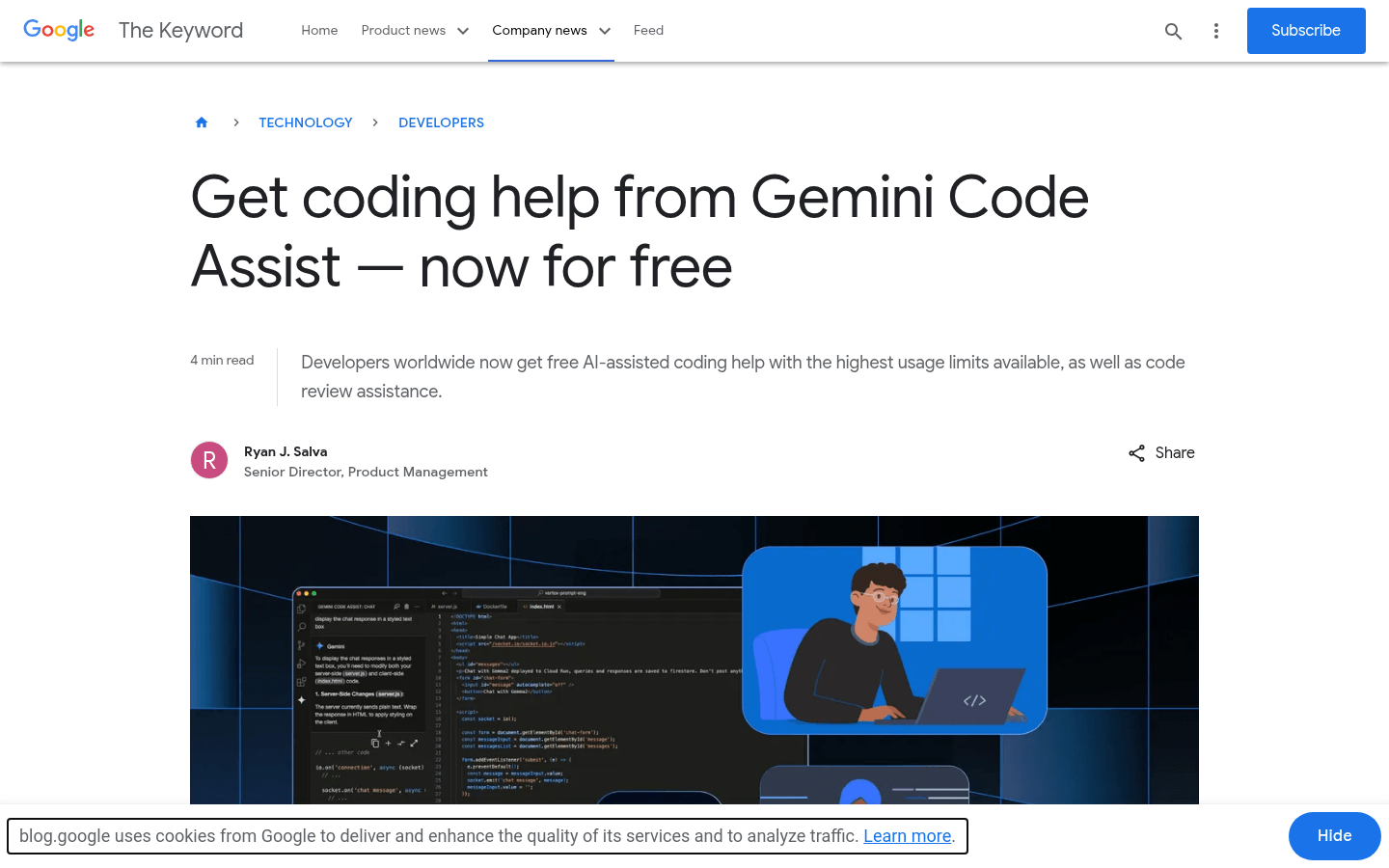
Screenshot archived from the listing page, for preview only.











