
Gecko Security
AI code security engineerFind and fix code vulnerabilities
Highlights
What you can do with it
- Find and fix flaws during development
- Hunt for 0-day style issues in code
- Run broad testing across enterprise repositories
How to use it
- 1 Register on the Gecko Security site.
- 2 Connect your code repository.
- 3 Set testing parameters and preferences.
- 4 Run the scan and wait for analysis.
- 5 Review findings and apply automated repairs.
- 6 Monitor compliance over time.
Who it is for
Pros
- Verified results reduce noise from false alarms
- Attack style testing catches logic flaws
- Automated repairs save engineering time
Limitations
- Open Beta terms can change at any time
- Enterprise features need custom plans
- Findings still need human review before action
- Scope is limited to code the tool can access
What Gecko Security is
Gecko Security is an AI driven security engineer that discovers and fixes vulnerabilities in codebases. It tests code like a hacker to uncover logical flaws other tools miss, then verifies findings in a secure sandbox to reduce false positives. Automated repairs cut the engineering time spent on patching, and the tool integrates with existing SAST systems and development environments. Compliance monitoring supports standards such as ISO 27001 and SOC2. The team behind it has a security background, according to the listing. A free Open Beta and customized enterprise plans are offered.
What you can do with it
- Scan a repository for security flaws
- Build targeted attack scenarios against your code
- Verify findings before acting on them
- Apply automated repairs where possible
- Track compliance against industry standards
Scans are designed to finish comprehensive tests within hours, and the sandbox verification is what separates real issues from noise.
Who it is for
- Development teams shipping code often
- Security engineers hunting hidden flaws
- Enterprises with many codebases
- Teams that must meet compliance standards
Smaller teams use it as an extra reviewer before release, and security conscious teams with active repositories get the clearest benefit.
What to watch out for
Open Beta terms can change at any time, so do not build a compliance program on beta features alone. Enterprise capabilities need custom plans, and pricing is not listed. Findings still need human review before changes reach production. Scope is limited to the code the tool can access, so secrets and infrastructure need separate checks, and any security tool should be treated as one layer rather than a complete program.
FAQ
What is Gecko Security?
An AI driven security engineer that discovers and fixes vulnerabilities in codebases.
How does it reduce false positives?
Findings are verified in a secure sandbox and prioritized by actual risk.
Is there a free option?
The listing mentions a free Open Beta plus customized enterprise plans.
Why it is free
What the official page says: 免费
Free limits, trial length and features are decided by the official site and can change at any time.
Product preview
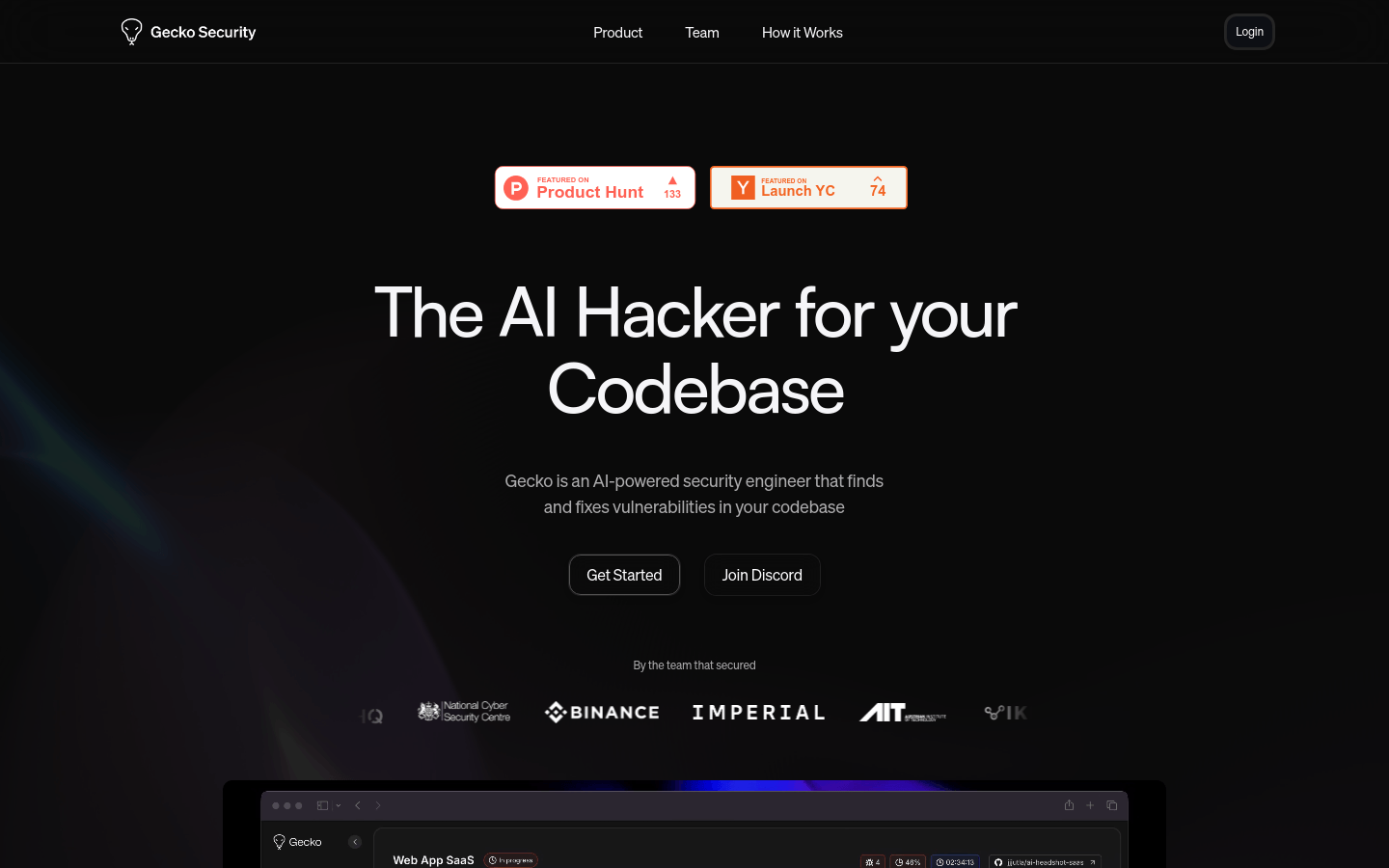
Screenshot archived from the listing page, for preview only.











