
Free TTS
Free online audio toolkit with TTS and moreText-to-speech, conversion, and audio tools
Highlights
What you can do with it
- Convert text into speech for voiceover drafts
- Transcribe speech recordings into text
- Remove vocals or enhance audio for music edits
How to use it
- 1 Open freetts.com in your browser
- 2 Pick the tool you need, such as text-to-speech or speech-to-text
- 3 Upload your file or enter your text
- 4 Run the conversion and wait for processing
- 5 Download the result
Who it is for
Pros
- Several audio tools in one free place
- No hidden fees or subscription requirement stated
- Batch processing and multi-format support
- Simple, fast interface
Limitations
- Feature depth per tool may be basic compared with dedicated software
- Free status and limits can change
- Quality depends on the AI models behind each tool
- Regular file clearing means you must download results promptly
What FreeTTS is
FreeTTS is an online audio toolkit at freetts.com that gathers several practical tools in one place. It covers text-to-speech, speech-to-text, vocal removal, and audio enhancement, so you can handle common audio jobs without switching between services. The site says the tools use AI to deliver precise, efficient, natural conversion, support multiple audio formats and batch processing, and keep a simple, fast interface. Everything is described as completely free with no hidden fees or subscription restrictions, aimed at individual creators and professionals who need audio conversion, editing, and similar tasks.
What you can do with it
- Turn text into speech with the text-to-speech tool
- Transcribe speech recordings into text
- Remove vocals from a track or enhance audio quality
- Process multiple files with batch support across common formats
- Download results for use in your own projects
Who it is for
- Individual creators making audio content
- Podcasters and video editors who need quick conversions
- Professionals with routine audio conversion and editing tasks
What to watch out for
Each tool covers the basics rather than deep manual control, so detailed audio work may still need dedicated software. Because uploaded files and results are cleared regularly, download anything you want to keep right away or it may disappear. Output quality depends on the AI behind each tool and on your source material, so noisy or unusual files may convert less cleanly. The site describes the service as completely free with no hidden fees, but free terms for online tools can change, and there is no guarantee every feature stays free forever. For best results, start with a small test file and review the output carefully before working on anything important.
FAQ
What tools does FreeTTS include?
Text-to-speech, speech-to-text, vocal removal, and audio enhancement.
Is it free?
The site says the toolkit is completely free with no hidden fees or subscription restrictions.
Does it support batch processing?
Yes. Multiple audio formats and batch processing are listed among the features.
What happens to my files?
The site says uploaded files and results are cleared regularly for security and privacy.
Why it is free
What the official page says: 免费使用完全免费免费
Free limits, trial length and features are decided by the official site and can change at any time.
Product preview
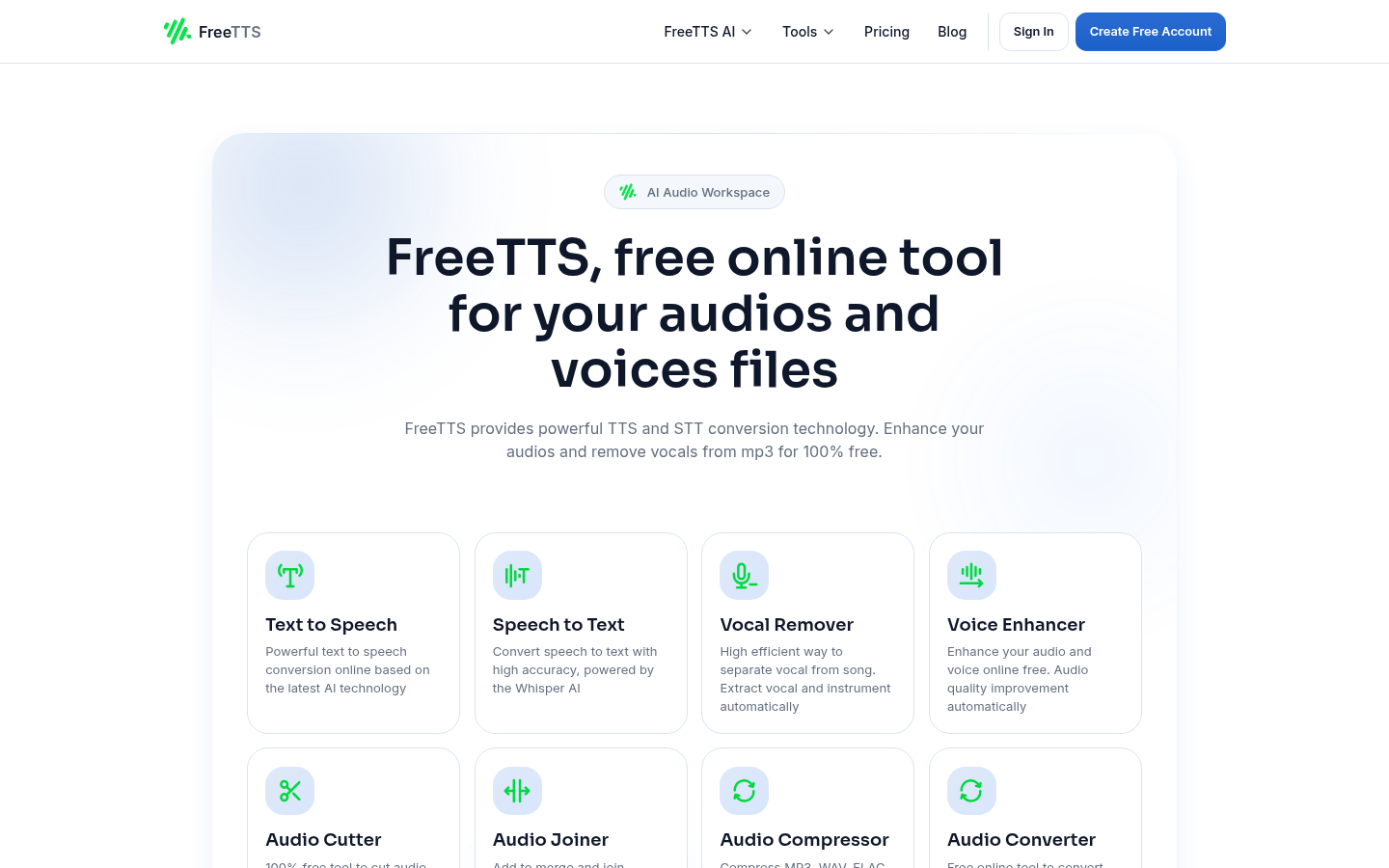
Screenshot archived from the listing page, for preview only.