
Firecrawl Extract
AI web data extraction by promptTurn whole websites into structured data
Highlights
What you can do with it
- Building a B2B lead list from company websites
- Monitoring competitor pricing across pages
- Pulling article titles and summaries for analysis
How to use it
- 1 Register on the Firecrawl Extract site.
- 2 Pick a plan, starting with the free version if you like.
- 3 Describe the fields you want to extract.
- 4 Run the extraction through the API or web interface.
- 5 Import the structured data into your tools.
Who it is for
Pros
- Prompt based extraction avoids selector maintenance
- Single call can cover an entire site
- Free version to test the workflow
Limitations
- Free tier has limits compared with paid plans
- Extraction accuracy depends on page structure and prompt clarity
- Scraping must respect site terms and robots rules
- Site layout changes can still affect results
What Firecrawl Extract is
Firecrawl Extract is an AI data extraction tool that turns website content into structured data. Rather than writing and maintaining scraping scripts with selectors that break whenever a page changes, you describe in plain language what you want to pull, and the service returns it in a structured format. A single API call can target one page or crawl an entire site, and results can flow into tools like Zapier for automation. The listing mentions support for multilingual and international sites and large extraction jobs without context window limits. A free version exists alongside paid and enterprise plans, so a small test and a large pipeline can start in the same place.
What you can do with it
- Extract data using natural language prompts.
- Pull an entire site through one API call.
- Handle multilingual and international pages.
- Send results into Zapier and other integrations.
- Scale from a free test to a paid pipeline.
Who it is for
- Data teams building lead lists and market datasets.
- Developers who need site data without maintaining crawlers.
- Analysts monitoring competitor pages and prices.
What to watch out for
The free tier has limits, so serious volume needs a paid plan. Extraction accuracy still depends on page structure and how clearly you phrase the prompt, and messy or heavily scripted sites can produce incomplete results. Scraping must respect site terms of service and robots rules, which is your responsibility rather than the tool's. Layout changes on target sites can affect output even when the tool adapts, so validate results before they feed anything important. Behavior may vary across browsers and devices, so test before production use and consult the help docs if errors appear.
FAQ
Do I need to write scrapers?
No. You describe the data you want in natural language and the tool handles extraction.
Is there a free version?
Yes, a free version is listed alongside paid and enterprise options.
Can it handle big jobs?
It states support for large scale extraction and whole site pulls through the API.
Why it is free
What the official page says: free version
Free limits, trial length and features are decided by the official site and can change at any time.
Product preview
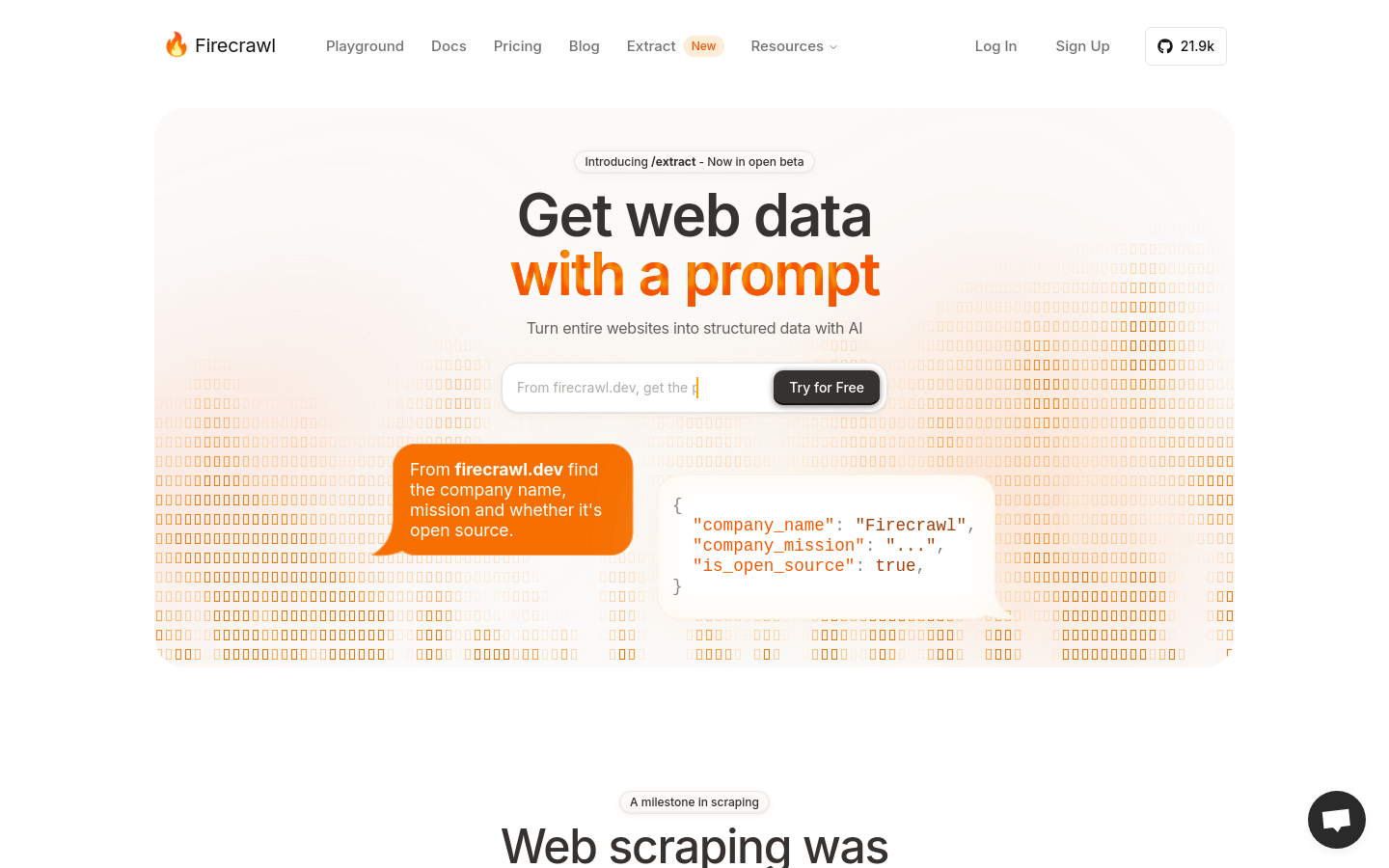
Screenshot archived from the listing page, for preview only.











