
Find your perfect hairstyle & OOTD instantly!
AI hairstyle try on for men and womenTest over 100 hairstyles on your own photo
Highlights
What you can do with it
- Try several cuts before a haircut so you do not commit to the wrong one
- Test curly hair with bangs before changing your look
- Preview a men's fade combined with a beard style
How to use it
- 1 Open aihairstylegen.com
- 2 Upload a clear frontal photo that shows your face and hair
- 3 Browse the hairstyle library and pick a style
- 4 Optionally choose a colour, then wait 20 to 30 seconds for the preview
Who it is for
Pros
- Free trial so you can test before paying
- Fast previews with no long waiting
- Wide style and colour range for men and women
Limitations
- Results depend heavily on photo quality, angle, and lighting
- The preview is a guide, not a guarantee of the real haircut
- The free trial is limited and paid plans start at $4.99
What Find your perfect hairstyle and OOTD instantly is
AI Hairstyle Generator is an online try on tool for hairstyles. You upload a frontal photo, choose from more than 100 styles, and see the result on your own face in roughly 20 to 30 seconds. The library spans short and long hair, curly and straight, with and without bangs, and it includes the styles trending for 2026. There are 20 salon level colours if you want to test a shade before dyeing, and a separate set of 40 men's barbershop cuts with beard combinations. The tool is designed to keep your eyes, smile, and facial structure intact so the preview still looks like you. A free trial is offered, and paid plans start at $4.99.
What you can do with it
- Try more than 100 hairstyles on your own photo, including 2026 trends.
- Preview 20 salon level colours such as denim copper or butter gold.
- Preview 40 men's haircuts with matching beard and fade styles.
- Compare several options, then download in high definition for your stylist.
Who it is for
- People who want a change but are unsure which cut suits their face.
- Anyone heading to a salon who wants a reference image to hand over.
- Men weighing a fade, a gradient, or a new beard shape.
- People tracking current trends and wanting to test them first.
What to watch out for
Photo quality drives the result. A clear, frontal, evenly lit photo works best, while side angles, shadows, and low resolution images produce weaker previews. The generated look is a simulation, so the real haircut depends on your hair type, density, and the stylist, and no preview guarantees an identical outcome. Screen colour also differs from dyed hair, so treat colour previews as a rough idea rather than a promise. The free trial is limited and paid plans begin at $4.99, and the pricing and style library can change, so check the site before you start.
FAQ
Is there a free trial?
Yes, a free trial is offered and paid plans start from $4.99.
How long does a preview take?
About 20 to 30 seconds after you upload a photo and choose a style.
Does it work for men?
Yes. It includes 40 barbershop level men's hairstyles plus beard styles and fade options.
Why it is free
What the official page says: free trial
Free limits, trial length and features are decided by the official site and can change at any time.
Product preview
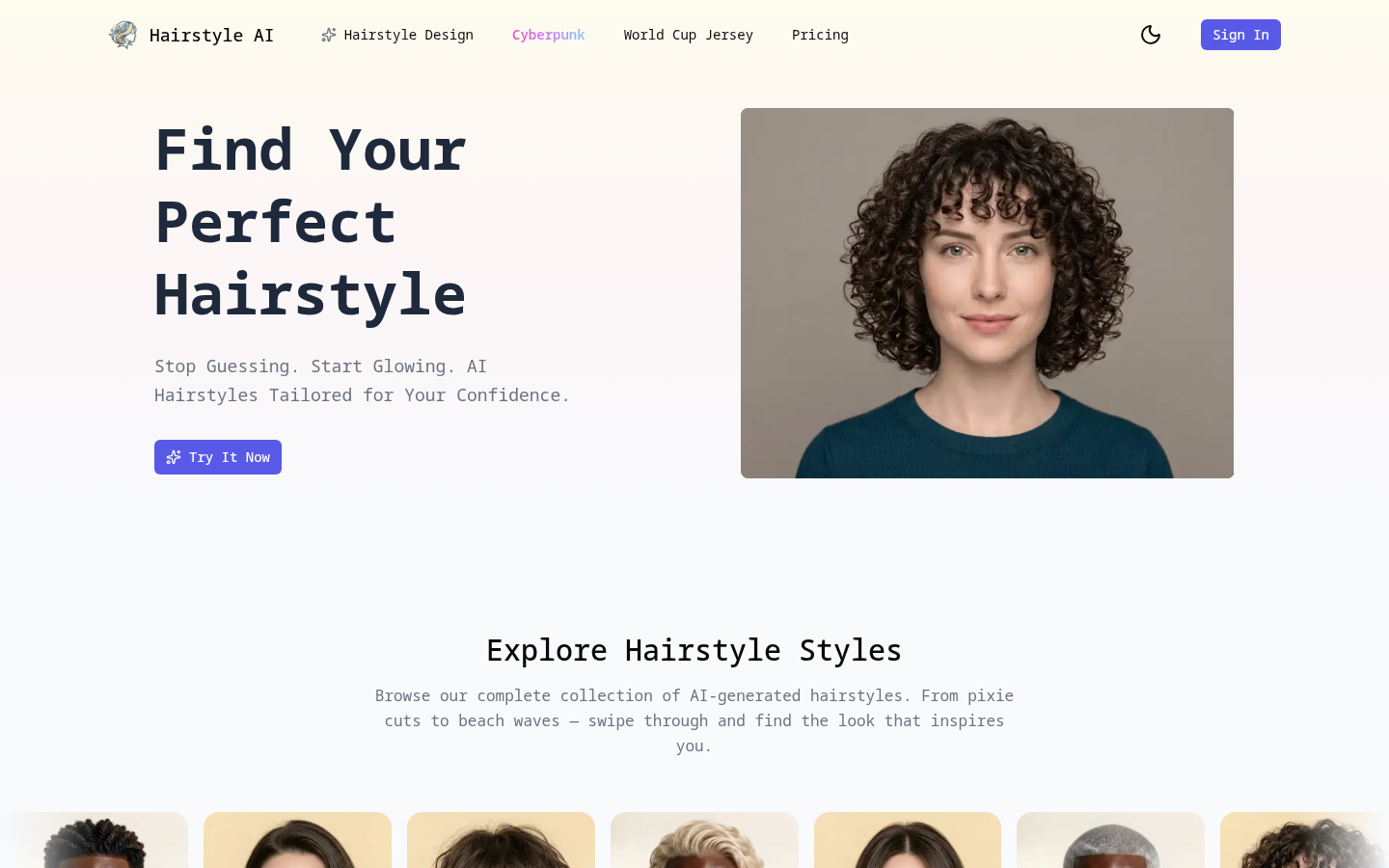
Screenshot archived from the listing page, for preview only.











