
Elisi
Free self-management app for goals and habitsTurn goals into milestones and daily actions
Highlights
What you can do with it
- Planning a year of reading and tracking it to the end
- Building a fitness routine step by step
- Keeping work projects moving day to day
How to use it
- 1 Download Elisi from the app store or the website
- 2 Register and open the app
- 3 Enter your goals and break them into milestones
- 4 Plan daily actions and track your progress
Who it is for
Pros
- Core features are free
- Cross-device sync keeps progress in one place
- Says it keeps data away from third parties
Limitations
- Free terms can change over time
- Habit tracking still depends on your own consistency
- AI suggestions need your judgement
What Elisi is
Elisi is a self-management planning assistant built to help with personal growth. The core idea is turning a dream into a clear outcome, then breaking that outcome into milestones you can actually reach, and finally planning the daily actions that move you forward. An AI layer sits on top of that and adapts to your needs, so the plan changes as your life changes rather than sitting unused in a notebook. The site says a complete suite of core functions is available for free, and it states that user data is not shared with third parties.
What you can do with it
- Set goals and turn them into clear outcomes
- Break a goal into milestones and then into daily steps
- Let the AI adapt the plan to your routine
- Track progress and stay motivated across devices
- Keep everything in sync between phone and computer
Who it is for
- People who want structure around a personal goal
- Habit builders who need visible milestones rather than vague intentions
- Anyone who plans on more than one device during the week
What to watch out for
A planner cannot supply the discipline, only the structure. The app will happily hold a plan you quietly stop following, so the honest measure is whether you open it and update it, not whether it looks tidy. The free core is the current offer and can change, so check the app listing for current terms. AI suggestions are guesses about what suits you, which means the final call on pace and priorities stays with you. If you store sensitive personal goals, read the privacy terms for yourself rather than relying on a summary.
FAQ
Is Elisi free?
The site says a complete suite of core functions is available for free.
What does the AI part do?
Elisi AI understands and adapts to personal needs to keep days more organised.
Does it work across devices?
Yes, it supports multi-platform synchronisation so progress is available on all your devices.
Why it is free
What the official page says: for free
Free limits, trial length and features are decided by the official site and can change at any time.
Product preview
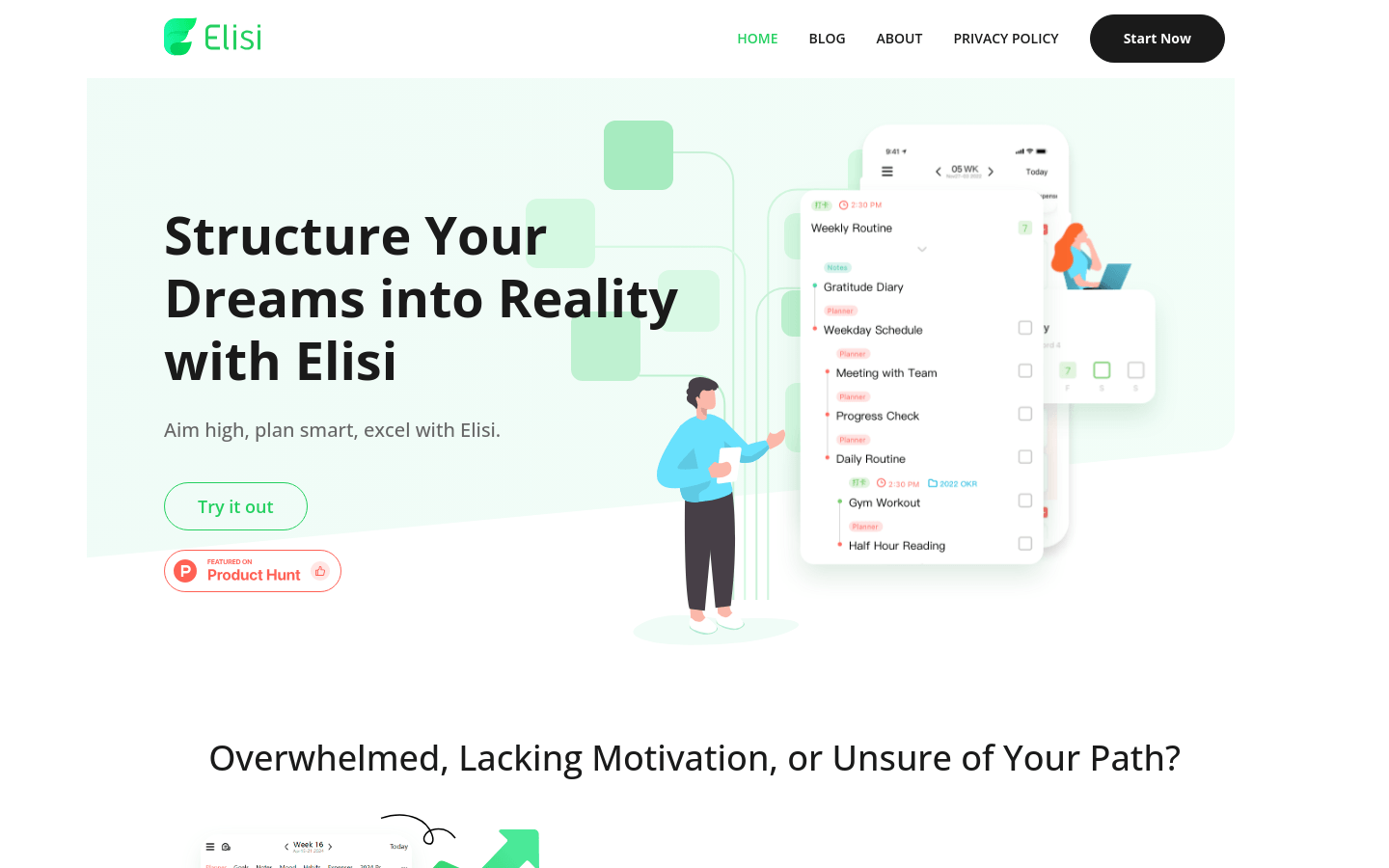
Screenshot archived from the listing page, for preview only.











