Doclingo
Free AI document translation with format restoration90 languages, original layout kept, bilingual view included
Highlights
What you can do with it
- Translate a research paper with dense terminology
- Convert a scanned PDF contract into another language
- Read a foreign-language slide deck with layout intact
How to use it
- 1 Open the Doclingo website; the listing says no registration is needed to start.
- 2 Click the free translation option and choose your file.
- 3 Let the system process the document and show the result on the page.
- 4 Edit the translation online if the wording needs work.
- 5 Upgrade to PRO only if you need complex format handling.
Who it is for
Pros
- Layout preservation saves reformatting after translation
- OCR covers scanned files that other tools reject
- Free version is described as permanently free for basic documents
Limitations
- Complex layouts can still need manual cleanup
- PRO features sit behind a paid tier
- Uploading sensitive documents to a third party carries privacy risk
What Doclingo is
Doclingo is an AI document translation tool built for people who translate whole files rather than sentences. It accepts PDF, Word, Excel, PowerPoint, and image files, covers roughly 90 languages, and uses what it calls mirror layout technology to keep the structure of the original document. Scanned files are handled through OCR, so text inside an image or a scan does not have to be retyped. There is a bilingual comparison view, a term library, online editing, and the ability to switch between AI engines. A permanently free version covers basic documents, while PRO handles complex formatting and AI enhancements.
The tool is designed around the workflow of someone who reads foreign documents for a living. Instead of pasting paragraphs and losing the layout, you upload the file and get back something that still looks like the original, which you can then check side by side with the source. The term library exists so that repeated wording stays consistent across a batch of documents.
What you can do with it
- Translate a PDF, Word, Excel, PowerPoint, or image file into another language
- Read scanned documents through OCR without manual typing
- Compare original and translation side by side
- Keep a term library so repeated wording stays consistent
- Edit the result online before you download it
Who it is for
- Researchers reading large volumes of foreign-language literature
- Enterprise staff handling multilingual contracts, reports, and decks
- Professional translators producing a first draft to refine
- Language learners working with material in another language
What to watch out for
Format restoration is good but not perfect, so dense tables, unusual fonts, or heavy graphics can still need cleanup. Machine output on legal or medical text should be checked by someone qualified before it is used. Uploading documents means sending them to a third party, which matters for confidential material. The PRO features are paid, and the split between free and paid can move, so confirm current limits before relying on the free tier for a large job. Keep the originals safe until you have verified the translated output.
FAQ
Which formats does Doclingo support?
PDF, Word, Excel, PowerPoint, and images, among others.
How many languages?
Around 90 mainstream languages.
Is the free version permanent?
The listing describes the free version as permanently free for basic document translation.
Why it is free
What the official page says: free version
Free limits, trial length and features are decided by the official site and can change at any time.
Product preview
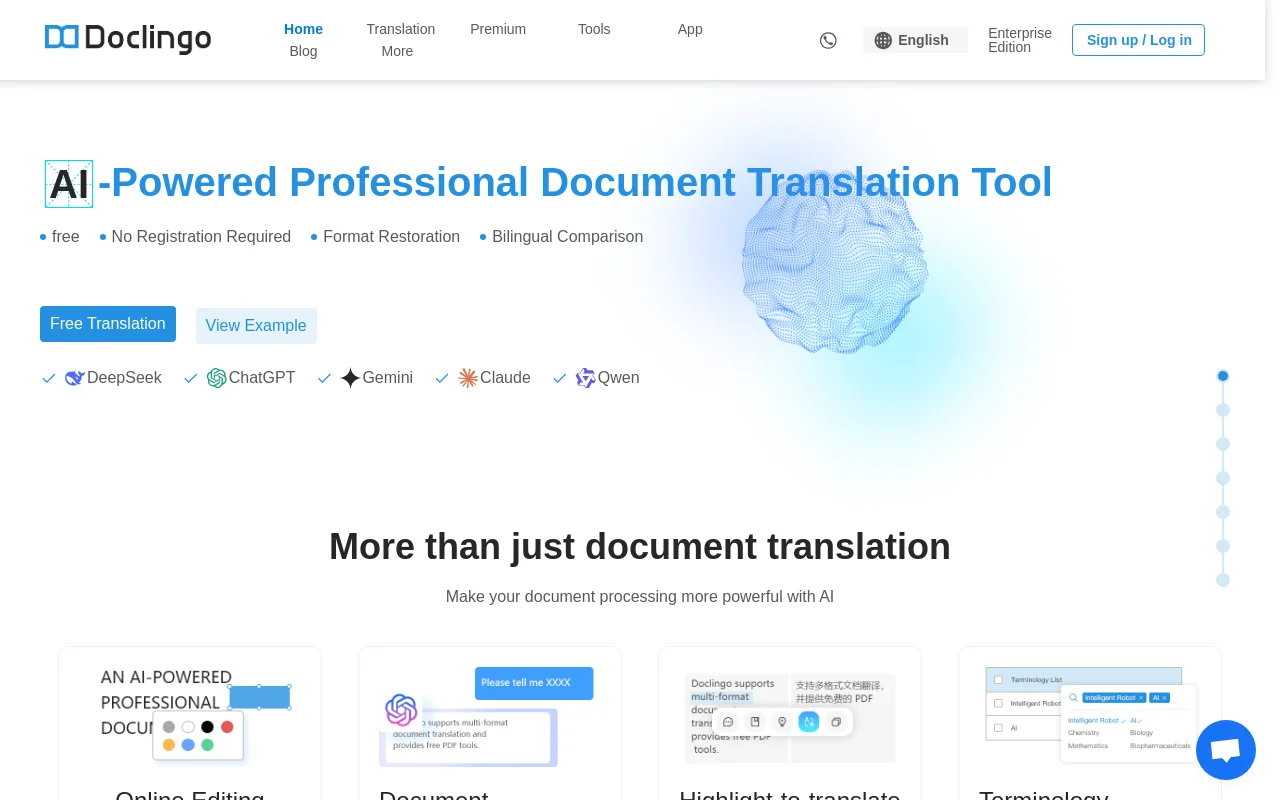
Screenshot archived from the listing page, for preview only.