Cover Letter AI Tool
Fast cover letters for job applicationsA tailored cover letter in minutes
Highlights
What you can do with it
- Writing a letter for a specific job posting
- Adapting one letter to several applications
- Getting a first draft when you dislike blank pages
How to use it
- 1 Open the cover letter page
- 2 Enter your role, company name, and job description
- 3 Add your skills and experience
- 4 Generate the letter
- 5 Edit and save it for your application
Who it is for
Pros
- Free to use
- No account registration
- Personalized to the job description
- Professional templates included
Limitations
- Generated drafts still need personal editing
- No details on export formats
- The listing recorded a redirect at last check
- Free availability may change
What Cover Letter AI Tool is
Cover Letter AI Tool is a cover letter generator aimed at job seekers. It is listed as free to use and it does not require an account, so you can go straight to generating a letter instead of filling in a signup form. You provide your role, the company name, the job description, and your relevant skills and experience, and the tool assembles a personalized letter in minutes. The listing highlights professional templates and formatting so the output looks presentable, and an auto-generation flow that removes most of the manual work when you are applying to several jobs at once.
What you can do with it
- Generate a cover letter from your role and job details
- Use professional templates and formatting
- Produce a draft in minutes instead of writing from scratch
- Reuse the flow for multiple applications
- Skip registration entirely
Who it is for
- Active job seekers sending several applications a week
- Career changers who need help framing experience for a new field
- Anyone who stalls on the first paragraph and wants a starting point
- Applicants who want a structured draft to rewrite in their own voice
What to watch out for
A generated letter is a first draft, not a finished one. Recruiters read many letters that follow the same pattern, so personalizing the output with a specific reason you want the role is still on you. The listing does not mention export formats such as PDF or DOCX, so check what you can actually download before you need it. It also recorded a redirect when last checked, so confirm the page still resolves before you rely on it in an application sprint. Free availability can change, and there is no stated usage limit, so save copies of anything you generate.
FAQ
Does it cost anything?
The listing describes the generator as free to use.
Do I need an account?
No. The listing states no account registration is required.
What does it base the letter on?
Your role, the company name, the job description, and your relevant skills and experience.
Why it is free
What the official page says: free to use
Free limits, trial length and features are decided by the official site and can change at any time.
Product preview
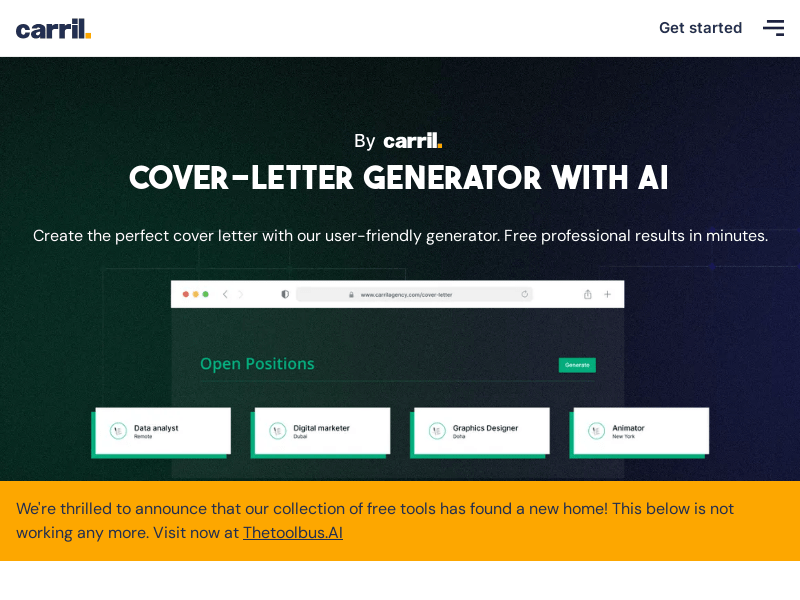
Screenshot archived from the listing page, for preview only.