
ContentRadar
AI content management for marketing teamsCreate, schedule, and repurpose in one place
Highlights
What you can do with it
- Plan a month of social posts in one sitting
- Turn a long article into platform-ready posts
- Track engagement and manage leads from creator pages
How to use it
- 1 Register on the ContentRadar site
- 2 Pick the free plan or the Early Adopter Plan
- 3 Draft content with the AI assistant or repurpose existing material
- 4 Schedule posts and review them in the shared calendar
- 5 Invite teammates into the workspace
Who it is for
Pros
- Free plan to start
- Repurposing saves rewriting
- Scheduling plus calendar in one tool
- Team workspace included
Limitations
- Strongest features sit on the paid plan
- Focused on LinkedIn and Twitter
- Analytics depend on connected accounts
- Plan details can change
What ContentRadar is
ContentRadar is an AI-driven content management tool for creating, managing, and publishing content. It writes drafts for LinkedIn and Twitter, repurposes existing material into social posts, and schedules them for any time. A shared calendar shows what is going out, who wrote it, and which account it belongs to. The tool also turns text posts into branded LinkedIn carousels, and a shared workspace lets team members plan, approve, and publish together. LinkedIn analytics track engagement, and a text tool tunes each post for its platform. A free plan sits next to a paid Early Adopter Plan with more features.
What you can do with it
- Draft new content with the AI writing assistant.
- Turn existing material into platform-ready posts.
- Schedule posts for any future time.
- Build branded LinkedIn carousels from text.
- Plan, approve, and publish from a shared workspace.
Who it is for
- Content marketers running social channels.
- Teams that need an approval step before publishing.
- Creators posting regularly on LinkedIn and Twitter.
What to watch out for
The strongest capabilities sit on the paid plan, so the free tier is a taste rather than a full system. Coverage is limited to LinkedIn and Twitter, and analytics depend on the accounts you connect. Scheduling a queue does not guarantee reach, so the calendar is a discipline tool, not a growth guarantee. Plan details can change. Generated suggestions are for reference only, so verify anything that affects professional judgment or important data. Start with a small sample to confirm the output meets your expectations before processing the full batch. Save a backup of the original file before large batch jobs, and keep an exported copy of key results in case the page or service becomes temporarily unavailable.
FAQ
Is there a free plan?
Yes, alongside a paid Early Adopter Plan.
Which platforms does it cover?
LinkedIn and Twitter.
What team features exist?
A shared workspace for planning, approval, and publishing, plus a shared content calendar.
Why it is free
What the official page says: free plan
Free limits, trial length and features are decided by the official site and can change at any time.
Product preview
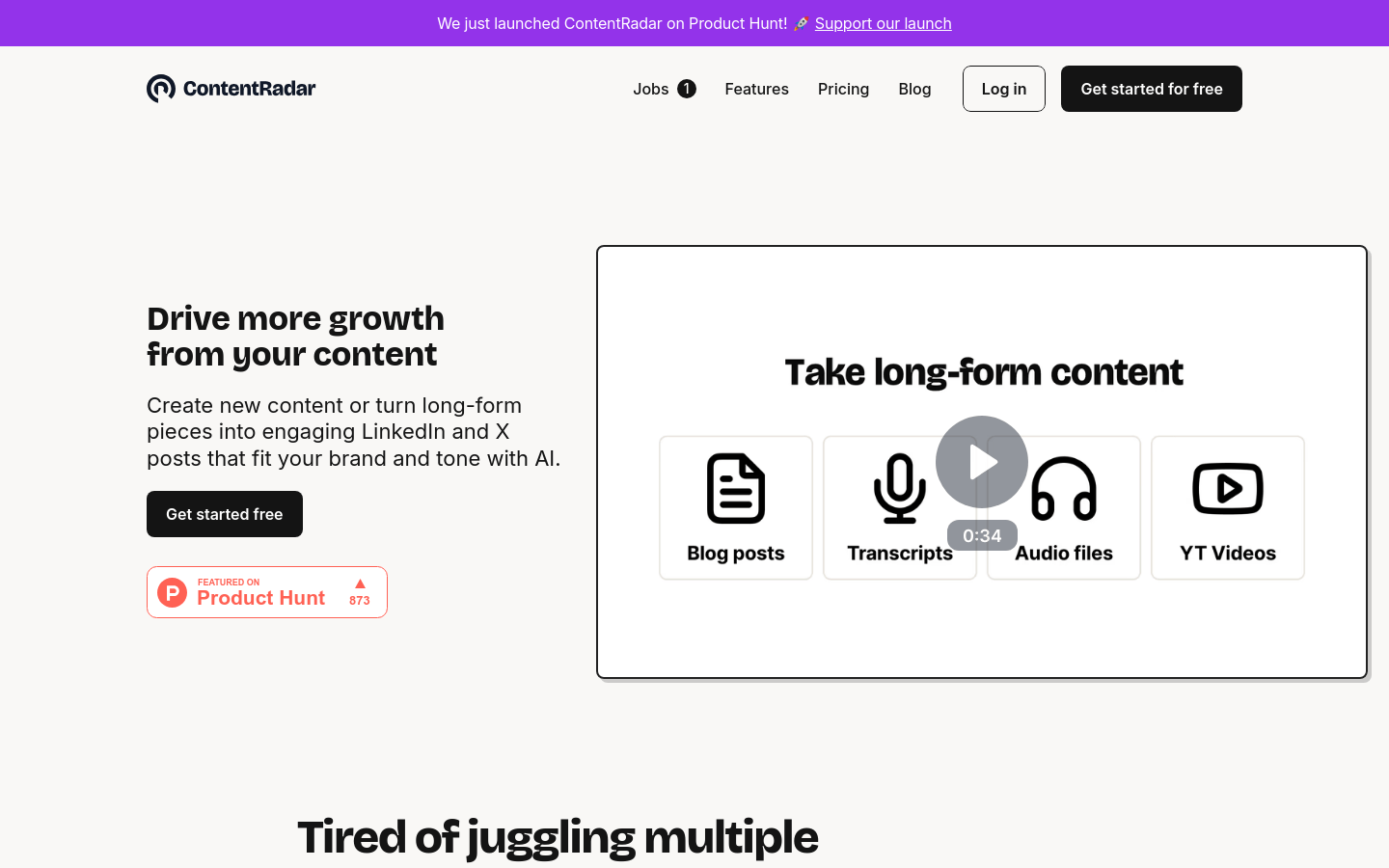
Screenshot archived from the listing page, for preview only.











