
Clip Recipe
Video recipe extractorPull recipes out of videos
Highlights
What you can do with it
- Save a recipe from a short video before the post disappears
- Scale a two portion recipe up for a dinner party
- Build a searchable recipe library in Notion
How to use it
- 1 Copy the link to a recipe video.
- 2 Paste it into Clip Recipe.
- 3 Wait for the extraction to finish.
- 4 Adjust quantities, then save, share, or export.
Who it is for
Pros
- Turns an unwatchable video into a readable recipe
- Quantity scaling saves manual arithmetic
- Exports fit existing note taking tools
Limitations
- The free trial is capped at two recipes per week
- Extraction quality depends on how clearly the video states amounts
- Paid plan prices and export formats can change
What Clip Recipe is
Clip Recipe takes a link to a recipe video on Instagram, TikTok, YouTube, Facebook, or Pinterest and turns it into a structured recipe. Rather than scrubbing back and forth through a clip to catch an amount, you paste the link and the tool organises the steps, ingredients, quantities, timing, equipment, and cooking tips into one place. You can then scale the recipe for a different number of people, edit the details, and save, share, or export it. A free trial covers two recipes a week, and paid plans unlock saving, editing, and exporting.
What you can do with it
- Extract a recipe from a social video in a couple of clicks.
- Scale quantities up or down without recalculating by hand.
- Edit ingredients, timings, steps, and titles to suit your kitchen.
- Export to print, Notion, Evernote, PDF, or plain text.
Who it is for
- Home cooks whose saved folder is full of videos they will never rewatch.
- People meal planning who need consistent portion sizes.
- Chefs and food writers building a personal reference library.
What to watch out for
The free trial is limited to two recipes a week, so this is not an unlimited scraping tool. Extraction quality depends entirely on how clearly the original video states its amounts, and a fast talking creator with no on-screen list will produce a rough result that needs editing. Paid plan pricing and export formats can change. Also check the terms of the platform the video came from before you republish someone else's recipe. Name and archive exported files consistently so you can find and reuse them, and keep a backup copy of key data.
FAQ
Which platforms does it support?
Instagram, TikTok, YouTube, Facebook, and Pinterest are listed.
How does the free trial work?
The trial covers two recipes per week, and paid plans allow saving, editing, and exporting recipes.
Where can I export to?
Print, Notion, Evernote, PDF, and plain text formats are mentioned.
Why it is free
What the official page says: free trial
Free limits, trial length and features are decided by the official site and can change at any time.
Product preview
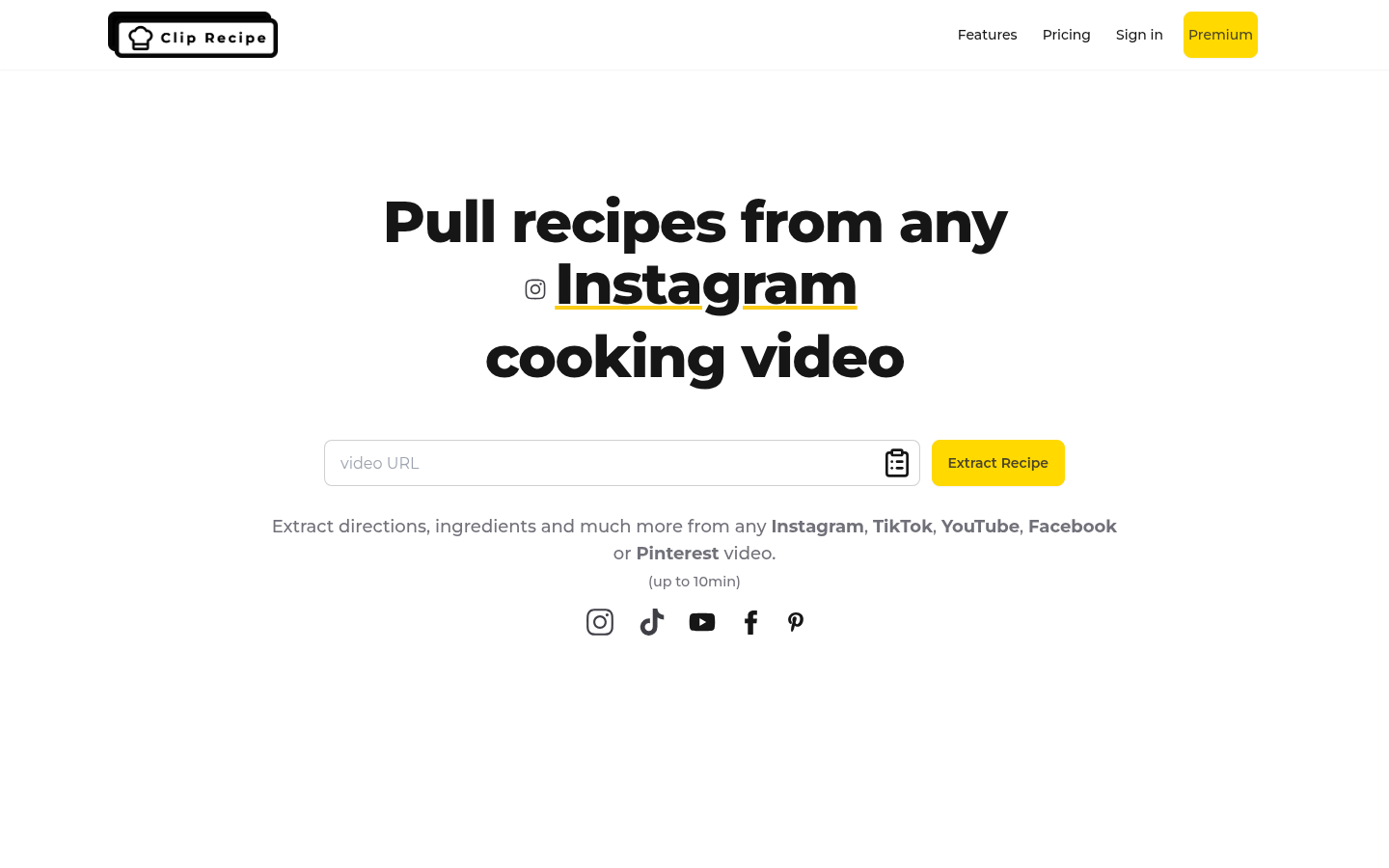
Screenshot archived from the listing page, for preview only.











