
ChatBob
Website chatbot set up in five clicksA free chatbot you can keep using permanently
Highlights
What you can do with it
- Restaurant sites offering menus and bookings
- E-commerce sites handling product questions and after-sales
- Travel sites answering route and booking questions
How to use it
- 1 Enter your website URL on the ChatBob site.
- 2 Add the provided code snippet to your HTML.
- 3 Customize the greeting message and colors in the dashboard.
- 4 Test the bot in the languages your customers use.
- 5 Upgrade to Standard or Premium if you want the branding removed.
Who it is for
Pros
- Free plan is permanent rather than a trial
- Setup is genuinely quick with a snippet
- Multilingual replies cover international visitors
Limitations
- Free plan caps at 100 messages before you must upgrade
- ChatBob branding stays on the free plan
- The site did not respond on our last check, so availability is uncertain
- Answers depend on your content, so a thin site gets a thin bot
What ChatBob is
ChatBob is a website chatbot designed for speed of setup, aimed at small sites that want basic support coverage without a development project. You enter your website URL, add a code snippet to your HTML, and the bot is live, which the product sums up as five clicks. It supports more than fifty languages and replies in whatever language the customer used, which matters if you get international traffic. In the dashboard you can customize the greeting message and the colors so it does not look bolted on. The free plan is described as a chatbot you can use permanently at no cost, with the caveat that it carries a message limit of 100 and keeps ChatBob branding. Standard and Premium plans remove that branding. Support is available through the on-page chatbot or by email.
What you can do with it
- Put a live chatbot on your site with a code snippet
- Answer visitors in more than fifty languages
- Customize the greeting message and color scheme
- Handle menus, bookings, product questions, and after-sales basics
Who it is for
- Small business sites that need basic coverage without a build project
- E-commerce stores fielding the same product questions repeatedly
- Service sites like restaurants and travel that take bookings
What to watch out for
The 100 message limit on the free plan is the main constraint. A site with real traffic will pass it quickly, and passing it means upgrading rather than the bot simply stopping politely. ChatBob branding remains on the free plan, which some sites will not accept. The address also did not respond on our most recent check, so availability is uncertain and the service may be down, moved, or changed. Finally, answer quality depends on the content on your site: a thin site with little information produces a chatbot that cannot help much, and visitors will judge your business by what the bot says.
FAQ
Is the free plan really permanent?
The product describes a free chatbot you can use permanently at no cost. The message limit still applies, so exceeding it requires an upgrade.
How many messages does the free plan cover?
The free plan limit is 100 messages. Past that you need to move to a paid plan.
What languages does it support?
Over fifty, and it responds in the language the customer asked in.
Can I remove the ChatBob branding?
Yes, subscribing to the Standard or Premium plan removes it. The free plan keeps the branding.
Why it is free
What the official page says: free plan
Free limits, trial length and features are decided by the official site and can change at any time.
Product preview
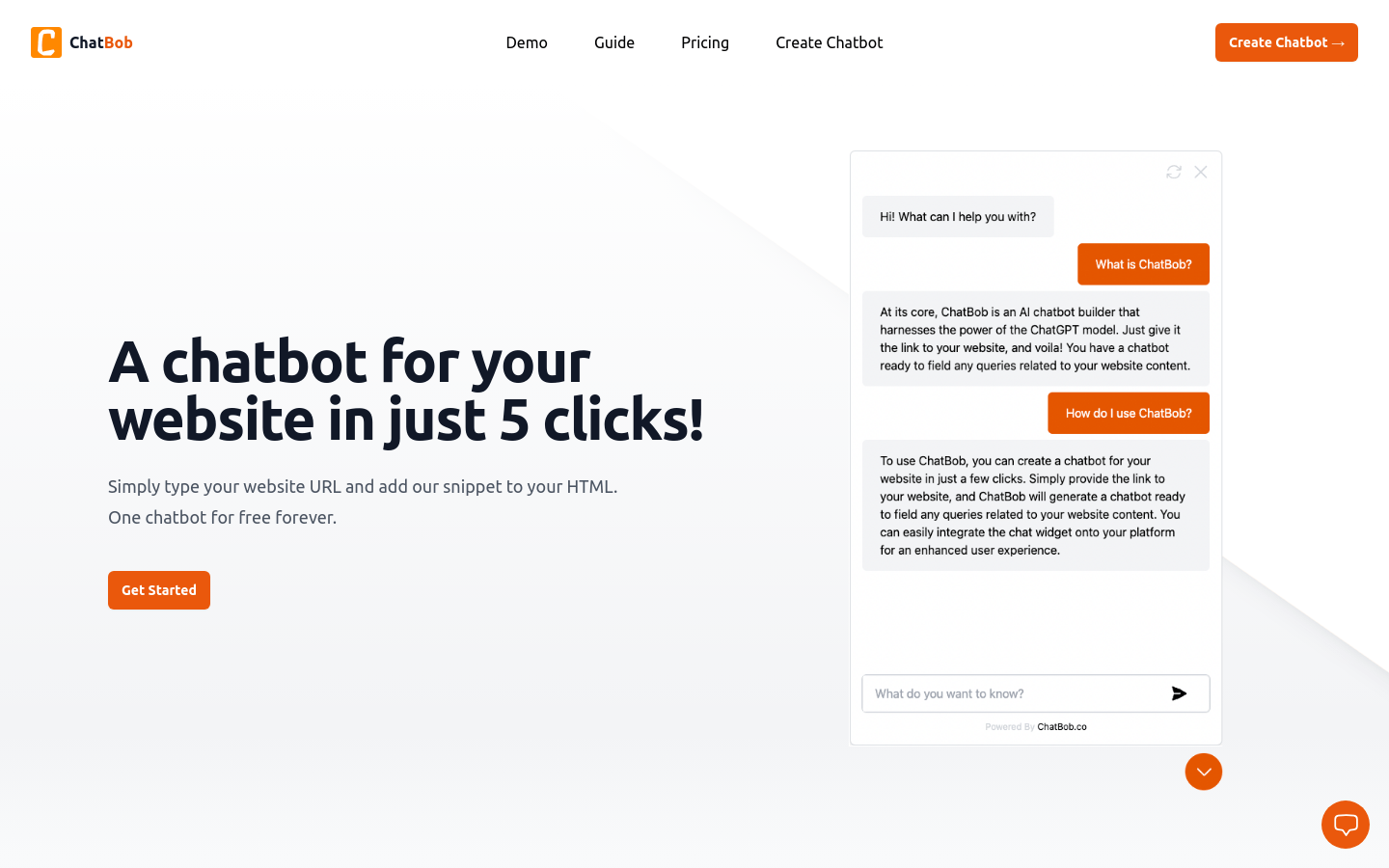
Screenshot archived from the listing page, for preview only.











