
Chat2CSV
Chat to CSV charts and insightsTurn CSV data into charts by chatting
Highlights
What you can do with it
- Turn a CSV file into a chart for a report
- Explore data visually without writing code
- Get quick visual answers from a dataset
How to use it
- 1 Start a free trial on Chat2CSV
- 2 Upload your CSV file
- 3 Describe the chart you want in plain language
- 4 Review and adjust the chart the tool creates
Who it is for
Pros
- No coding needed to make charts
- AI helps pick chart types
- Free trial to test the tool
Limitations
- Continued use needs a paid plan after the trial
- Trial and pricing terms can change
- Chart quality depends on your CSV structure
What Chat2CSV is
Chat2CSV is a data visualization tool that turns CSV data into charts using natural language. Instead of writing code or wrestling with spreadsheet formulas, you describe the chart you want in plain language and the platform builds it. It supports multiple chart types, and the AI can recommend the one that best fits your data. The focus is on making data insights easy to see at a glance. The platform states that it safeguards your data security and privacy, and you can start with a free trial.
What you can do with it
- Turn a CSV file into a chart by describing it
- Get AI suggestions for the best chart type
- Switch between different chart styles as needed
- Explore a dataset visually without any code
- Share or reuse the charts you generate
Who it is for
- Analysts who need charts fast without scripting
- Business users who want visuals but cannot code
- Anyone who has a CSV file and wants quick insight
- Teams that need simple visuals for reports
What to watch out for
The free trial is a starting point, and full use sits behind a paid plan, with trial and pricing terms that can change. Chart quality depends on how clean and structured your CSV is, so messy data can lead to unclear results. Because it is AI-driven, the chart it picks may not always match what you had in mind, so be ready to adjust the wording or the chart type. Features and interface details may change between versions, so review the latest notes on the page before you start. For team use, agree on naming and editing conventions in advance to avoid version conflicts or duplicated work.
FAQ
Do I need to code?
No, you create charts using natural language commands.
Is my data safe?
The platform states it safeguards data security and privacy.
Is there a free trial?
Yes, you can start a free trial.
Why it is free
What the official page says: free trial
Free limits, trial length and features are decided by the official site and can change at any time.
Product preview
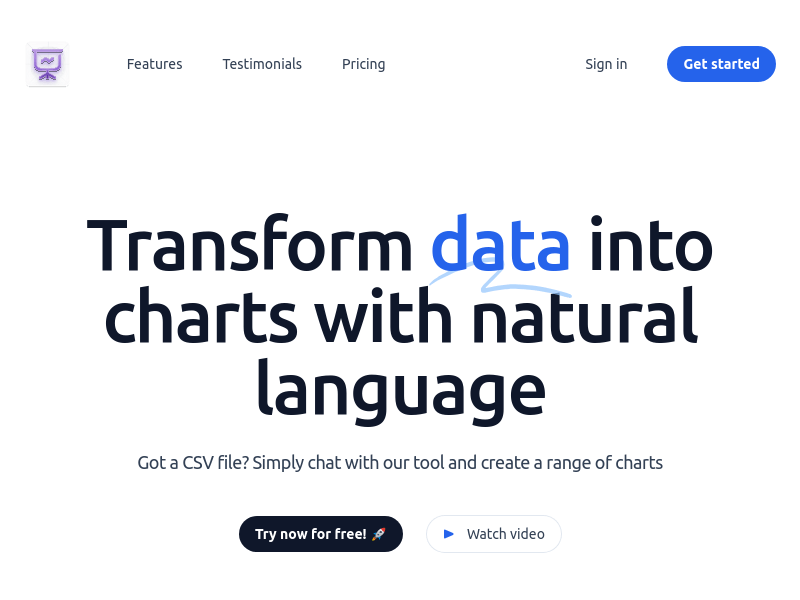
Screenshot archived from the listing page, for preview only.











