Buildin.AI
One-stop AI workspaceNotes, docs, and AI help in one place
Highlights
What you can do with it
- Designers draft and share design concepts with clients
- Research teams organize and distribute shared research material
- Corporate teams plan projects and keep work progress in sync
How to use it
- 1 Register an account on the Buildin.AI website
- 2 Create a new page or start from a template
- 3 Drag in text, images, tables, to-do lists, databases, and folders
- 4 Use the AI assistant to organize and refine the information
- 5 Invite teammates to comment and edit the page in real time
- 6 Publish the page online when you want to share it widely
Who it is for
Pros
- Free for individual users
- Covers notes, documents, and mind maps on every major platform
- AI assistant plus publishing covers writing and sharing in one tool
Limitations
- Team features beyond the free individual tier need a paid plan
- Cloud storage and collaboration mean your material lives on someone else's servers
- AI assistant quality depends on the connected third-party AI services
What Buildin.AI is
Buildin.AI is a real-time collaboration platform that puts notes, documents, and mind maps in one workspace. There are clients for web, mobile, Mac, and Windows, so the same account follows you between a laptop and a phone. Individual users can use it for free, and the pitch for teams is shared pages, comments, and simultaneous editing rather than passing files around. Inside a page you can drag in text, images, tables, to-do lists, databases, and folders, which means most of the material for a project can live in one place instead of across several apps. An AI assistant is built in to help organize information and speed up reading and queries.
What you can do with it
- Write pages that mix text, images, tables, to-do lists, and databases
- Keep files and information centrally stored instead of switching apps
- Collaborate in real time with comments and shared pages
- Publish a page online to share it beyond your team
Who it is for
The listed examples are designers sharing design concepts, research teams organizing and distributing material, and corporate teams planning projects while keeping progress in sync. That makes it a fit for anyone whose work is mostly written and visual material that several people touch. Solo users who want a free, structured place for notes and documents are the other half of the audience. If you already live in a different note app, the migration question is the main one, because the value shows up once everything sits in one workspace.
What to watch out for
The free tier is aimed at individuals. Team collaboration, where the real-time features matter most, is a paid offering, so a small team should price that before committing. Because storage and collaboration are cloud-based, your material sits on someone else's servers, which is worth a thought for sensitive client work. The AI assistant leans on outside AI service platforms, so its quality and availability are not fully in Buildin.AI's control. Finally, a workspace with this many block types has a learning curve; expect to spend time setting up a structure that suits you.
FAQ
Is Buildin.AI free?
Individual users can use it for free. Team collaboration is a paid offering.
Which devices does it support?
There are clients for web, mobile, Mac, and Windows.
What does the AI assistant do?
It connects to AI service platforms to help organize information and speed up search and reading.
Can I share my work publicly?
Yes, pages you create can be published online and shared with a larger audience.
Why it is free
What the official page says: for free
Free limits, trial length and features are decided by the official site and can change at any time.
Product preview
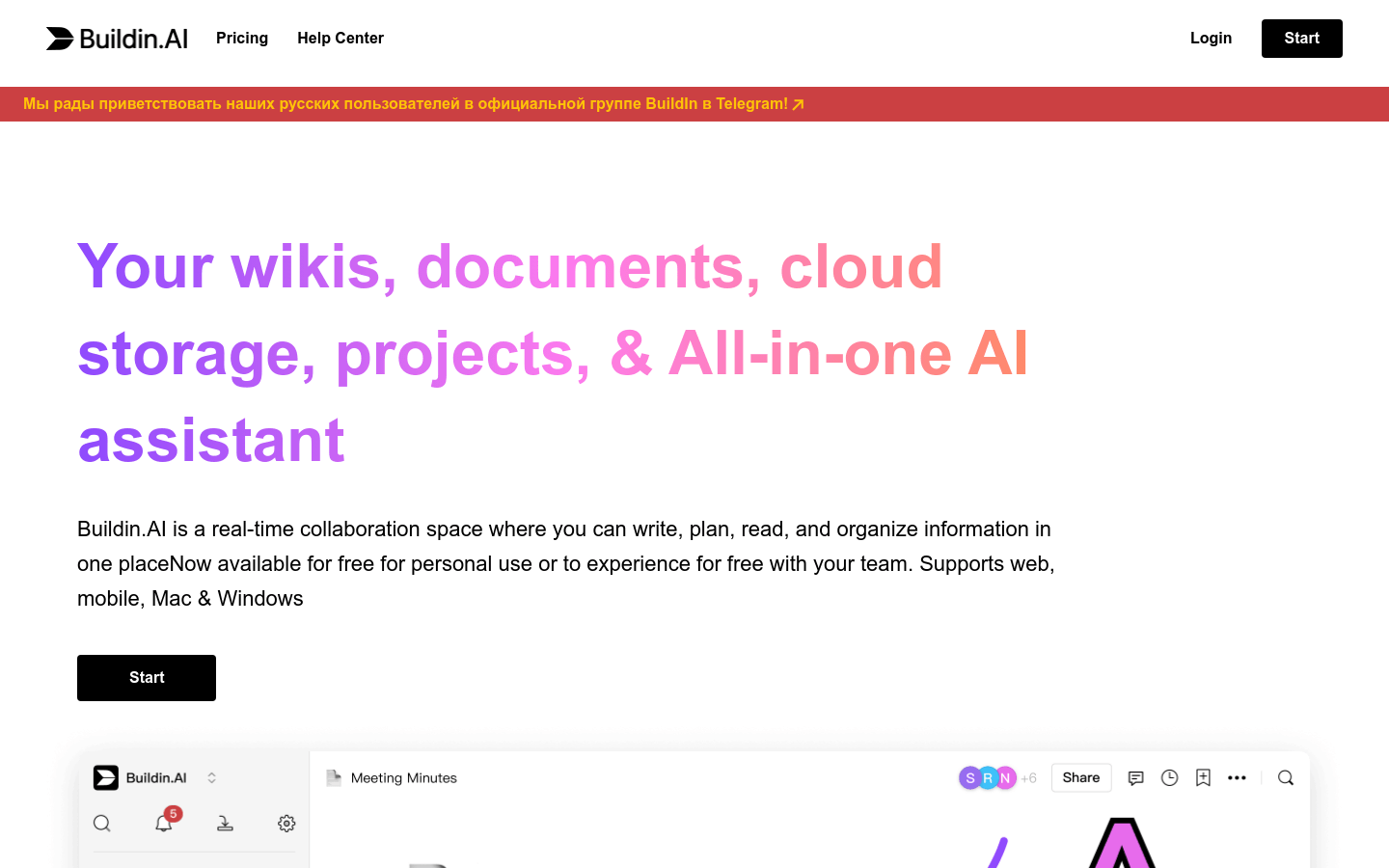
Screenshot archived from the listing page, for preview only.