
Better Powerpoints
Free browser-based AI slide makerTurn ideas into decks fast, free to start
Highlights
What you can do with it
- Sales teams build and refine pitch decks together in real time
- Academic teams turn research notes into presentation slides
- Designers present portfolios and creative projects to clients
How to use it
- 1 Open betterpowerpoints.com in your browser and sign up or log in
- 2 Pick a template or start directly with AI-assisted creation
- 3 Edit text, images, and charts with the built-in editing tools
- 4 Invite teammates for real-time collaboration if you need feedback
- 5 Export the finished deck as PPTX and share it with your audience
Who it is for
Pros
- Free core use with no upload step and no watermark on export
- Real-time collaboration keeps team feedback in one place
- PPTX output works with common presentation software
Limitations
- Free usage limits exist, so heavy needs push you toward paid plans
- Requires an account, so it is not a no-signup tool
- AI drafts still need human editing to fit your content and accuracy
What Better Powerpoints is
Better Powerpoints is a free AI presentation tool that runs in the browser. You do not need to upload files to get started, and finished decks export without a watermark. The free plan covers everyday slide-making, while paid plans exist for heavier requirements. It is aimed at business, academic, and creative work where presentations need to be produced quickly and shared with an audience.
What you can do with it
- Create presentations with AI assistance, or start from one of the built-in templates
- Edit text, images, and charts with the built-in editing tools
- Collaborate with teammates in real time and collect instant feedback on the deck
- Export the finished presentation as PPTX and share it with your audience
Who it is for
- Business people who build sales decks, company updates, and internal reports
- Scholars and educators who turn research results and teaching notes into slides
- Creative workers who present portfolios, design work, and project proposals
What to watch out for
The free plan has usage limits, so professional or high-volume use may push you toward a paid plan. You also need to register an account, which means it is not a no-signup tool. AI-generated drafts still need human editing: the tool helps you structure and design slides, but the content, accuracy, and story are yours to check. Export works through PPTX, so if your team uses a different format, test compatibility before you rely on it for important presentations. Start with a small sample to confirm the output meets your expectations before processing the full batch. Free tiers and usage limits can change, so check the current rules on the official page before relying on it long term.
FAQ
Is Better Powerpoints free?
The tool can be used for free, and paid plans are available for higher usage requirements.
Do I need to upload files to start?
No. Presentations can be created in the browser without uploading files.
What format can I export?
You can export presentations in PPTX format and share them with others.
Why it is free
What the official page says: for free
Free limits, trial length and features are decided by the official site and can change at any time.
Product preview
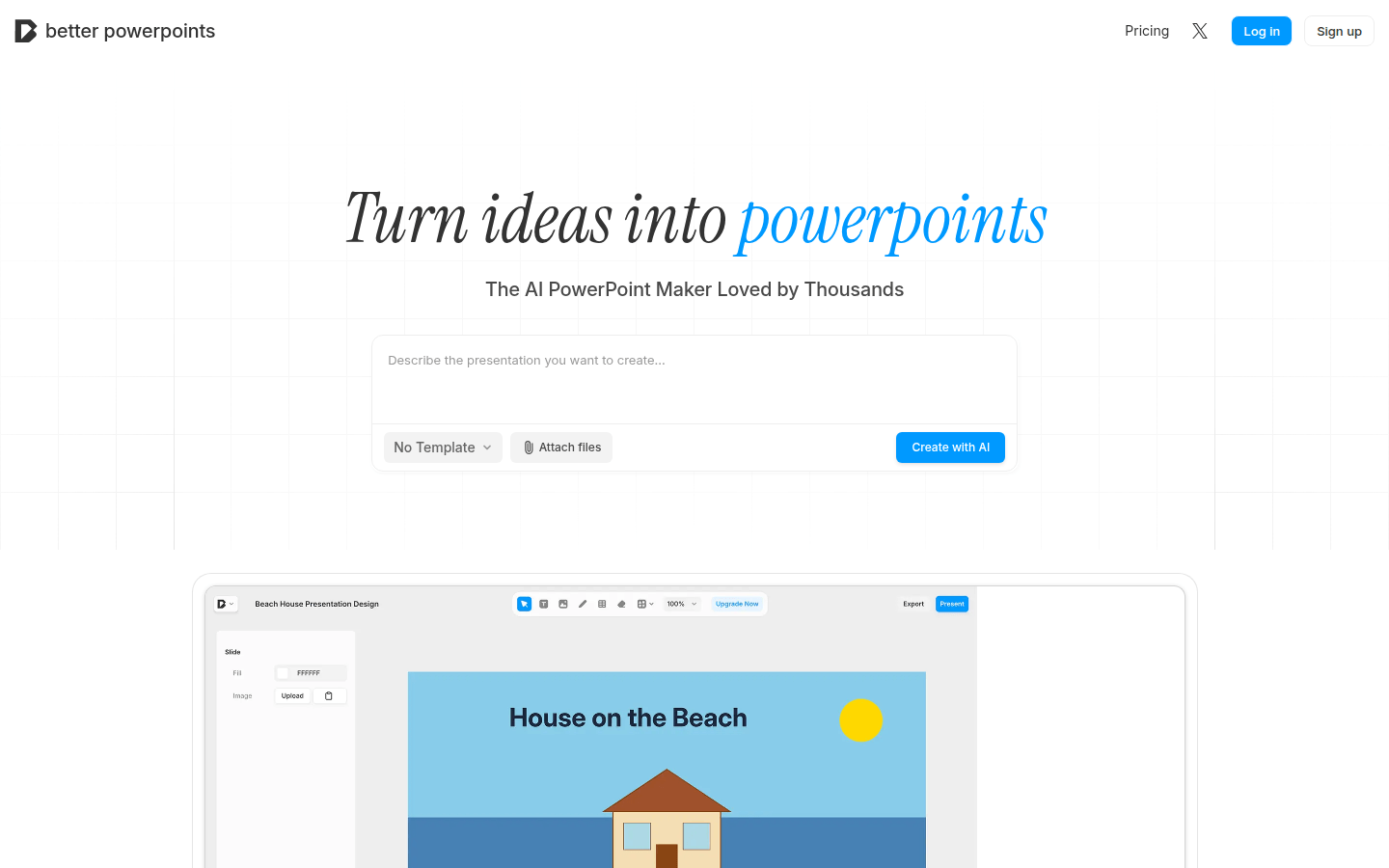
Screenshot archived from the listing page, for preview only.











