
BashBuddy
Plain English CLI helperType plain English, get a command
Highlights
What you can do with it
- Convert a video file from MOV to an x265 MP4 without looking up flags.
- Initialize a new Git repository in the current directory.
- Download a file with curl and save it to a specific path.
How to use it
- 1 Visit bashbuddy.run and choose an installation method.
- 2 For local mode, run the install script: curl -fsSL https://get.bashbuddy.run/install.sh | bash
- 3 In your terminal, type bb followed by your request in plain language, for example bb convert test.mov to a x265 mp4.
- 4 Review the generated command, then run, copy, or edit it.
- 5 Subscribe to the $2 per month cloud service if you want faster generation.
Who it is for
Pros
- Local mode is completely free and keeps your data on your machine.
- Open source code means you can audit and customise it.
- Cross-platform support across three operating systems and three shells.
Limitations
- The free local mode may be slower than the paid cloud mode.
- Generated commands still need review before you run them, especially destructive ones.
- The cloud option adds a recurring $2 monthly cost, and pricing can change.
What BashBuddy is
BashBuddy is a command-line helper that turns plain language into shell commands. You type bb followed by what you want, such as converting a video file or starting a Git repository, and it returns a command you can run, copy, or edit. It reads context from your shell, directory, and Git status to make the suggestion more accurate, and it runs on macOS, Linux, and Windows with Bash, Zsh, and PowerShell. There are two modes: a local mode that is completely free and keeps your data on your machine, and a cloud mode that generates commands faster for $2 per month. The project is open source.
What you can do with it
- Describe a task in normal language and get a working command back.
- Let it use your current directory and Git state for better suggestions.
- Run, copy, or modify the command before you execute it.
- Choose free local mode for privacy or paid cloud mode for speed.
Who it is for
- Developers who write shell commands every day.
- System administrators moving between machines and shells.
- Terminal users who are tired of looking up flag combinations.
- Anyone who wants a private, offline helper on their own machine.
What to watch out for
Generated commands still need a human read before you run them, especially anything that deletes, moves, or overwrites files. The free local mode may be slower than the cloud option, and the cloud subscription costs $2 per month, a price that can change. Context awareness helps but is not perfect, so verify paths and arguments before executing. Since the tool is open source and installed locally, setup, updates, and troubleshooting are on you.
FAQ
Is BashBuddy free?
The local mode is completely free and private. The cloud service costs $2 per month.
Which shells and systems are supported?
macOS, Linux, and Windows, with Bash, Zsh, and PowerShell.
Do I have to send my data anywhere?
In local mode the tool runs offline on your machine and your data stays private.
Why it is free
What the official page says: completely free
Free limits, trial length and features are decided by the official site and can change at any time.
Product preview
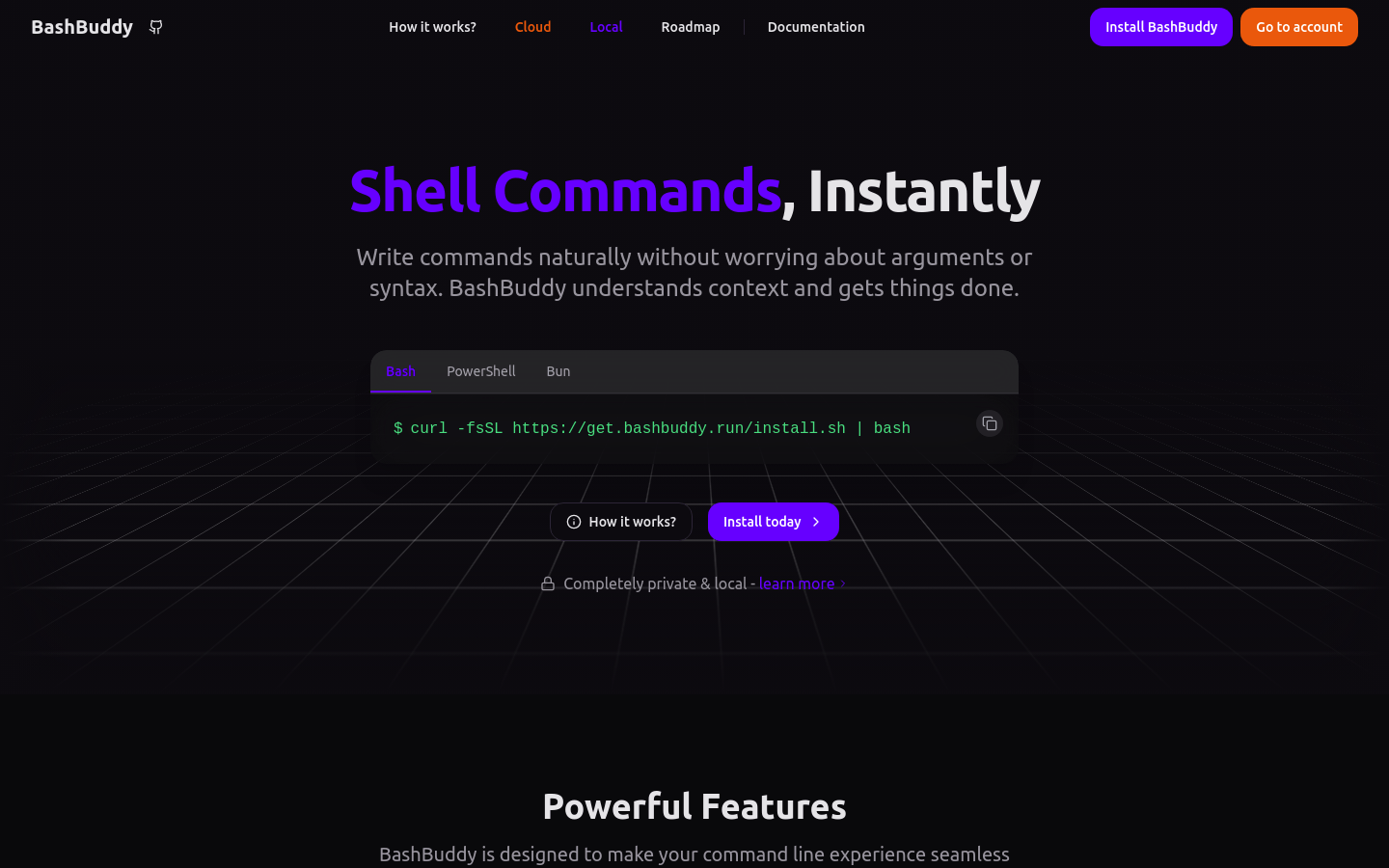
Screenshot archived from the listing page, for preview only.











